Listing tools
Presentations, pricing, copy, photos and video.
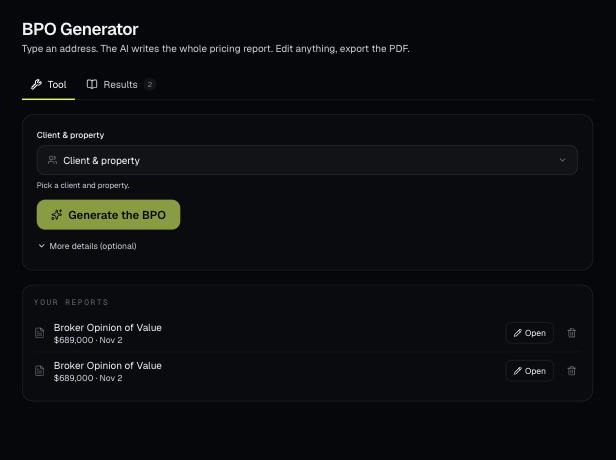
Pick a client's property and AI writes a full broker price opinion: a recommended list price, recent sales nearby and a pricing strategy. You edit it on the page and download a branded PDF.
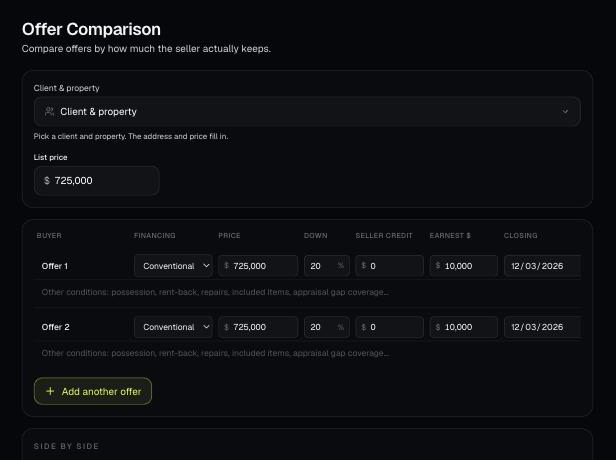
Put every offer on a listing side by side: price, credits, financing, closing date and contingencies. It shows the net to the seller and makes a PDF the seller can read.
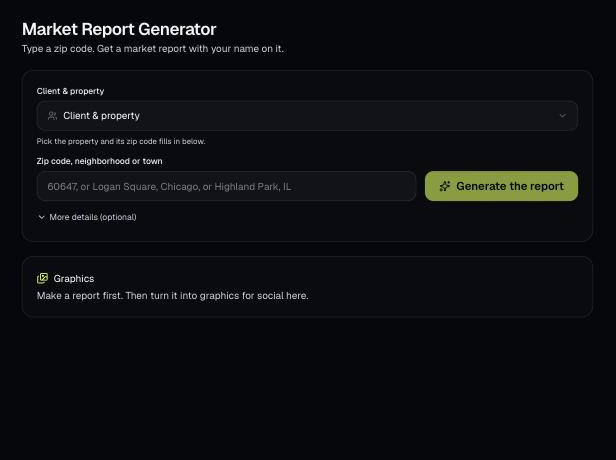
Type a zip code, neighborhood or town and AI writes a market report with values, sales, supply, rents and local info. Edit it, download a branded PDF, then turn it into social graphics.
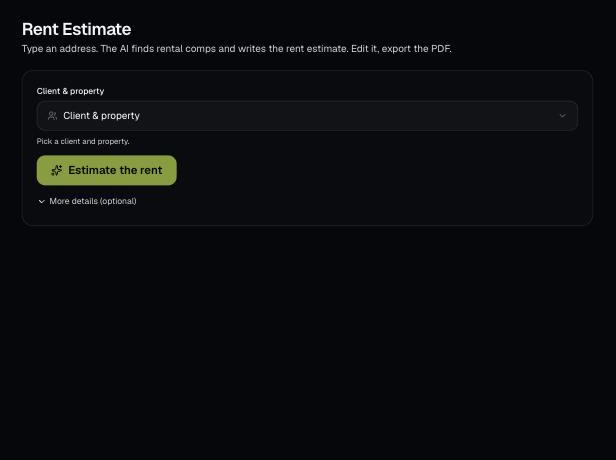
Pick a client's property and AI estimates the monthly rent from the rental market and comparable rentals. Edit the report and download a branded PDF.
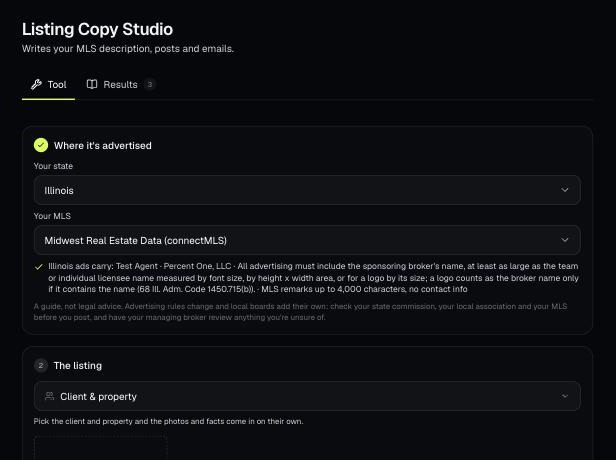
AI looks at the listing photos and facts and writes the MLS remarks, social posts, a text and an email. It's written to follow fair housing, your state's ad rules and your MLS's remarks rules.
Keep a property's photos in one place, fix them with AI (stage, declutter, twilight and more), and fill in finished social graphics from them.
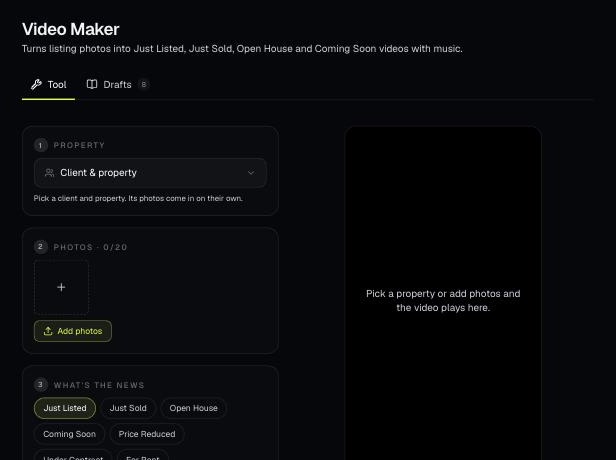
Turn a property's photos into a short Just Listed, Just Sold, Open House or other video with your name at the end. AI can write the captions and a voiceover.
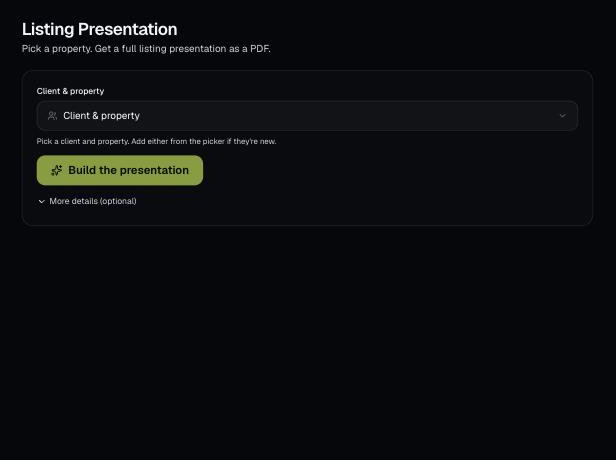
Build a designed, multi-page listing presentation for a seller. AI finds the home, recent sales and a value, and you edit every page before you download the PDF.
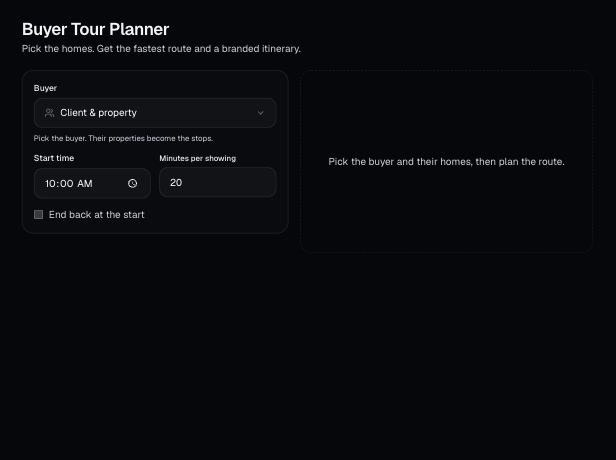
Pick a buyer and the homes they want to see. It orders the stops for the least driving, sets a time for each showing, and gives you map links and a branded PDF itinerary.
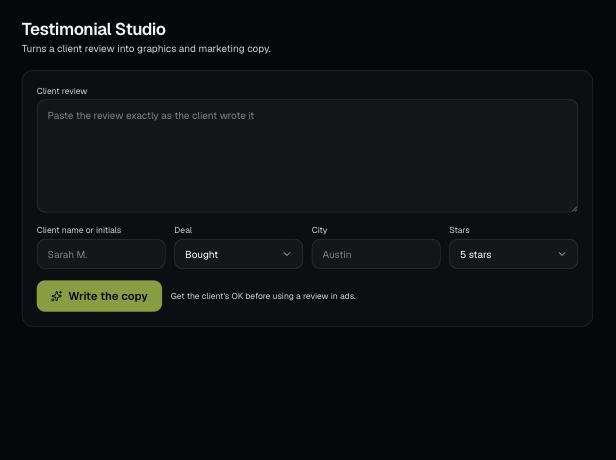
Paste a client's review and AI pulls exact quotes and writes a website version, short snippets and captions. Then make a branded quote graphic.