Listing Presentation
Build a designed, multi-page listing presentation for a seller. AI finds the home, recent sales and a value, and you edit every page before you download the PDF.
Open Listing PresentationStep by step
- 1
Pick the property
Pick the seller and the property in the Client & property menu. Open More details to add beds, baths, square feet, year built and notes.
- 2
Build the presentation
Click Build the presentation. It takes a few minutes. You can move around the dashboard and the top bar shows when it's ready, but don't close the tab.
- 3
Edit each page
Turn pages on or off with the checkbox. Click a page to edit it: the price, recent sales, net sheet, marketing plan and more.
- 4
Fill in About me
Add your bio, numbers, awards and testimonials. What you type here carries over to your next presentation.
- 5
Download the PDF
Click Download PDF. A copy also goes to your library.
The pages
Your name, photo, logo and contact come from My brand. Pick an accent color on the cover page.
- Cover
- The home
- Recent sales
- Suggested price
- Pricing strategies
- Seller net sheet
- Marketing plan
- About me
- Commission and services
- Next steps
Check the numbers
The value and recent sales are AI estimates. Verify the sales in your MLS. The net sheet is an estimate, not tax or legal advice.
Questions
Which plan is it in?
Plus. Premier and Partner include it too. Partner includes everything on the site, and it's free when you join eXp with Techy Broker as your sponsor. See pricing.
Can I skip the AI?
Yes. Open More details and click Start blank and fill it in myself.
Where are my saved presentations?
In the Your presentations list at the top of the tool. Work saves as you go. A copy of each PDF you download goes to your content library.
Can I drop a page?
Yes. Untick any page and it's left out of the PDF.
Related
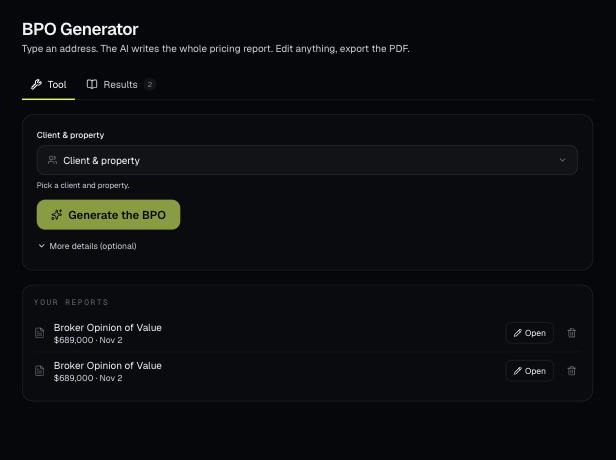
Pick a client's property and AI writes a full broker price opinion: a recommended list price, recent sales nearby and a pricing strategy. You edit it on the page and download a branded PDF.
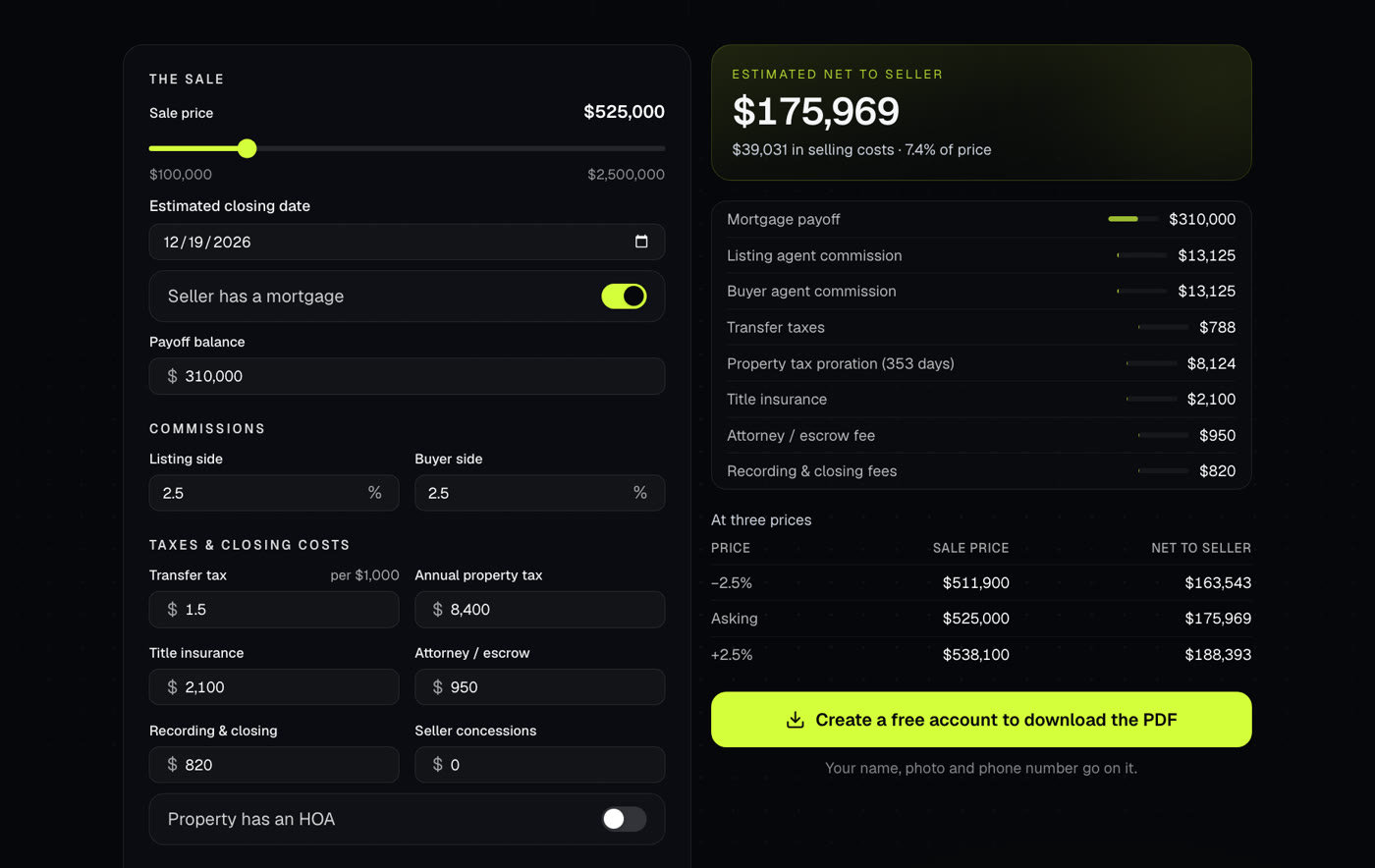
Shows what a seller walks away with after commissions, payoffs, taxes and closing costs. Use it at the listing appointment or when an offer comes in.
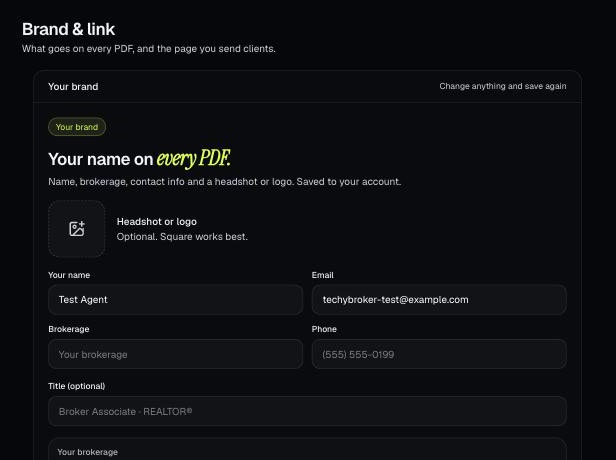
Your brand is the name, photo, contact info, color and font that go on every PDF. It also sets your branded link.
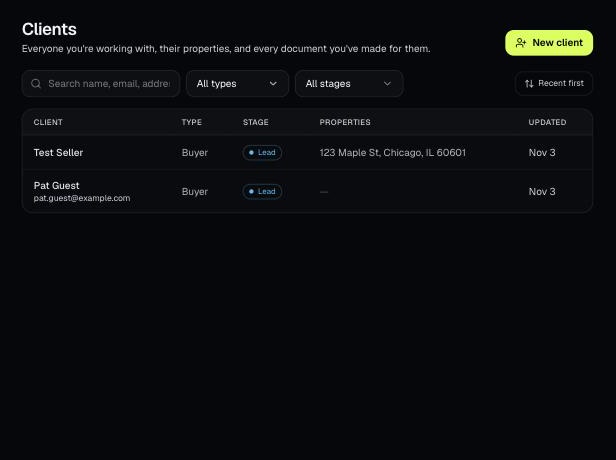
Tools that act on a property use one menu to pick a client and then one of their properties. There's no address box to type into; you pick, or add, from the menu.