Set up your brand
Your brand is the name, photo, contact info, color and font that go on every PDF. It also sets your branded link.
Open My brand & linkStep by step
- 1
Open My brand & link
It's under Account at the bottom of the sidebar.
- 2
Add a headshot or logo
Click the square to upload an image. Square works best, and it's optional.
- 3
Fill in your details
Add your name, email, brokerage, phone and an optional title. Add your brokerage logo, managing broker and brokerage address if you have them.
- 4
Set your license and MLS
Pick the state you're licensed in, add your license number, and pick your MLS. The MLS sets the remarks limit and rules for listing copy.
- 5
Pick a color and font
Choose one of the preset colors or a custom one, and a font. The Preview panel shows roughly how the top of your PDFs will look.
- 6
Choose your link and save
Type the handle you want after techybroker.com/b/ and click Save my brand. If the link is taken, you'll be asked to try another.
Where your brand shows up
Every PDF you download uses your saved brand. So does your branded page, the PDFs clients download there, and your client portals.
- Headshot or logo, name, title and brokerage on PDFs
- Brokerage logo on graphics and videos
- Your color on your branded page and portals
- License number in ads where your state requires it
Your link
Your link can use letters, numbers and dashes, 3 to 40 characters long. Once saved, your page goes live right away.
If you change your link later, your old link keeps working.
Tips
A brokerage logo looks best as a PNG with a transparent background. You can change anything and save again at any time; older PDFs re-download with your current brand from History.
Questions
Do I have to upload a photo?
No. The headshot is optional. Without one, your branded page shows the first letter of your name.
Can I change my link later?
Yes. Type a new one and save. Your old link still works.
Why does it say my link is taken?
Another agent already has that handle. Try a variation, like adding your last name or city.
Related
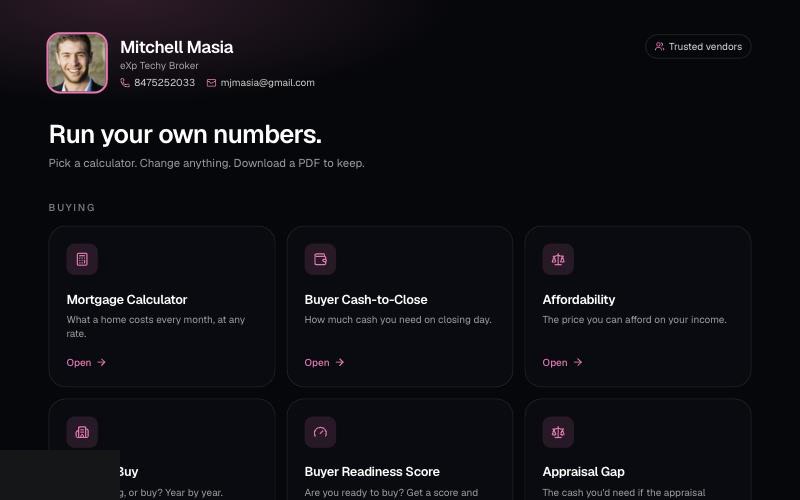
Your branded page at techybroker.com/b/{handle} has your calculators with your name and photo on them. Clients run their own numbers and download PDFs branded to you.
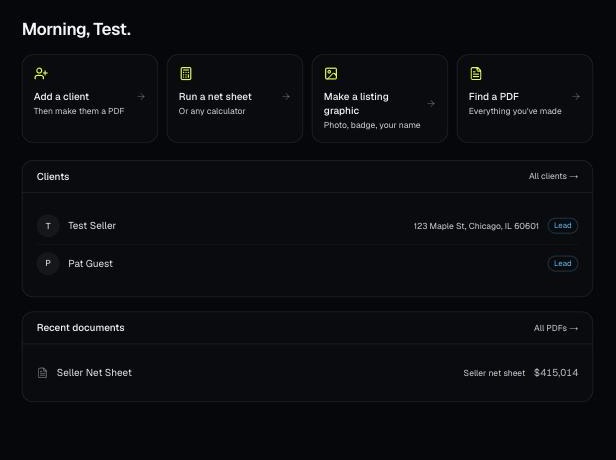
Make a free account, add your brand, and make your first PDF. This is the short path from sign-up to sending a client something with your name on it.
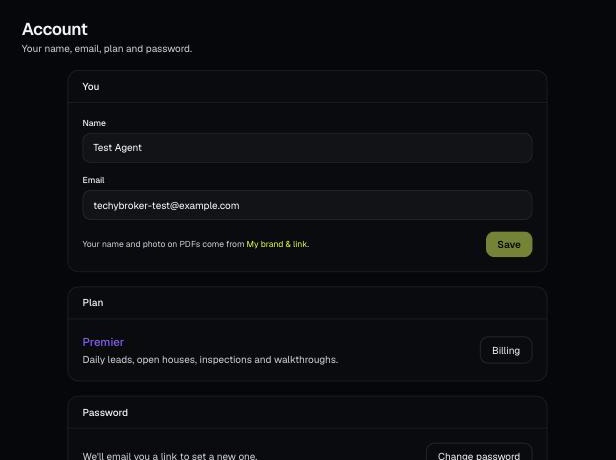
Account holds your name, email, plan and password, and is where you sign out. Your brand and billing have their own pages.