Account settings
Account holds your name, email, plan and password, and is where you sign out. Your brand and billing have their own pages.
Open AccountStep by step
- 1
Open Account
Click your name and photo at the bottom of the sidebar.
- 2
Change your name
Edit Name and click Save. Your email is shown but can't be changed here.
- 3
Check your plan
The Plan panel shows your current plan. Click Billing to change it.
- 4
Change your password
Click Change password and we'll email you a link to set a new one. If you sign in with Google, there's no password to change.
- 5
Sign out
Click Sign out at the bottom of Account, or the sign-out icon next to your name in the sidebar.
Account vs. brand
The name here is your account name. The name, photo and contact info on your PDFs come from My brand & link, so change those there.
Paused accounts
If your account is paused, you'll see a notice instead of your dashboard. Your data is safe. Email service@techybroker.com to sort it out.
Questions
How do I change the name on my PDFs?
Go to My brand & link, change your name and click Save my brand.
Can I change my email?
Not from the Account page. Your email is the one you sign in with.
I didn't get the password email.
Check spam, and make sure you're looking at the email shown on the Account page.
Related
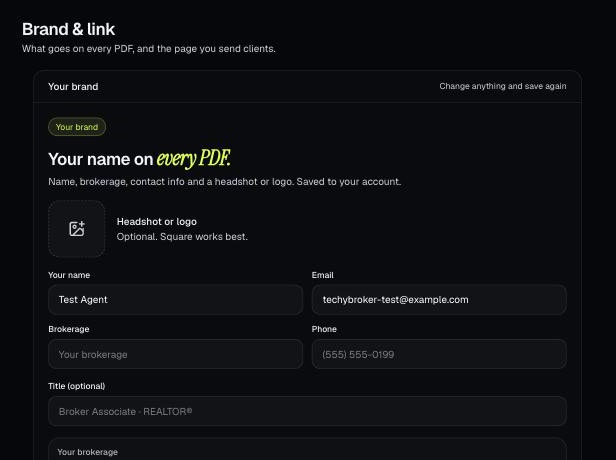
Your brand is the name, photo, contact info, color and font that go on every PDF. It also sets your branded link.
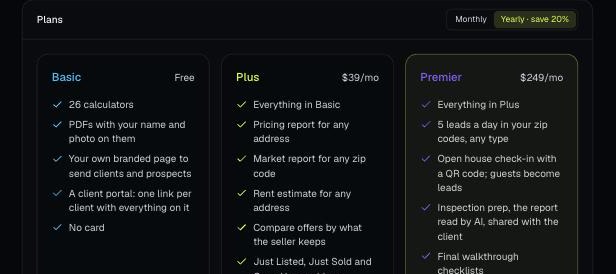
There are four plans: Basic, Plus, Premier and Partner. Change your plan, update your card and see invoices from Billing.
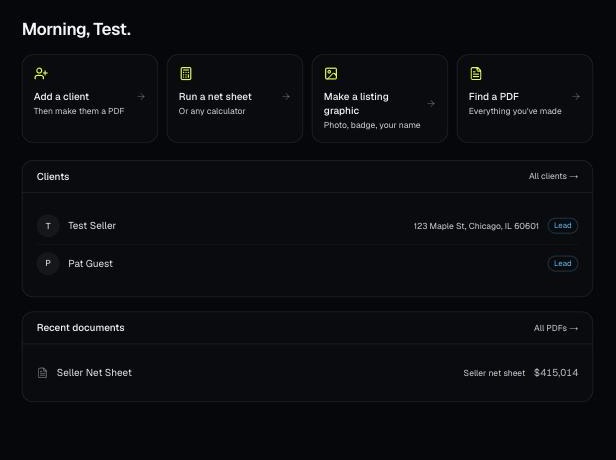
Make a free account, add your brand, and make your first PDF. This is the short path from sign-up to sending a client something with your name on it.