Plans and billing
There are four plans: Basic, Plus, Premier and Partner. Change your plan, update your card and see invoices from Billing.
Open BillingStep by step
- 1
Open Billing
Click Billing under Account in the sidebar. Your plan shows at the top.
- 2
Pick monthly or yearly
Use the switch above the plans. Yearly costs less per month.
- 3
Upgrade
Click Get Plus or Get Premier and finish checkout. It can take a few seconds for the new plan to show.
- 4
Change or cancel
Click Change plan or card to switch plans, update your card or cancel.
- 5
See your invoices
Invoices are listed at the bottom with a PDF link for each.
What each plan includes
See pricing for current prices.
- Basic: free. All calculators, branded PDFs, your branded page and client portals. No card.
- Plus: everything in Basic, plus the pricing report, market report, rent estimate, offer comparison, listing videos, listing presentations, tour plans, house comparisons, flood, zoning, school and tax history lookups, and 3 leads a day.
- Premier: everything in Plus, plus 5 leads a day, open house check-in, inspection prep, final walkthroughs, HOA summaries and permit history.
- Partner: everything in Premier, free, for agents who join eXp with Techy Broker as their sponsor.
The Partner plan
Join eXp with Techy Broker as your sponsor and every tool is free. The eXp split is 80/20, capped at $16,000 a year. Partners also get free leads and help with their CRM and tech.
Locked tools
A tool outside your plan shows a lock. Opening it shows what it does, with a button to get that plan or to see the Partner plan.
Questions
If I cancel, do I lose my work?
No. Your clients, PDFs and files stay. Paid tools lock again until you upgrade.
Where do I see what I've been charged?
Invoices are at the bottom of Billing. Click PDF on any invoice to see it in full.
How do I get everything free?
Join eXp with Techy Broker as your sponsor to get the Partner plan.
Related
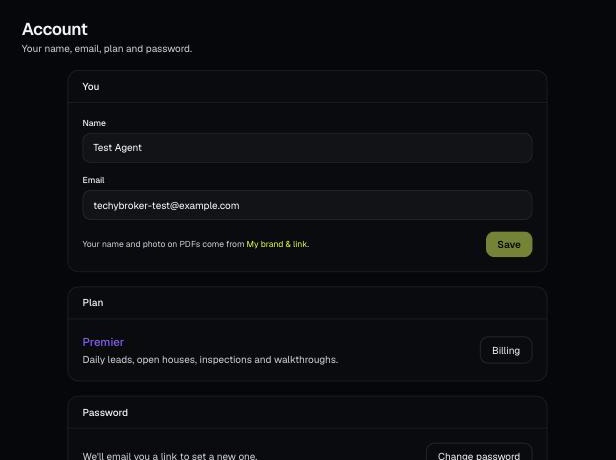
Account holds your name, email, plan and password, and is where you sign out. Your brand and billing have their own pages.
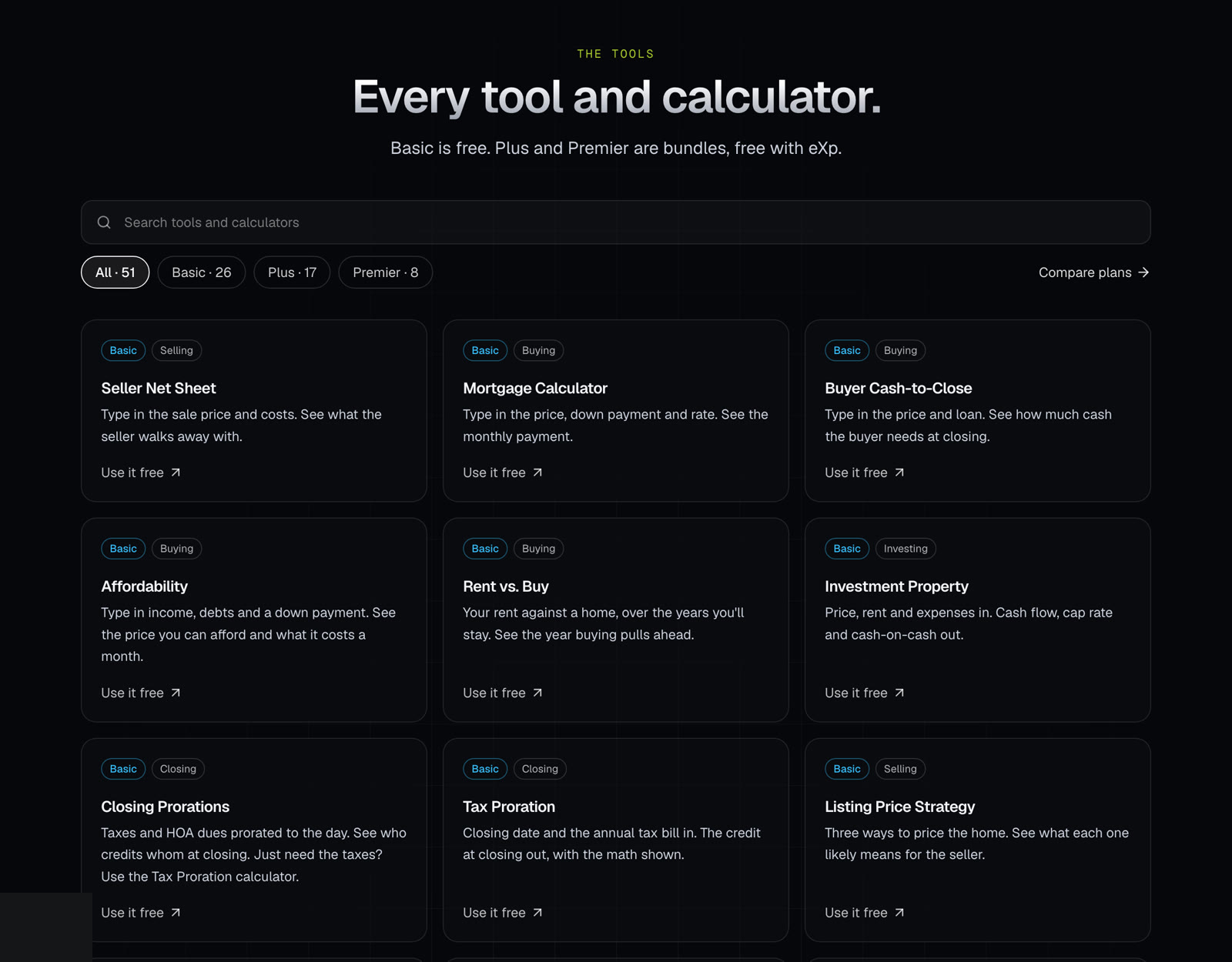
The tools page lists every calculator and tool on the site, with the plan each one is in. Use it to find what you need and see what each plan includes.
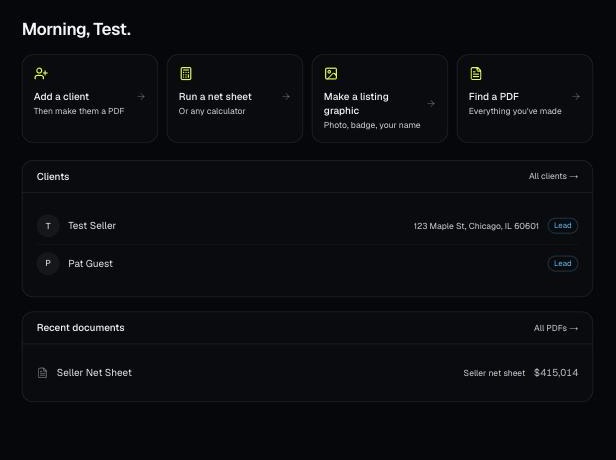
Make a free account, add your brand, and make your first PDF. This is the short path from sign-up to sending a client something with your name on it.