How everything works
Search, or pick a section. Every tool has steps, screenshots and a narrated walkthrough.
Start here
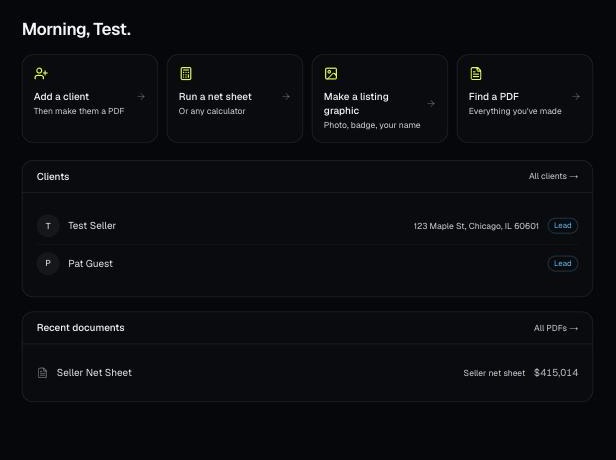
Make a free account, add your brand, and make your first PDF. This is the short path from sign-up to sending a client something with your name on it.
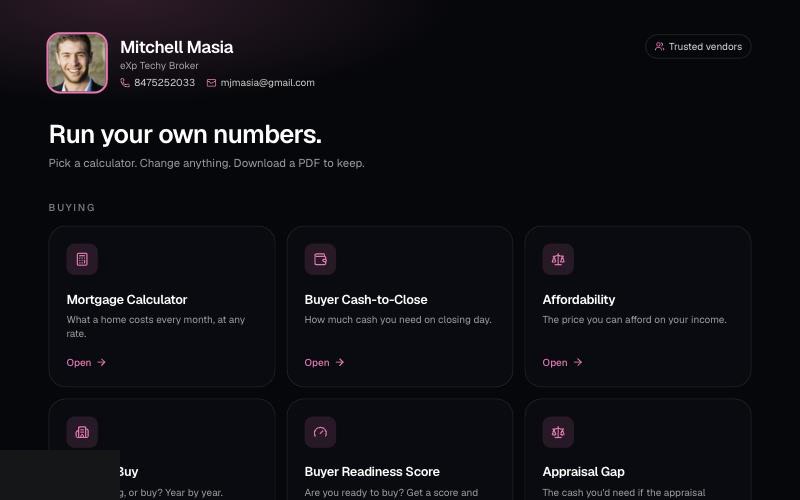
Your branded page at techybroker.com/b/{handle} has your calculators with your name and photo on them. Clients run their own numbers and download PDFs branded to you.
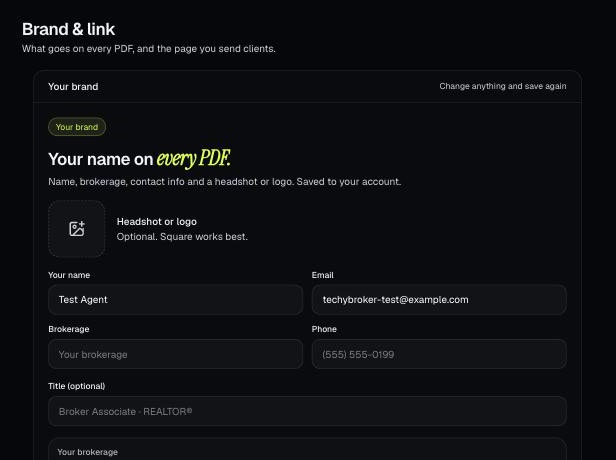
Your brand is the name, photo, contact info, color and font that go on every PDF. It also sets your branded link.
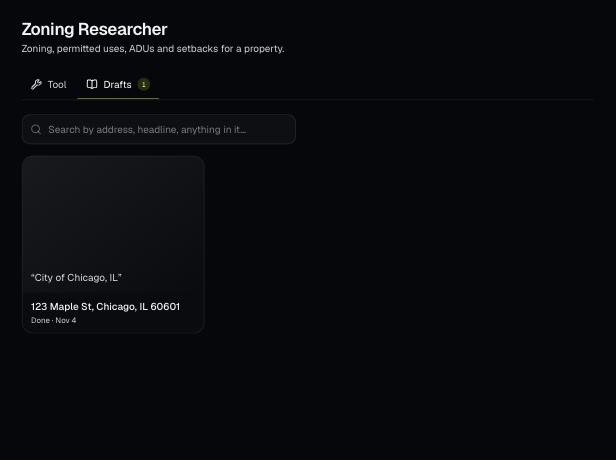
Tools save your work as you go, and AI tools keep running after you leave the page. Find both on the tool's Results tab and in the jobs indicator in the top bar.
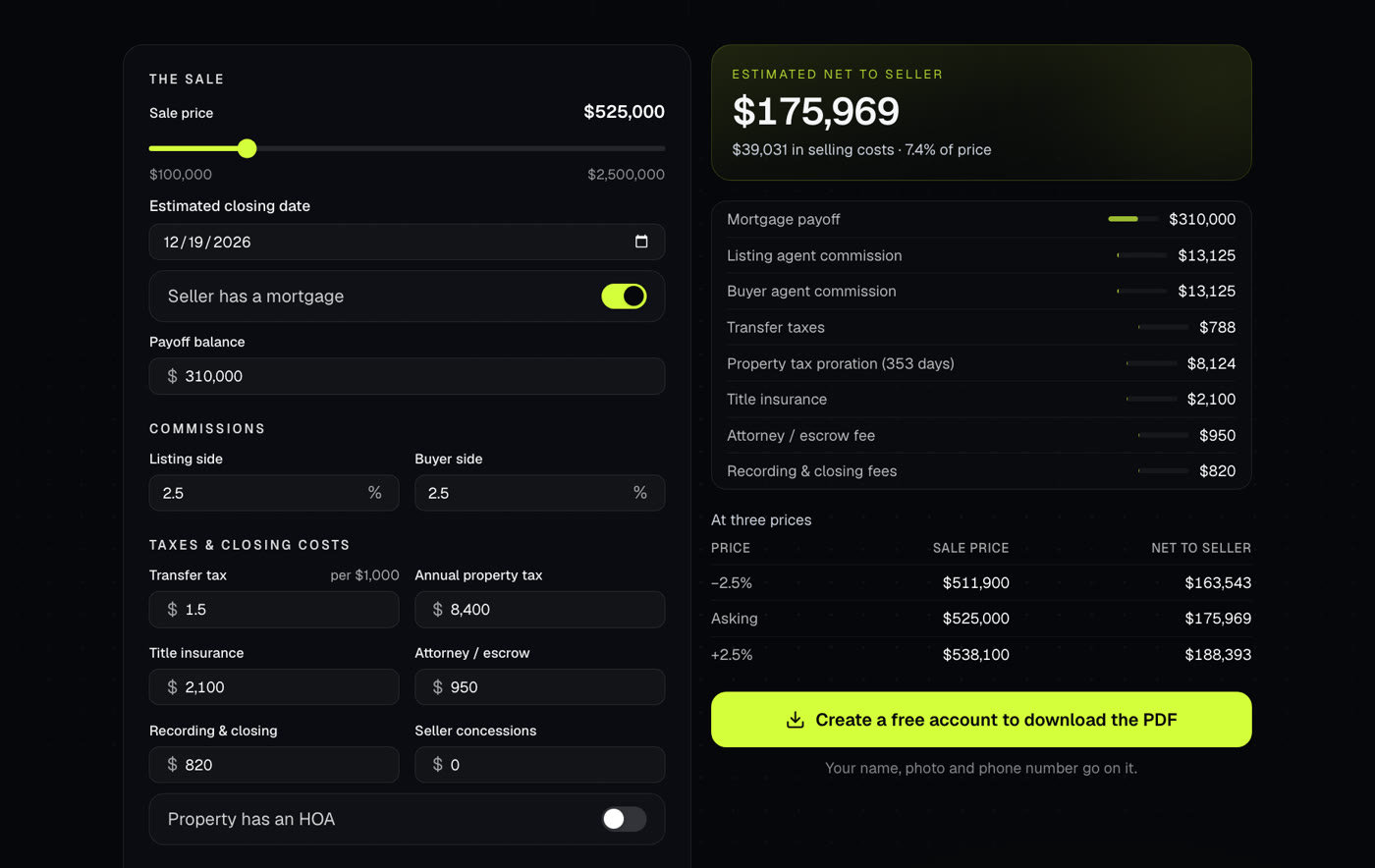
Shows what a seller walks away with after commissions, payoffs, taxes and closing costs. Use it at the listing appointment or when an offer comes in.
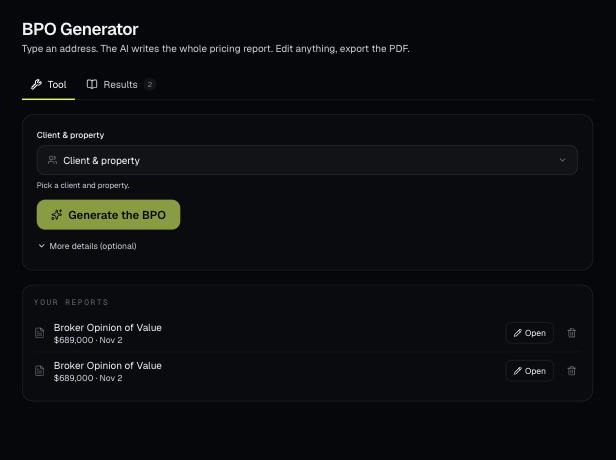
Pick a client's property and AI writes a full broker price opinion: a recommended list price, recent sales nearby and a pricing strategy. You edit it on the page and download a branded PDF.
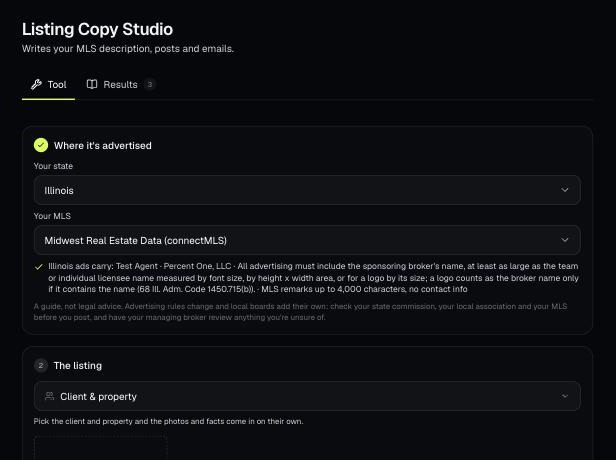
AI looks at the listing photos and facts and writes the MLS remarks, social posts, a text and an email. It's written to follow fair housing, your state's ad rules and your MLS's remarks rules.
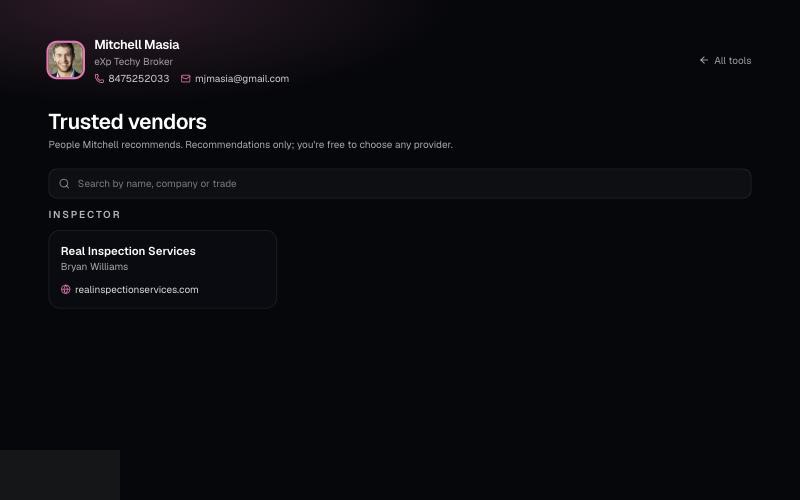
List the lenders, inspectors and contractors you recommend on your branded page. Clients can search them at /b/{handle}/trusted-vendors.
Browse by section
Your account, your brand and finding your way around.
See articlesThe link you send clients, and what they see.
See articlesClients, properties, contacts, vendors and portals.
See articlesEvery calculator, what it does and how to read it.
See articlesPresentations, pricing, copy, photos and video.
See articlesFlood, zoning, permits, schools and taxes.
See articlesHOA documents, inspections, compliance, forms.
See articlesDaily leads in your zip codes.
See articlesPlans, billing, drafts and your data.
See articlesJoining eXp with Techy Broker.
See articles