Seller Net Sheet
Shows what a seller walks away with after commissions, payoffs, taxes and closing costs. Use it at the listing appointment or when an offer comes in.
Open the Seller Net SheetStep by step
- 1
Enter the sale
Set the sale price and the estimated closing date. Turn on Seller has a mortgage and enter the payoff balance.
- 2
Set commissions and costs
Enter the listing side and buyer side percentages, transfer tax per $1,000, annual property tax, title, attorney or escrow, recording fees and any seller concessions. Turn on the HOA switch to add a transfer fee and monthly dues.
- 3
Add the extras
Under More details you can add a second mortgage or HELOC payoff, a repair credit, a home warranty and staging costs. You can also turn off the HOA dues proration.
- 4
Download the PDF
If you like, pick a client and property in the Client & property menu above the button so the PDF says who it's for. It doesn't change your numbers. Download the Seller Net Sheet PDF with your name, photo and phone on it; it saves to the Results tab.
- 5
Send it to clients
The Share tab has your branded link for this calculator, with buttons to copy, text or email it. Clients can run it there on their own.
Reading the results
The top number is the estimated net to the seller. Under it you see selling costs (everything except payoffs) in dollars and as a share of the price, then each cost line.
The At three prices table shows the net at 2.5% under, at, and 2.5% over the price. Only commissions and transfer tax move with the price; everything else stays put.
What the PDF has
The sale terms, every cost and payoff with a total, the bottom line, the three-price table and notes on how taxes were prorated.
Estimates to check
Property tax is prorated from January 1 to the closing date as a seller cost. If taxes in your area work differently, adjust the number. Payoffs should come from the lender's payoff statement.
On your branded page
Clients can run this calculator on your branded page, techybroker.com/b/{handle}, under Selling. To download the PDF they give a name and an email or phone. That adds them to your clients, and their runs and downloads show in Activity.
Questions
How is the transfer tax worked out?
You enter the rate per $1,000 of price. The calculator rounds the price up to the next $1,000 and multiplies.
How are property taxes prorated?
From January 1 to the closing date, using the annual tax you enter. HOA dues prorate within the closing month unless you turn that off under More details.
Does it know my state's costs?
No. It starts with sample numbers. Replace them with what title and the lender quote in your market.
Can I get back to numbers I ran before?
Yes, if you downloaded the PDF. Open the Results tab and pick the run; the calculator fills back in with the same inputs.
Related
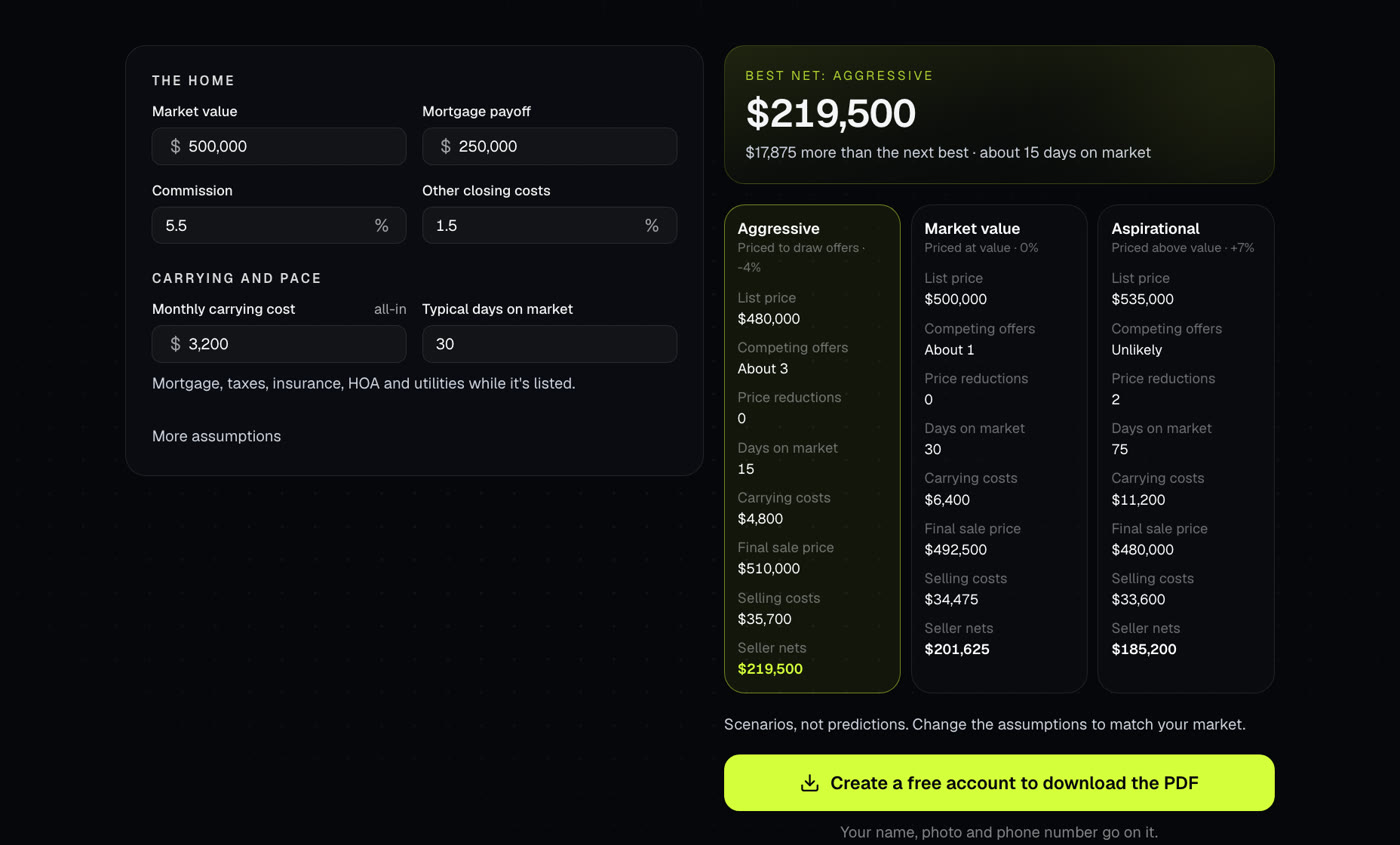
Compares three ways to price a listing side by side: aggressive, at market value and aspirational. Shows days on market, price cuts, carrying costs and what the seller nets in each.
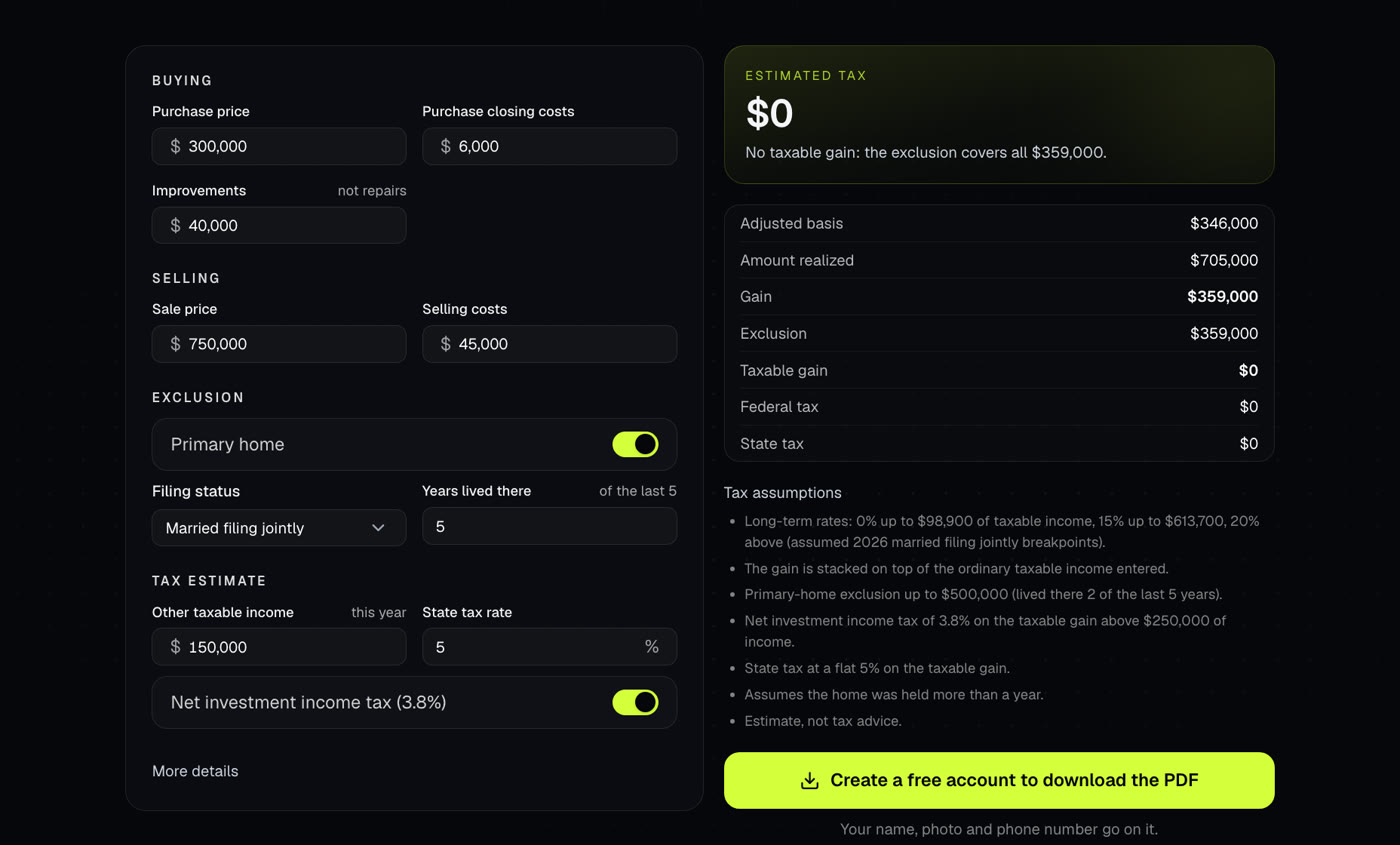
Estimates the taxable gain on a home sale after the primary-home exclusion, and a rough federal and state tax. A starting point for a talk with a tax professional.
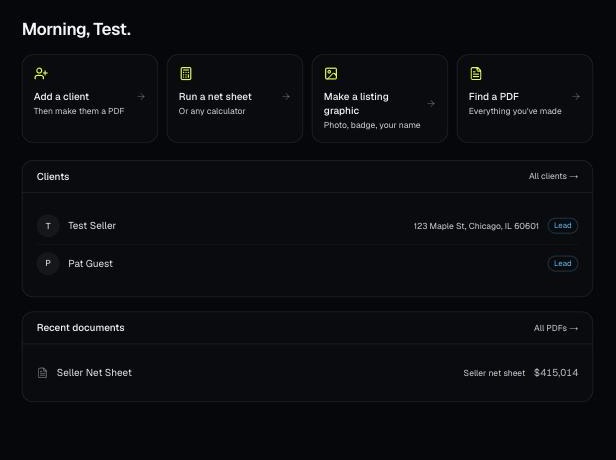
Every PDF you download is saved, so you can preview it, download it again with your current brand, or reopen it with the same numbers.

Your branded page at techybroker.com/b/{handle} has your calculators with your name and photo on them. Clients run their own numbers and download PDFs branded to you.