Your branded page
Your branded page at techybroker.com/b/{handle} has your calculators with your name and photo on them. Clients run their own numbers and download PDFs branded to you.
Open My brand & linkStep by step
- 1
Pick your link
Set your handle in My brand & link and save. Your page goes live right away at techybroker.com/b/{handle}.
- 2
Copy your link
Click your link in the top bar of the dashboard to copy it. My brand & link also lists the direct link to each calculator.
- 3
Send it to clients
Text it, email it, or put it in your bio. Calculators also have a Share tab with Text it and Email it buttons for that one calculator.
- 4
Clients pick a calculator
The page shows your name, photo, phone and email at the top, then your calculators grouped by Buying, Selling, Investing and Closing.
- 5
Clients download a PDF
To download, a visitor gives their name and an email or phone. The PDF has your name, photo and phone on it.
What clients see
There is no Techy Broker menu on your page, just you and the calculators. The page takes on your brand color.
If you list trusted vendors, a small Trusted vendors link shows at the top right.
What you get back
When a visitor gives their name to download a PDF, they become a lead in your Clients. Every view, calculation and download shows up in Activity, and downloads have a View PDF button so you can see their numbers.
What isn't on the page
Agent-only calculators, like Referral Fee, Commission Split and eXp Commission Split, never appear on your branded page and have no Share tab. Paid tools aren't on it either.
Questions
Do clients need an account?
No. They can use every calculator without signing up. They give a name and an email or phone only to download the PDF.
Why don't I see the commission calculators on my page?
Referral Fee, Commission Split and eXp Commission Split are for agents only, so they're kept off your branded page.
What if someone opens a link that doesn't exist?
They see a message to check the spelling or ask their agent for the link again.
Related
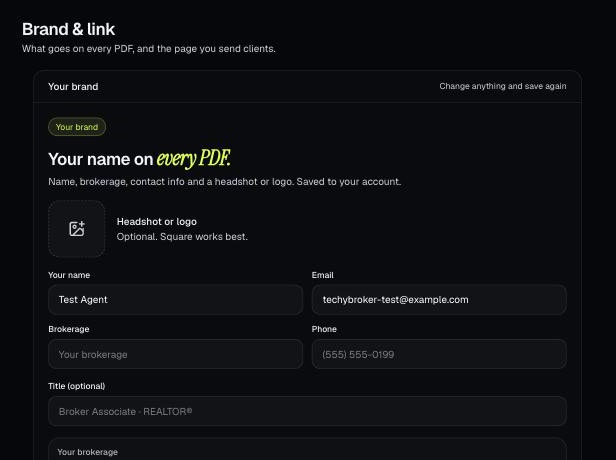
Your brand is the name, photo, contact info, color and font that go on every PDF. It also sets your branded link.
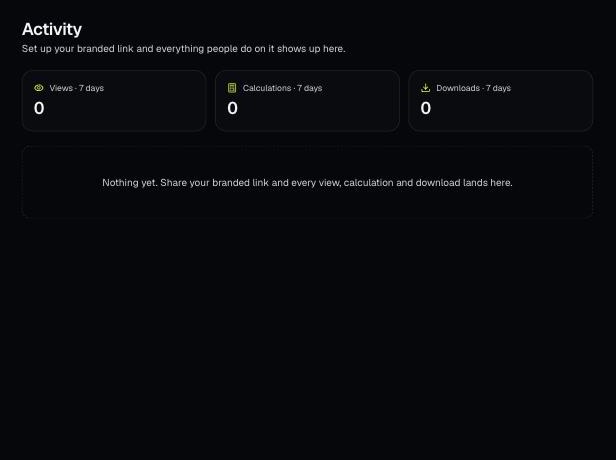
Activity shows what people do on your branded page: every view, calculation and download, newest first. Downloads have a View PDF button.
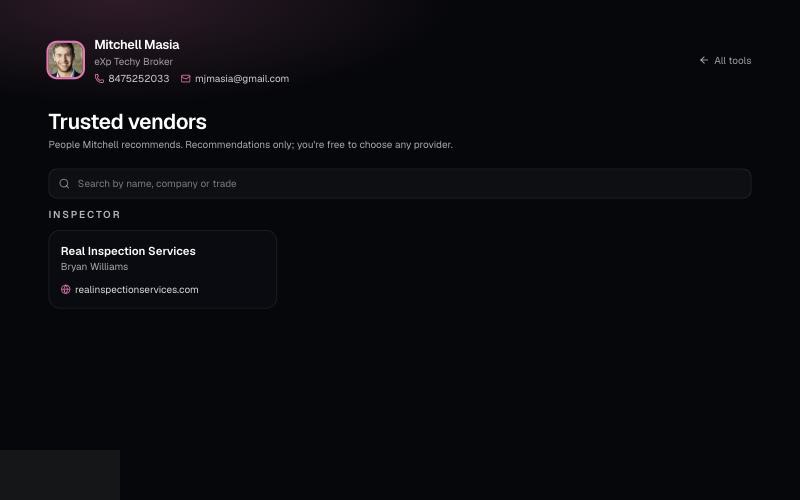
List the lenders, inspectors and contractors you recommend on your branded page. Clients can search them at /b/{handle}/trusted-vendors.
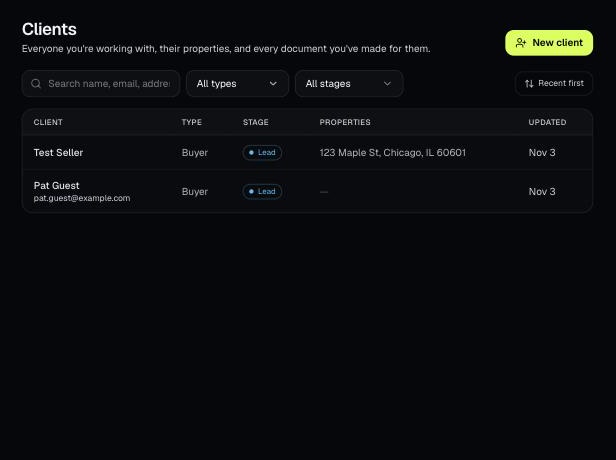
Clients holds everyone you work with, their properties, and every document you've made for them. Tools open prefilled from a client's property.