Clients and properties
Clients holds everyone you work with, their properties, and every document you've made for them. Tools open prefilled from a client's property.
Open ClientsStep by step
- 1
Add a client
Click New client. Enter a name, email and phone, pick a type such as Buyer or Seller, and pick a stage.
- 2
Add a property
Type an address when you add the client, or later on their page under Properties. Pick whether they're selling, buying, own or rent it.
- 3
Fill in the facts
Add price, beds, baths and square feet on the property. Tools read these when they open for that property.
- 4
Open a tool for the property
Each property has buttons for the tools that fit its role, like Net sheet or BPO for a seller. They open with the client and property already picked.
- 5
Track the stage
Change the type and stage at the top of the client's page. Stages are Lead, Active, Under contract, Closed and Past client.
The client list
Search by name, email, phone or address. Filter by type and stage, and sort by most recent, name or stage.
The client page
A client's page brings everything together in one place.
- Properties, with photos, filled forms and the people on each property
- Documents: every PDF you made for them, to preview, download again or delete
- Client portal: an expiring link with their documents
- On your branded page: what they did on your link
- Notes, saved when you click away
Leads from your branded page
When someone gives their name to download a PDF on your branded page, they're added to your clients for you. Their activity is linked to them.
Questions
Can a client have more than one property?
Yes. Add as many as you need. Each one has its own tools, documents and people.
How do I delete a client?
Open the client and click Delete client under Notes, then confirm.
Where do the PDFs I make for a client go?
When a client is picked as you download, the PDF is saved on their page under Documents and under the property.
Related
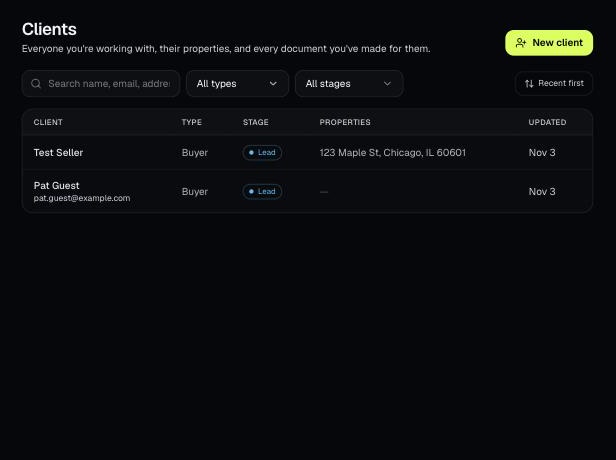
Tools that act on a property use one menu to pick a client and then one of their properties. There's no address box to type into; you pick, or add, from the menu.
A client portal is a private, expiring link with every document you've made for one client, branded to you. It's on every plan, including Basic.
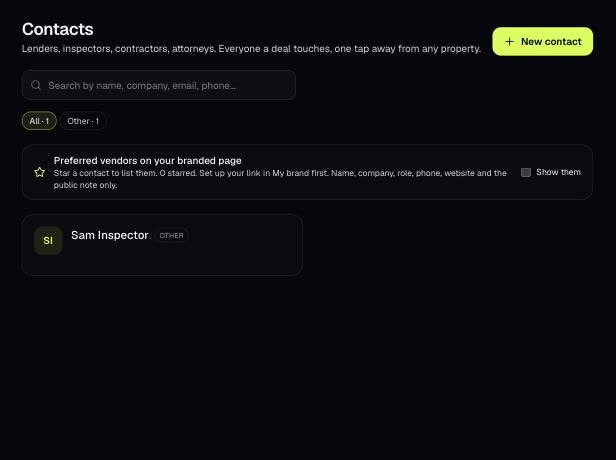
Contacts holds the people your deals touch: lenders, inspectors, contractors, attorneys and more. Attach them to properties and star the ones you recommend.
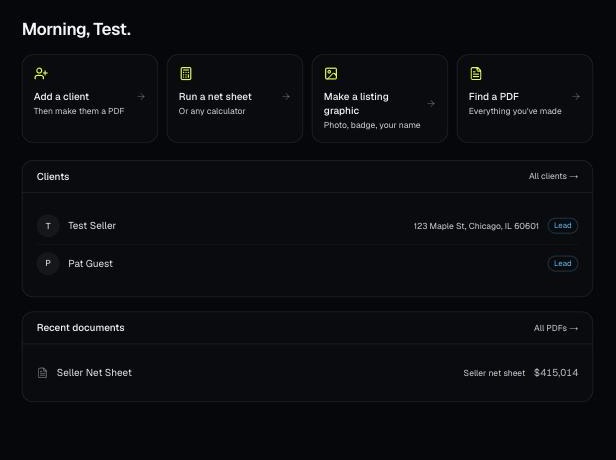
Every PDF you download is saved, so you can preview it, download it again with your current brand, or reopen it with the same numbers.