Trusted vendors
List the lenders, inspectors and contractors you recommend on your branded page. Clients can search them at /b/{handle}/trusted-vendors.
Open ContactsStep by step
- 1
Add your vendors to Contacts
Open Contacts and click New contact. Fill in their name, role, company, phone and website.
- 2
Star the ones you recommend
Hover a contact card and click the star, or tick Preferred vendor in the contact form. Starred contacts are your preferred vendors.
- 3
Add a note clients see
When Preferred vendor is ticked, a Note clients see field appears. Keep it short, up to 160 characters.
- 4
Turn on Show them
In the Preferred vendors bar at the top of Contacts, tick Show them. Your starred vendors are listed on your branded page.
- 5
Check your page
Click the /b/{handle}/trusted-vendors link in that bar. Your branded page now has a Trusted vendors link at the top right.
What clients see
Only the name, company, role, phone, website and the public note are shown. Email, address, private notes and tags stay private.
Vendors are grouped by trade. Clients can search by name, company or trade and filter by role.
Keeping it current
The list updates while your dashboard is open. Star or unstar a contact, or edit their details, and the page follows. Untick Show them to take the whole list down.
A note on wording
The page tells clients these are recommendations only and they're free to choose any provider.
Questions
Does the client see my vendor's email?
No. Only name, company, role, phone, website and the public note.
I starred vendors but the link isn't on my page.
Make sure Show them is ticked in Contacts and that you've set your link in My brand & link.
Do vendor page views show in Activity?
Yes. Views of the trusted vendors page show in Activity as Trusted vendors.
Related
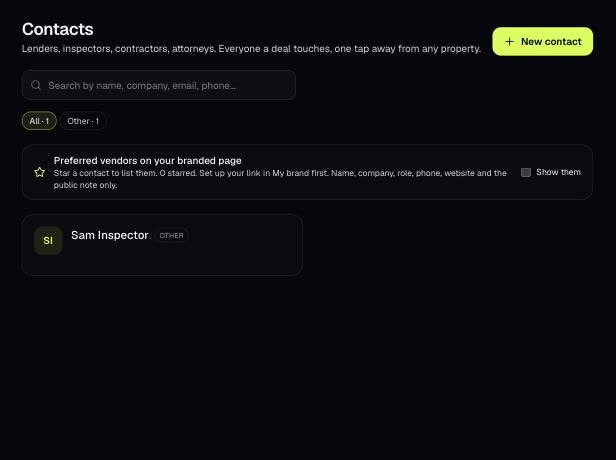
Contacts holds the people your deals touch: lenders, inspectors, contractors, attorneys and more. Attach them to properties and star the ones you recommend.
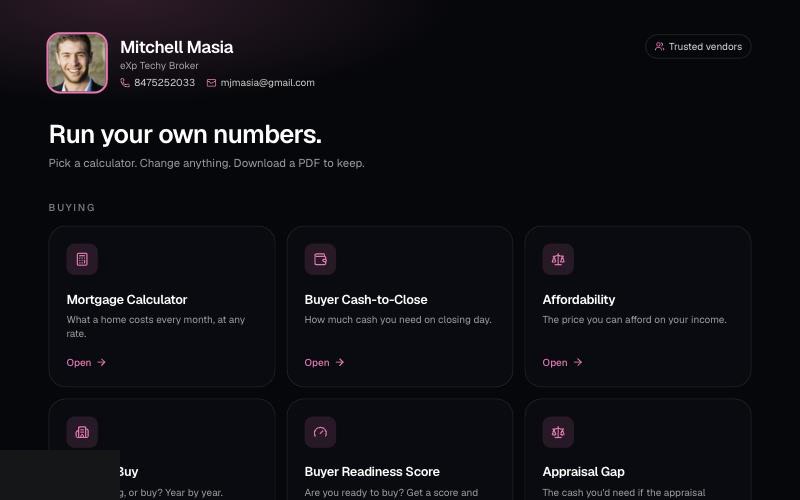
Your branded page at techybroker.com/b/{handle} has your calculators with your name and photo on them. Clients run their own numbers and download PDFs branded to you.
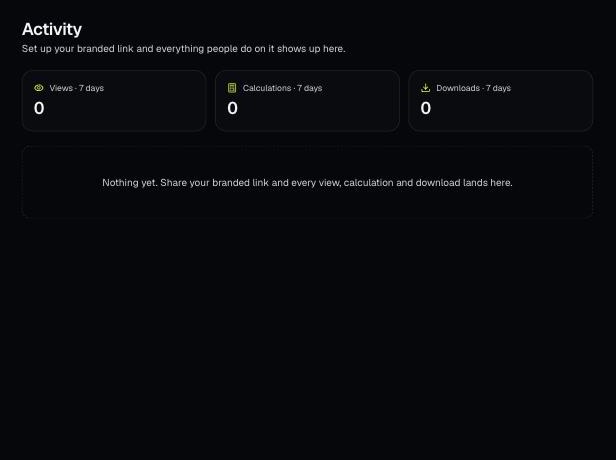
Activity shows what people do on your branded page: every view, calculation and download, newest first. Downloads have a View PDF button.