Listing Price Strategy
Compares three ways to price a listing side by side: aggressive, at market value and aspirational. Shows days on market, price cuts, carrying costs and what the seller nets in each.
Open the Listing Price StrategyStep by step
- 1
Enter the home
Type the market value, mortgage payoff, commission percentage and other closing costs as a percentage.
- 2
Set carrying and pace
Enter the monthly carrying cost (mortgage, taxes, insurance, HOA and utilities) and the typical days on market in your area.
- 3
Tune the assumptions
Under More assumptions, set days from contract to closing and, for each scenario, list vs value, sale vs value, days on market as a multiple of typical, price cuts and offers. Reset assumptions puts the defaults back.
- 4
Download the PDF
If you like, pick a client and property in the Client & property menu above the button so the PDF says who it's for. It doesn't change your numbers. Download the Listing Price Strategy PDF with your name, photo and phone on it; it saves to the Results tab.
- 5
Send it to clients
The Share tab has your branded link for this calculator, with buttons to copy, text or email it. Clients can run it there on their own.
Reading the results
The top shows the scenario with the best net and how much more it nets than the next best. Each card lists the list price, likely offers, price cuts, days on market, carrying costs, final sale price, selling costs and seller net.
Carrying costs run for the days on market plus the days to close.
Scenarios, not predictions
The defaults assume an aggressive price lists 4% under value and sells 2% over in half the usual time, and an aspirational price lists 7% over, takes two cuts and sells 4% under. Change them to match what you see in your market.
What the PDF has
A side-by-side table of the three scenarios and a list of the seller's costs.
On your branded page
Clients can run this calculator on your branded page, techybroker.com/b/{handle}, under Selling. To download the PDF they give a name and an email or phone. That adds them to your clients, and their runs and downloads show in Activity.
Questions
Where do the days on market and offers come from?
From the assumptions under More assumptions, scaled by the typical days on market you enter. They are not pulled from listings.
Can I change the three scenarios?
Yes. Every number for each scenario can be edited, and Reset assumptions brings back the defaults.
Does it include the seller's payoff?
Yes. Seller nets is the sale price minus selling costs, the mortgage payoff and carrying costs.
Related
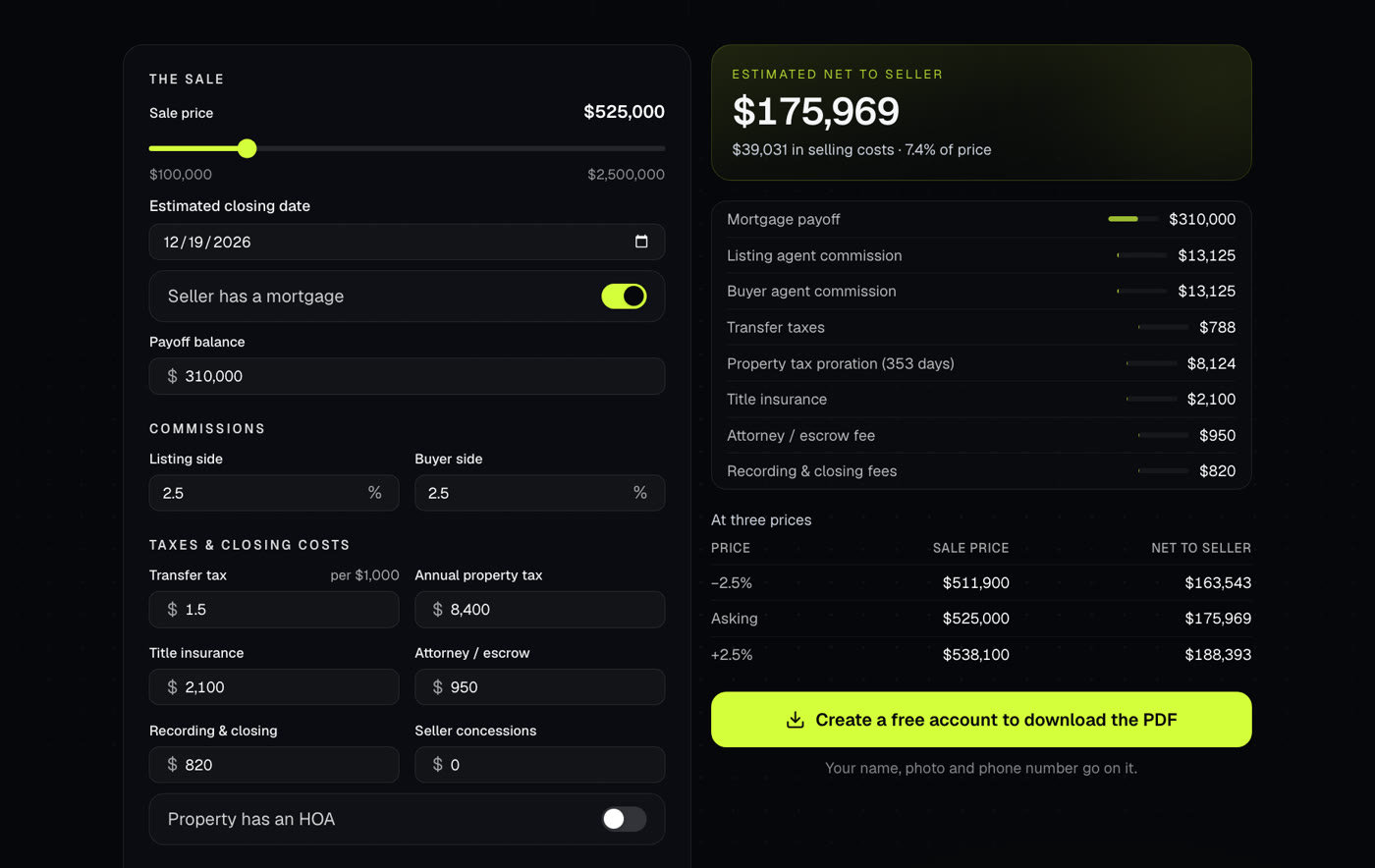
Shows what a seller walks away with after commissions, payoffs, taxes and closing costs. Use it at the listing appointment or when an offer comes in.
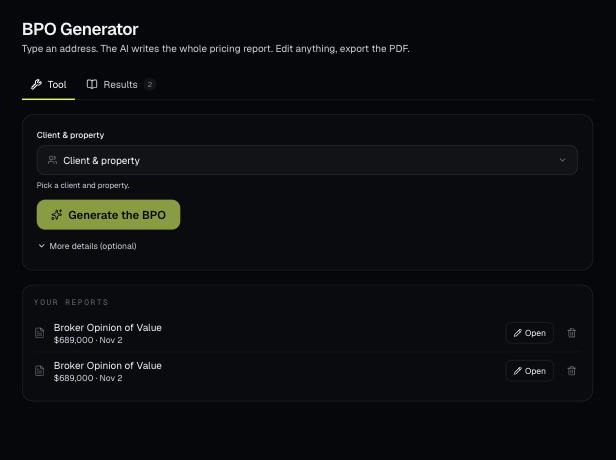
Pick a client's property and AI writes a full broker price opinion: a recommended list price, recent sales nearby and a pricing strategy. You edit it on the page and download a branded PDF.
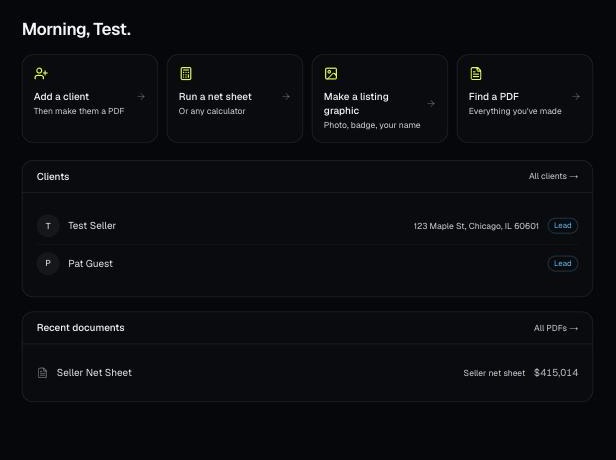
Every PDF you download is saved, so you can preview it, download it again with your current brand, or reopen it with the same numbers.