BPO Generator
Pick a client's property and AI writes a full broker price opinion: a recommended list price, recent sales nearby and a pricing strategy. You edit it on the page and download a branded PDF.
Open the BPO GeneratorStep by step
- 1
Pick the property
Open the Client & property menu, pick the client, then one of their properties. Use Add client or Add property if they're new.
- 2
Add what you know
Open More details to set beds, baths, square feet and year built. Add notes on condition and updates. These are optional but make the report better.
- 3
Generate the BPO
Click Generate the BPO. You'll see each step as it runs. You can move around the dashboard while it works, but don't close the tab.
- 4
Edit the report
Click anywhere in the report and type. Press / to add a block and drag the handle to move one. Edits save as you go.
- 5
Download the PDF
Click Preview the PDF to check it, then Download branded PDF. Your name, photo and contact info go on it.
What you get
A report with the recommended list price and value range at the top.
- A summary and the subject property's facts
- Market context and recent sales nearby
- Adjustments and why those sales were picked
- A pricing strategy
- A list of the sources used
Check it before you present
The price and the comps are AI estimates from public sources, not an appraisal. Verify every sale in your MLS before you show it to a seller.
Where your work is
Saved reports and the PDFs you downloaded are on the Results tab, where you can reopen and edit them.
Questions
Which plan is it in?
Plus. Premier and Partner include it too. Partner includes everything on the site, and it's free when you join eXp with Techy Broker as your sponsor. See pricing.
Is this an appraisal?
No. It's a broker price opinion to help you price the home. Treat the numbers as estimates and check the comps in the MLS.
Can I run more than one at a time?
Yes, for a different property. Start another one while the first is running. The top bar shows what's running and when it's done.
What if I close the tab?
It keeps going. It runs on our servers and saves to the Results tab when it's done, usually in about five minutes.
Related
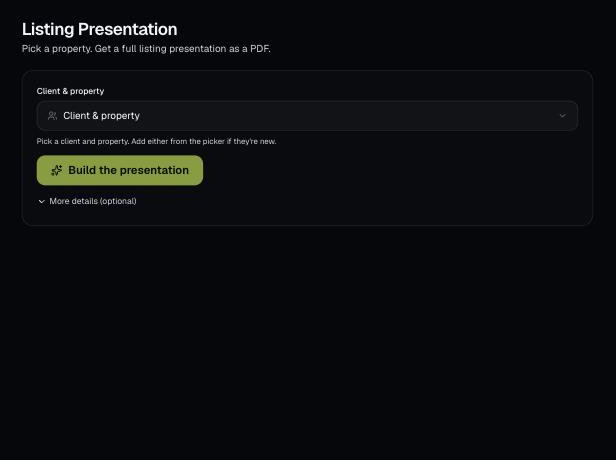
Build a designed, multi-page listing presentation for a seller. AI finds the home, recent sales and a value, and you edit every page before you download the PDF.
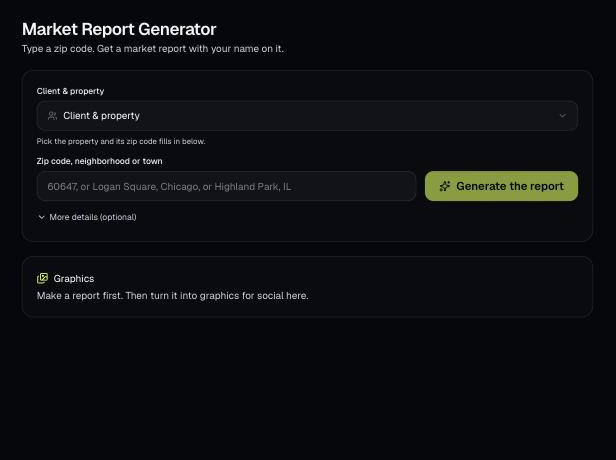
Type a zip code, neighborhood or town and AI writes a market report with values, sales, supply, rents and local info. Edit it, download a branded PDF, then turn it into social graphics.
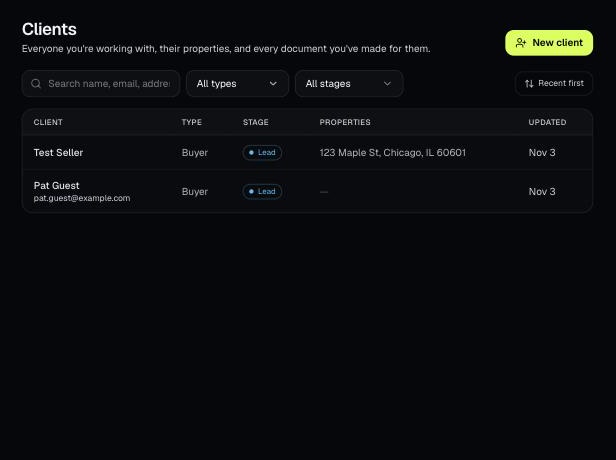
Tools that act on a property use one menu to pick a client and then one of their properties. There's no address box to type into; you pick, or add, from the menu.
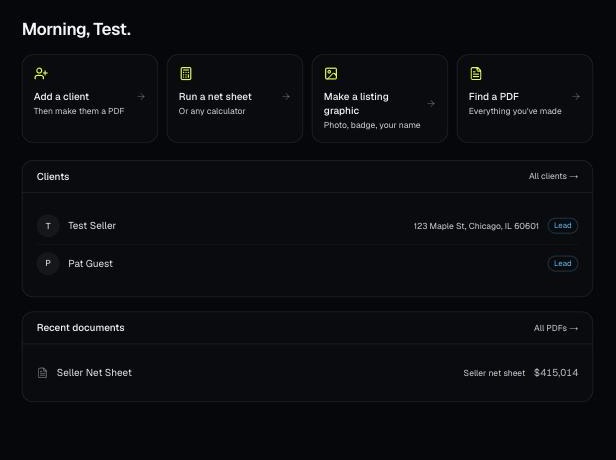
Every PDF you download is saved, so you can preview it, download it again with your current brand, or reopen it with the same numbers.