Market Report Generator
Type a zip code, neighborhood or town and AI writes a market report with values, sales, supply, rents and local info. Edit it, download a branded PDF, then turn it into social graphics.
Open the Market Report GeneratorStep by step
- 1
Pick the area
Pick a client and property and its zip code fills in. Or type a zip code, neighborhood or town in the box yourself.
- 2
Add a focus
Open More details to tell it what to cover, like single-family only or a new train station. This is optional.
- 3
Generate the report
Click Generate the report. It runs on our servers, so you can leave or close the tab; it saves to Results.
- 4
Edit and download
Click into the report to change any text. Then click Preview the PDF and Download branded PDF.
- 5
Make graphics
Scroll to Graphics below the report. Pick a template, check the numbers, pick a color and click Download PNG or Save to library.
What's in the report
Home values and trends, sales, pricing and supply, rents, schools and neighborhood data, and local news and links, with charts.
The Graphics panel
Graphics turns your latest market report into one-page images for social. If you have more than one report, pick it from the menu at the top.
- Key stats: the big number and three more, square
- Story: everything, tall, for stories
- Price trend: a median price chart, square
- Market snapshot: four numbers in a grid
- Buyer's or seller's market: a gauge from months of supply
Editing a graphic
Change the area, month, big number, its label and the stats. Pick a color and dark or light. Your name, photo and logo come from My brand.
Set your state first. Each graphic prints the line your state requires, and you can add your managing broker.
Check the numbers
The figures are AI research from public sources. Treat them as estimates and check them before you post or send.
Questions
Which plan is it in?
Plus. Premier and Partner include it too. Partner includes everything on the site, and it's free when you join eXp with Techy Broker as your sponsor. See pricing.
Where do saved graphics go?
Download PNG downloads it and saves a copy to your content library. Save to library only saves it. Download all downloads all five at once.
Why can't I download a graphic?
Pick your state first. The graphics need it to print the advertising line your state asks for.
Can I reopen an old report?
Yes. Saved reports are listed under the tool and on the Results tab. Click Open to edit one.
Related
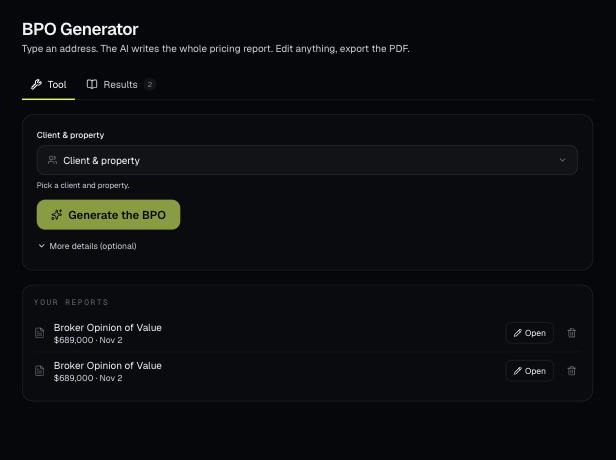
Pick a client's property and AI writes a full broker price opinion: a recommended list price, recent sales nearby and a pricing strategy. You edit it on the page and download a branded PDF.
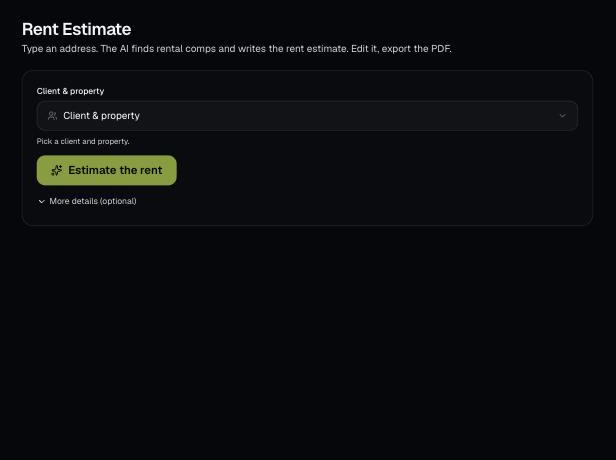
Pick a client's property and AI estimates the monthly rent from the rental market and comparable rentals. Edit the report and download a branded PDF.
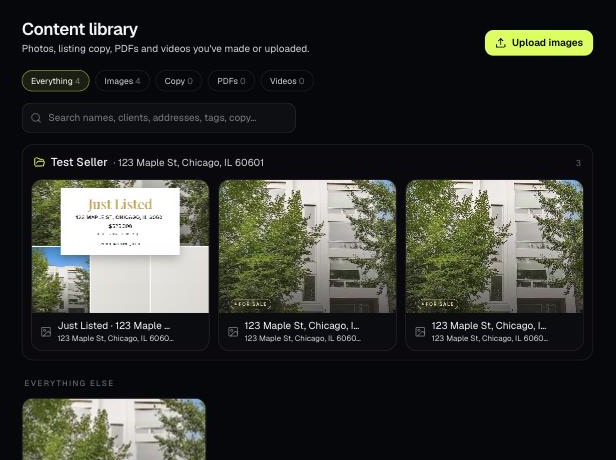
The Content library holds the photos, listing copy, PDFs and videos you've made or uploaded. Items tied to a client and property are grouped into folders.
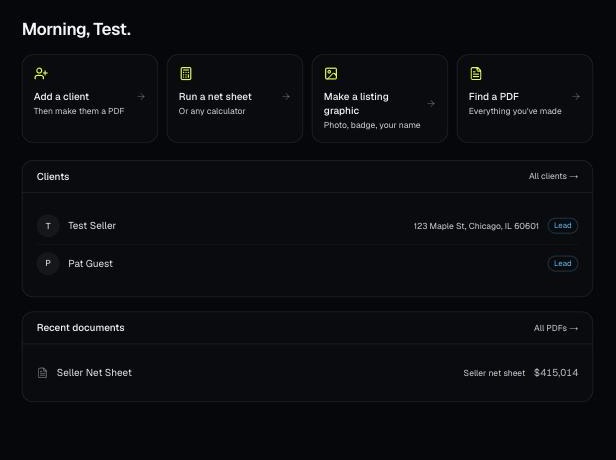
Every PDF you download is saved, so you can preview it, download it again with your current brand, or reopen it with the same numbers.