Rent Estimate
Pick a client's property and AI estimates the monthly rent from the rental market and comparable rentals. Edit the report and download a branded PDF.
Open Rent EstimateStep by step
- 1
Pick the property
Pick the client and property in the Client & property menu. What's known about the home fills in.
- 2
Fill in the details
Open More details to set beds, baths and square feet. Pick the type, the condition, and Parking or In-unit laundry if they apply.
- 3
Estimate the rent
Click Estimate the rent. It runs on our servers, so you can leave or close the tab; it saves to Results.
- 4
Edit and download
Change anything in the report by clicking into it. Then click Download branded PDF.
What you get
An estimated monthly rent with a likely range, a read on the rental market, comparable rentals and the adjustments made to them.
It's an estimate
The rent and the comps come from AI research on public sources. Check them against current rentals before you quote a number.
Questions
Which plan is it in?
Plus. Premier and Partner include it too. Partner includes everything on the site, and it's free when you join eXp with Techy Broker as your sponsor. See pricing.
Does it need an address?
Yes. Pick a client and one of their properties. If the property isn't there yet, use Add property in the menu.
Can I see past estimates?
Yes. They're listed under the tool and on the Results tab, with the PDFs you downloaded.
Related
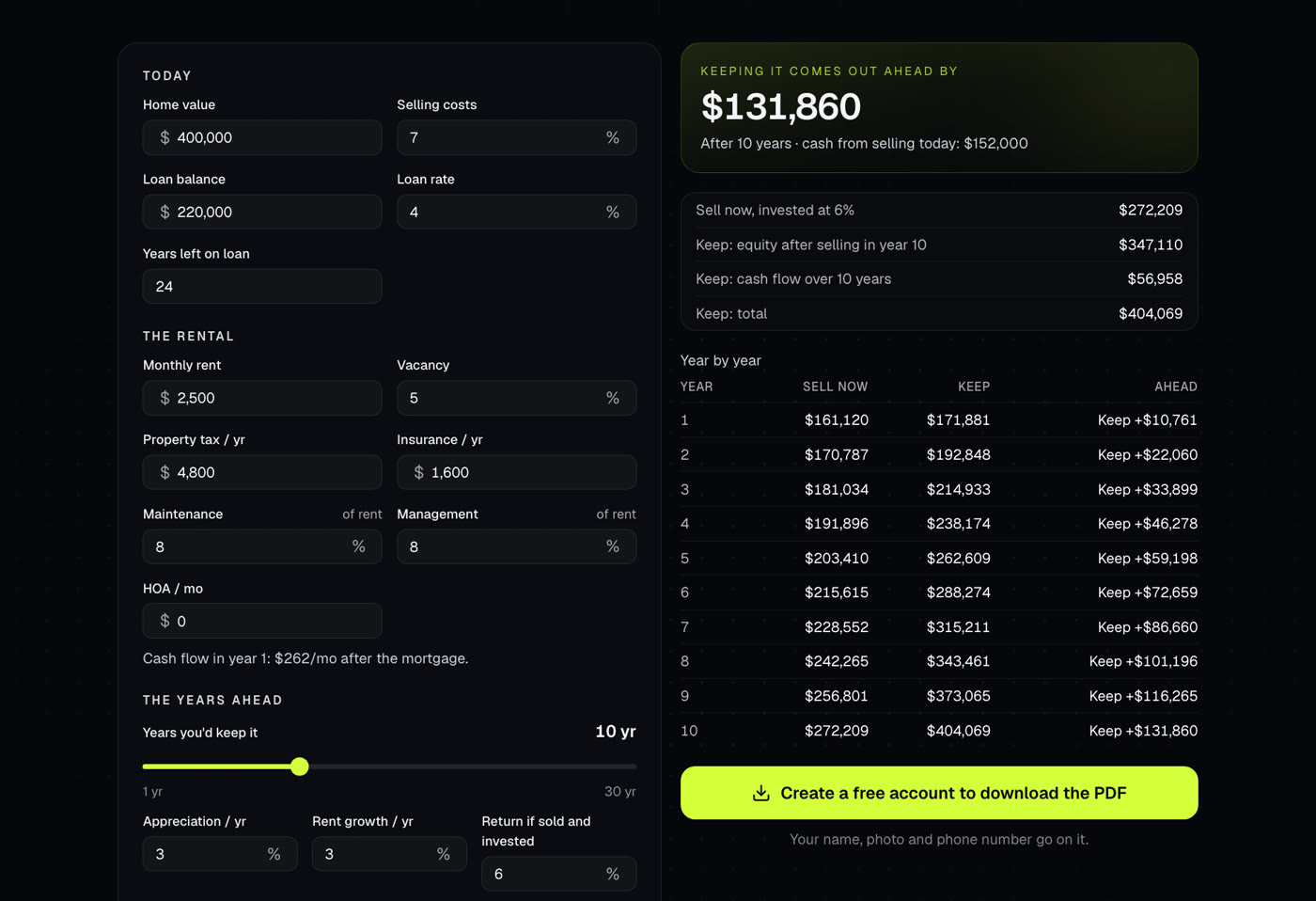
For an owner deciding whether to sell a rental now or keep it. Compares the cash from selling today, invested, with keeping it and selling later.
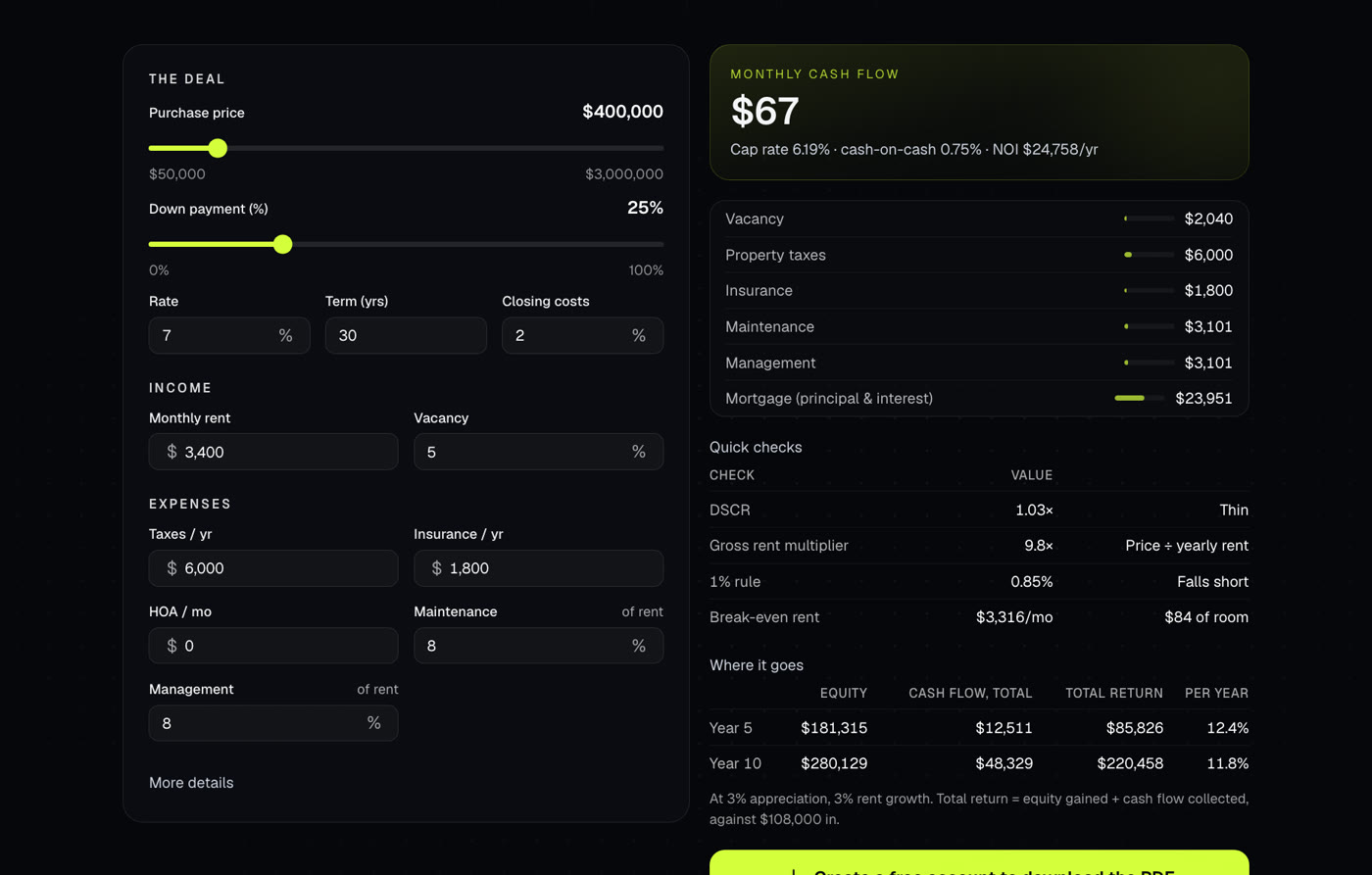
A quick look at a rental: monthly cash flow, cap rate, cash-on-cash return and where it goes over 5 and 10 years.
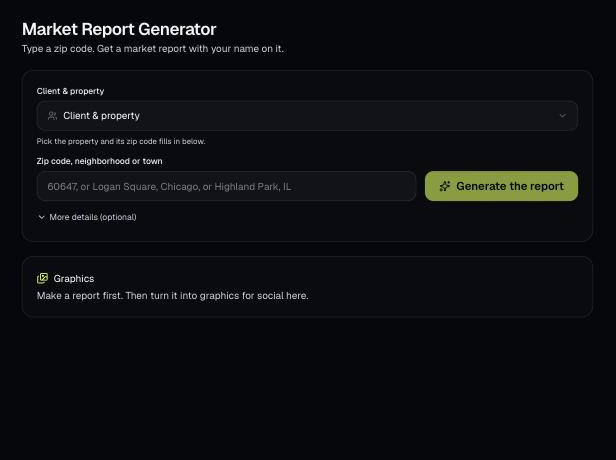
Type a zip code, neighborhood or town and AI writes a market report with values, sales, supply, rents and local info. Edit it, download a branded PDF, then turn it into social graphics.
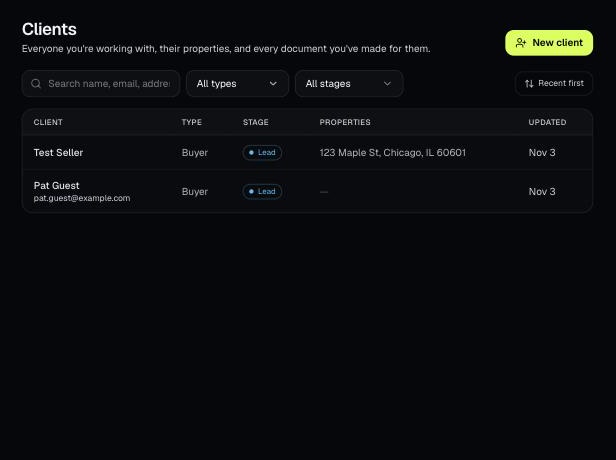
Tools that act on a property use one menu to pick a client and then one of their properties. There's no address box to type into; you pick, or add, from the menu.