Capital Gains Estimator
Estimates the taxable gain on a home sale after the primary-home exclusion, and a rough federal and state tax. A starting point for a talk with a tax professional.
Open the Capital Gains EstimatorStep by step
- 1
Enter the purchase
Type the purchase price, purchase closing costs and improvements (not repairs).
- 2
Enter the sale
Type the sale price and selling costs.
- 3
Set the exclusion and tax
Turn Primary home on or off, pick the filing status and years lived there out of the last 5. Enter other taxable income, the state rate, and leave the 3.8% net investment income tax on or off.
- 4
Open More details if needed
Add depreciation taken if the home was ever rented. You can also change the assumed federal bracket breakpoints.
- 5
Download the PDF
If you like, pick a client and property in the Client & property menu above the button so the PDF says who it's for. It doesn't change your numbers. Download the Home Sale Capital Gains Estimate PDF with your name, photo and phone on it; it saves to the Results tab.
- 6
Send it to clients
The Share tab has your branded link for this calculator, with buttons to copy, text or email it. Clients can run it there on their own.
Reading the results
The top number is the estimated total tax. Below are the adjusted basis, amount realized, gain, exclusion, taxable gain, federal tax and state tax, then the list of tax assumptions used.
With 2 of the last 5 years lived there, the exclusion is up to $250,000 single or $500,000 joint. Under 2 years you can enter a partial exclusion a tax professional has worked out.
Assumptions
The federal brackets are assumed 2026 figures and can be edited. State tax is a flat rate on the taxable gain. Depreciation is taxed at 25%. It assumes the home was held more than a year. This is an estimate, not tax advice.
What the PDF has
Basis and gain, the exclusion, the tax split by 0%, 15% and 20% slices plus any depreciation and net investment income tax, and the assumptions.
On your branded page
Clients can run this calculator on your branded page, techybroker.com/b/{handle}, under Selling. To download the PDF they give a name and an email or phone. That adds them to your clients, and their runs and downloads show in Activity.
Questions
Why does other income matter?
The gain is stacked on top of the seller's other taxable income, so more income pushes more of the gain into the 15% or 20% bracket.
What counts as an improvement?
Work that adds value or extends the home's life, like a new roof or an addition. Repairs and upkeep don't count.
Is the state tax exact?
No. It's one flat rate you enter. States have their own rules, so have the seller confirm with a tax professional.
Related

Shows what a seller walks away with after commissions, payoffs, taxes and closing costs. Use it at the listing appointment or when an offer comes in.
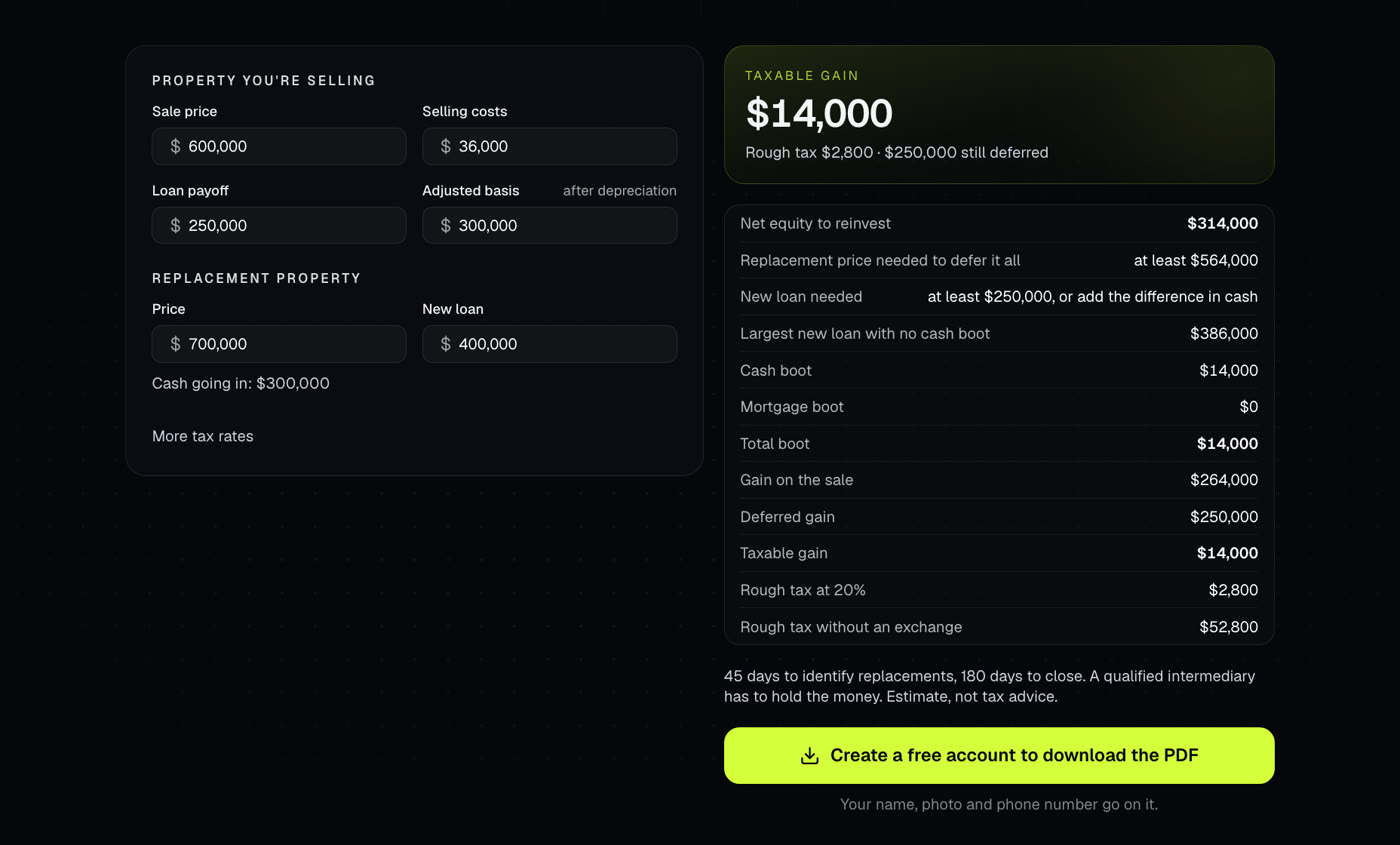
Shows what a replacement property has to be to defer all the gain, any boot, and a rough tax on the boot.
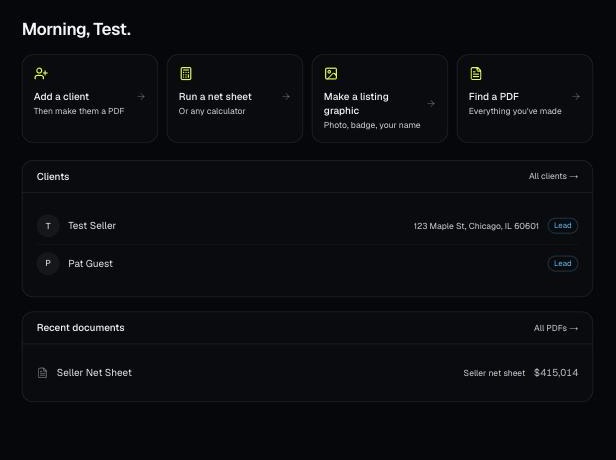
Every PDF you download is saved, so you can preview it, download it again with your current brand, or reopen it with the same numbers.