Listing Copy Studio
AI looks at the listing photos and facts and writes the MLS remarks, social posts, a text and an email. It's written to follow fair housing, your state's ad rules and your MLS's remarks rules.
Open Listing Copy StudioStep by step
- 1
Set where it's advertised
Pick your state and your MLS in step 1. Nothing else opens until you do.
- 2
Pick the listing
Pick the client and property. The property's photos and facts come in on their own.
- 3
Add photos and facts
Click Add photos to upload, pick from your library or paste a listing link. Up to 12 photos. Check the type, price, beds, baths and other facts.
- 4
Tell it what the photos can't show
Add notes like a new roof or the commute, and pick a tone. Then click Write the copy.
- 5
Copy what you need
Each channel shows up in step 3, looking like the real post. Edit any of it, then copy it.
What you get
A headline and every piece you need for the listing.
- MLS fields: public and short remarks, private remarks, directions, showing instructions, features, rooms and highlights
- Posts for Instagram, Facebook, LinkedIn, X, TikTok, YouTube and an open house
- Two lines for a graphic
- A text message and an email to your buyer list
It runs in the background
After you click Write the copy you can leave or close the page. The jobs indicator in the top bar shows it running, and the result saves to the tool's Results tab.
Read it before you post
The copy is written to follow the rules, but it's AI. Read every piece before it goes on the MLS or social.
Questions
Which plan is it in?
Plus. Premier and Partner include it too. Partner includes everything on the site, and it's free when you join eXp with Techy Broker as your sponsor. See pricing.
Where do the photos come from?
From the property's photos in your content library. Photos you add here are filed on the property too, so the video maker and photo studio use the same set.
Why is everything greyed out?
Pick your state and MLS in step 1 first. The rules for your state and MLS shape the copy.
Can I change the copy after?
Yes. Everything is editable and saves with the draft. Click Write it again for a new version.
Related
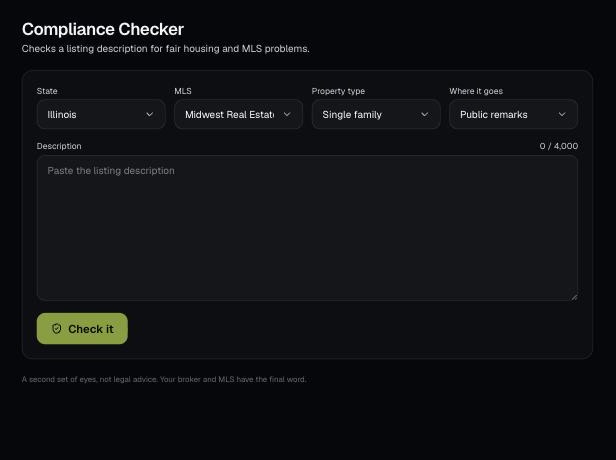
Paste a listing description and it flags fair housing problems, claims you can't back up and MLS rule issues, then writes a clean version.
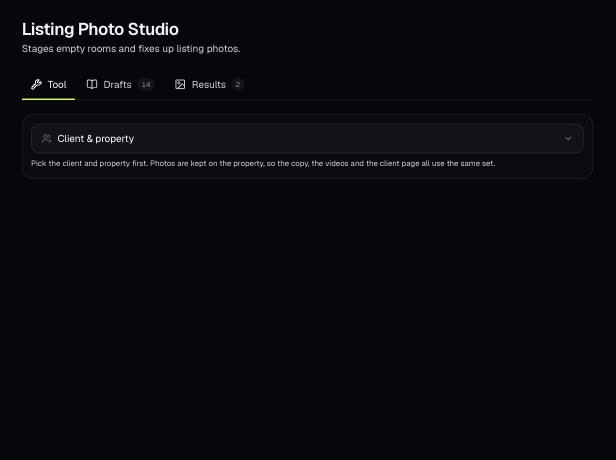
Keep a property's photos in one place, fix them with AI (stage, declutter, twilight and more), and fill in finished social graphics from them.
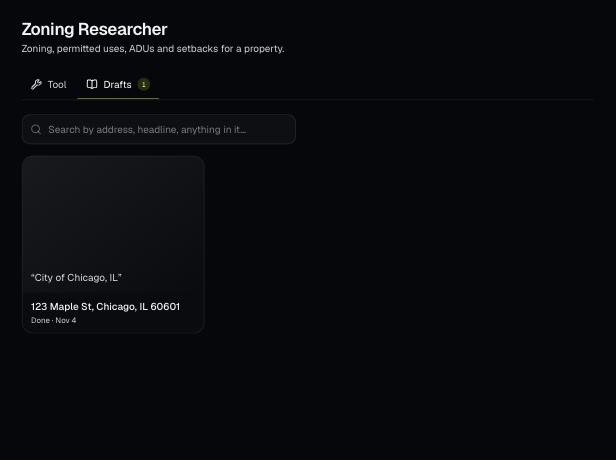
Tools save your work as you go, and AI tools keep running after you leave the page. Find both on the tool's Results tab and in the jobs indicator in the top bar.
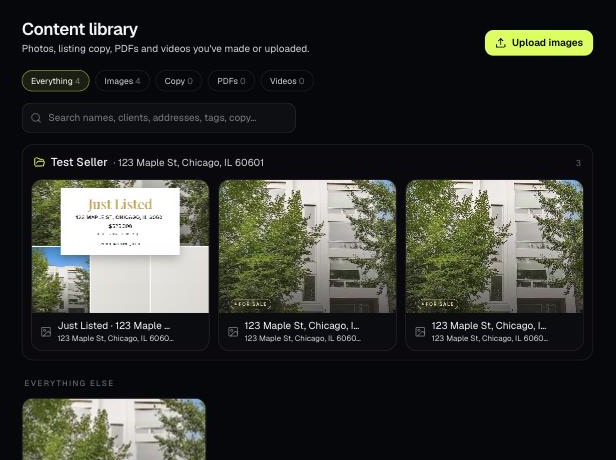
The Content library holds the photos, listing copy, PDFs and videos you've made or uploaded. Items tied to a client and property are grouped into folders.