Drafts and background work
Tools save your work as you go, and AI tools keep running after you leave the page. Find both on the tool's Results tab and in the jobs indicator in the top bar.
Open your dashboardStep by step
- 1
Start a run
Pick the client and property and start the tool. The jobs indicator in the top bar shows it as running.
- 2
Keep working
For AI tools, you can leave the page or close the tab. The work keeps going and saves to Drafts.
- 3
Watch the jobs indicator
Click it to see what's running, what's ready and what failed. Each row shows the tool and the address or client.
- 4
Open the result
When a job says Done, click Open. The tool opens with the result loaded.
- 5
Find it later in Results
Open the tool and click the Results tab. Pick Drafts to see work in progress, search by client, address or anything in it, and click one to reopen it where you left off.
Runs on the server: safe to close
These AI tools run in the background. You can leave or close the page, and the result saves to the Results tab.
- BPO / pricing report
- Market report
- Rent estimate
- Zoning research
- Permit history
- School districts
- Property tax history
- Listing compliance checker
- Testimonial copy
- HOA summarizer
- Listing copy studio
Runs in your browser: keep the tab open
These tools run in your browser. You can move around the dashboard, but closing the tab stops them. Your browser warns you if you try.
- Inspection prep
- Listing video maker
- Listing presentation
The tabs on a tool page
Every tool page has a Tool tab and a Results tab. Results appears once there's something in it.
Results holds everything the tool made in one place: drafts saved as you go, runs (running, done or failed), saved reports, the PDFs you downloaded, and saved photos and videos. Filter by Drafts or Completed, search by client, property or anything in it, and click a card to reopen it in the tool. Preview and Download work once a PDF was made.
Treat results as estimates
AI research and estimates can be wrong or out of date. Check them against public records before you rely on them or share them.
Questions
I closed the tab. Did I lose my zoning report?
No. Zoning and the other AI lookups run on the server. Open the tool and look in Results.
Can I close the tab while a BPO or market report runs?
Yes. They run on our servers. The tool and its Results tab show it running, then done. If one shows Didn't finish, run it again.
What does Failed mean in the jobs indicator?
The run didn't finish. The row shows the reason. Try again, and dismiss the row with the x.
Why don't I see a Results tab?
It appears once there's something in it. Run the tool once and it shows up.
Related
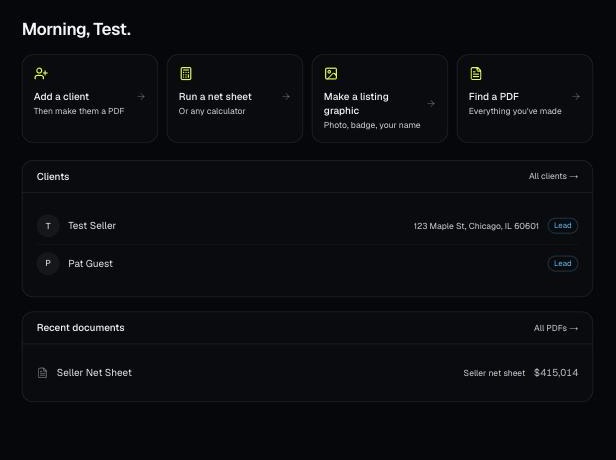
Every PDF you download is saved, so you can preview it, download it again with your current brand, or reopen it with the same numbers.
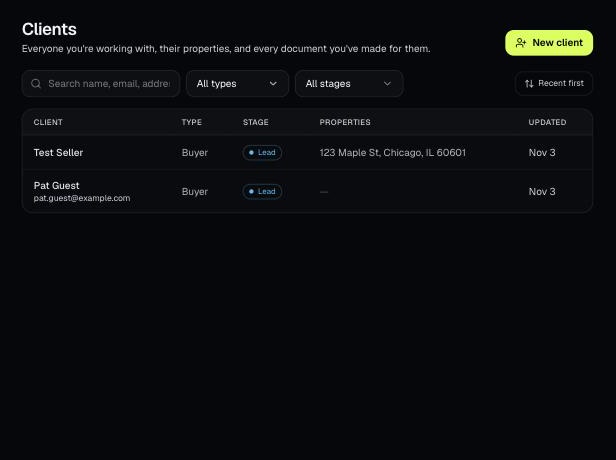
Tools that act on a property use one menu to pick a client and then one of their properties. There's no address box to type into; you pick, or add, from the menu.
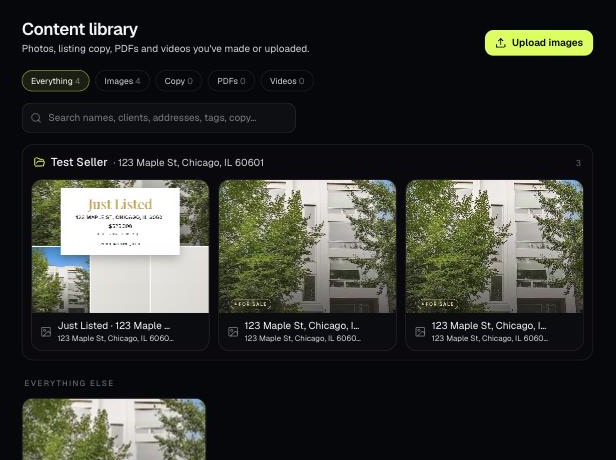
The Content library holds the photos, listing copy, PDFs and videos you've made or uploaded. Items tied to a client and property are grouped into folders.