Getting started
Make a free account, add your brand, and make your first PDF. This is the short path from sign-up to sending a client something with your name on it.
Open your dashboardStep by step
- 1
Create your account
Sign up with Google or with your name, email and a password. The Basic plan is free and needs no card.
- 2
Set up your brand
Go to My brand & link in the sidebar. Add your name, contact info, a headshot, a color and your link, then save.
- 3
Add a client
Open Clients and click New client. Give them a name, a type and a stage, and add a property if you have one.
- 4
Run a calculator
Pick any calculator from the sidebar, such as the Seller Net Sheet. Pick your client and property in the Client & property menu and change the numbers.
- 5
Download the PDF
Click Download branded PDF. It has your name, photo and color on it, and it's saved to that client and to History.
- 6
Send your link
Copy your branded link from the top bar and send it to clients. When they download a PDF there, they show up in your clients and in Activity.
Finding your way around
The sidebar holds everything. The top group is your day-to-day: Home, Clients, Contacts, Content library, Activity and Leads.
Below that are the calculators, grouped by Buying, Selling, Investing, Closing and Agent, then the Plus and Premier tools. Your account, brand and billing are at the bottom.
The Home page
Home has four shortcuts: add a client, run a net sheet, make a listing graphic, and find a PDF. Under them are your most recent clients and the last PDFs you made.
The top bar
The top bar shows where you are, your branded link with a copy button, and a jobs indicator when something is running in the background.
Questions
Do I need a card to start?
No. The Basic plan is free: the calculators, branded PDFs, your branded page and client portals.
Why does a tool show a lock?
That tool is part of a paid plan. Open it to see what it does and the plan it's in. See pricing for details.
Why is my name not on the PDF?
Your PDFs use what you saved under My brand & link. Fill it in and save, then download again.
Related
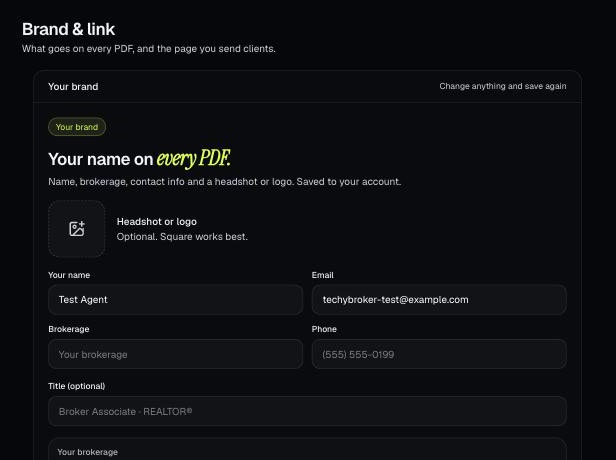
Your brand is the name, photo, contact info, color and font that go on every PDF. It also sets your branded link.
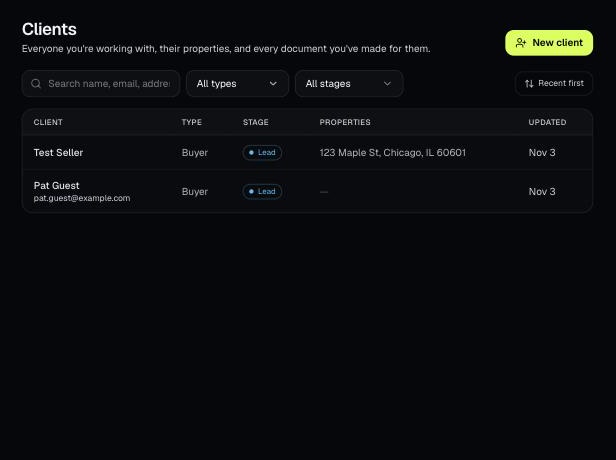
Clients holds everyone you work with, their properties, and every document you've made for them. Tools open prefilled from a client's property.
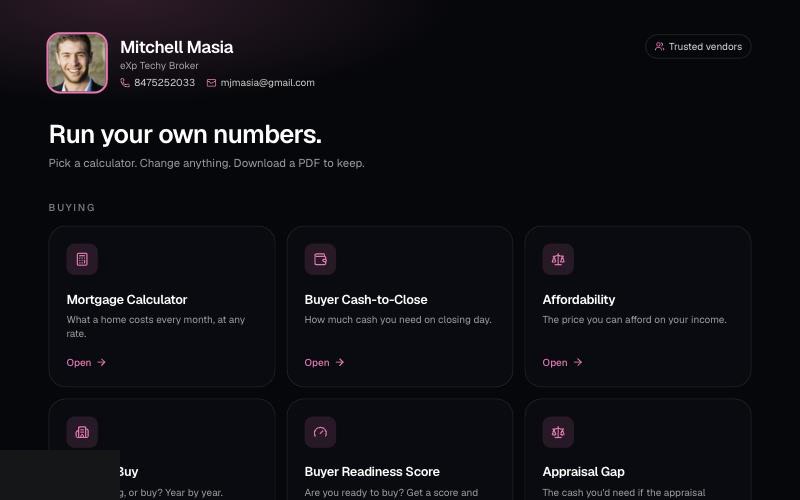
Your branded page at techybroker.com/b/{handle} has your calculators with your name and photo on them. Clients run their own numbers and download PDFs branded to you.
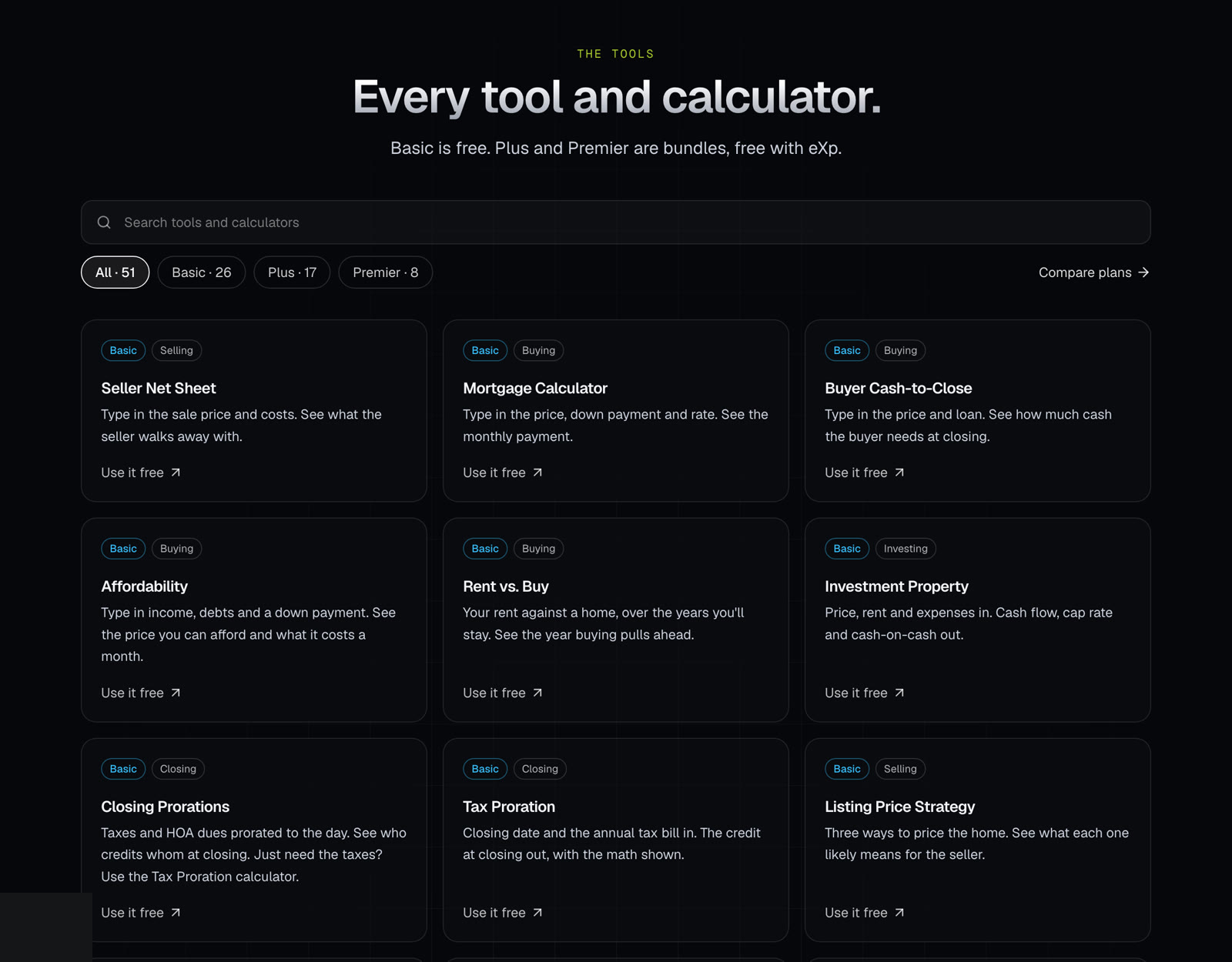
The tools page lists every calculator and tool on the site, with the plan each one is in. Use it to find what you need and see what each plan includes.