Offer Comparison
Put every offer on a listing side by side: price, credits, financing, closing date and contingencies. It shows the net to the seller and makes a PDF the seller can read.
Open Offer ComparisonStep by step
- 1
Pick the listing
Pick the seller and the property in the Client & property menu. The list price fills in from the property, and you can change it.
- 2
Enter each offer
Each offer is a row. Type the buyer's name, then set financing, price, down payment, seller credit, earnest money, closing date and when it expires.
- 3
Mark the contingencies
Click Insp, Appr, Fin or Sale on each row to turn a contingency on. Add other conditions, like possession or a rent-back, in the line under the row.
- 4
Add more offers
Click Add another offer for each new one. Remove one with the trash icon.
- 5
Read the side-by-side and download
The Side by side table lays out every term. Then click Download branded PDF to give the seller a copy.
Reading the results
Net to seller is the offer price minus any seller credit. Commissions and closing costs are the same for every offer, so they're left out.
The highest net and the earliest closing are highlighted. There is no score; the seller decides what matters.
Saving
Once you enter something, the comparison saves on its own. Find it on the Results tab. Click New comparison to start fresh.
Questions
Which plan is it in?
Plus. Premier and Partner include it too. Partner includes everything on the site, and it's free when you join eXp with Techy Broker as your sponsor. See pricing.
Does it rank the offers?
No. It lays out the terms and highlights the highest net and the earliest close. The seller weighs the rest.
Why aren't commissions in the net?
They apply to every offer alike, so they don't change the comparison. Use the Seller Net Sheet for a full net.
How many offers can I add?
As many as you have. Each one gets its own row and its own column in the side-by-side table.
Related
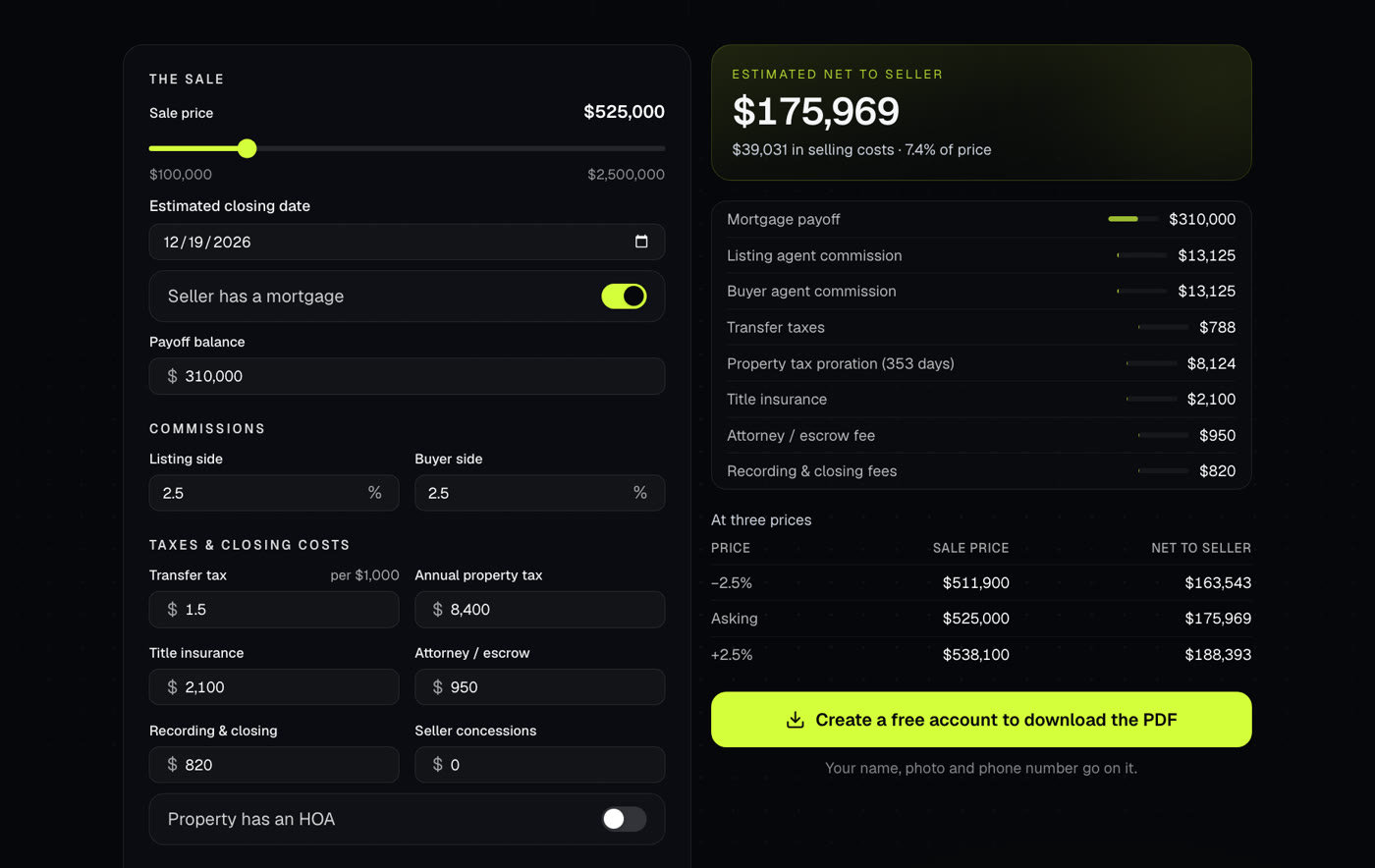
Shows what a seller walks away with after commissions, payoffs, taxes and closing costs. Use it at the listing appointment or when an offer comes in.
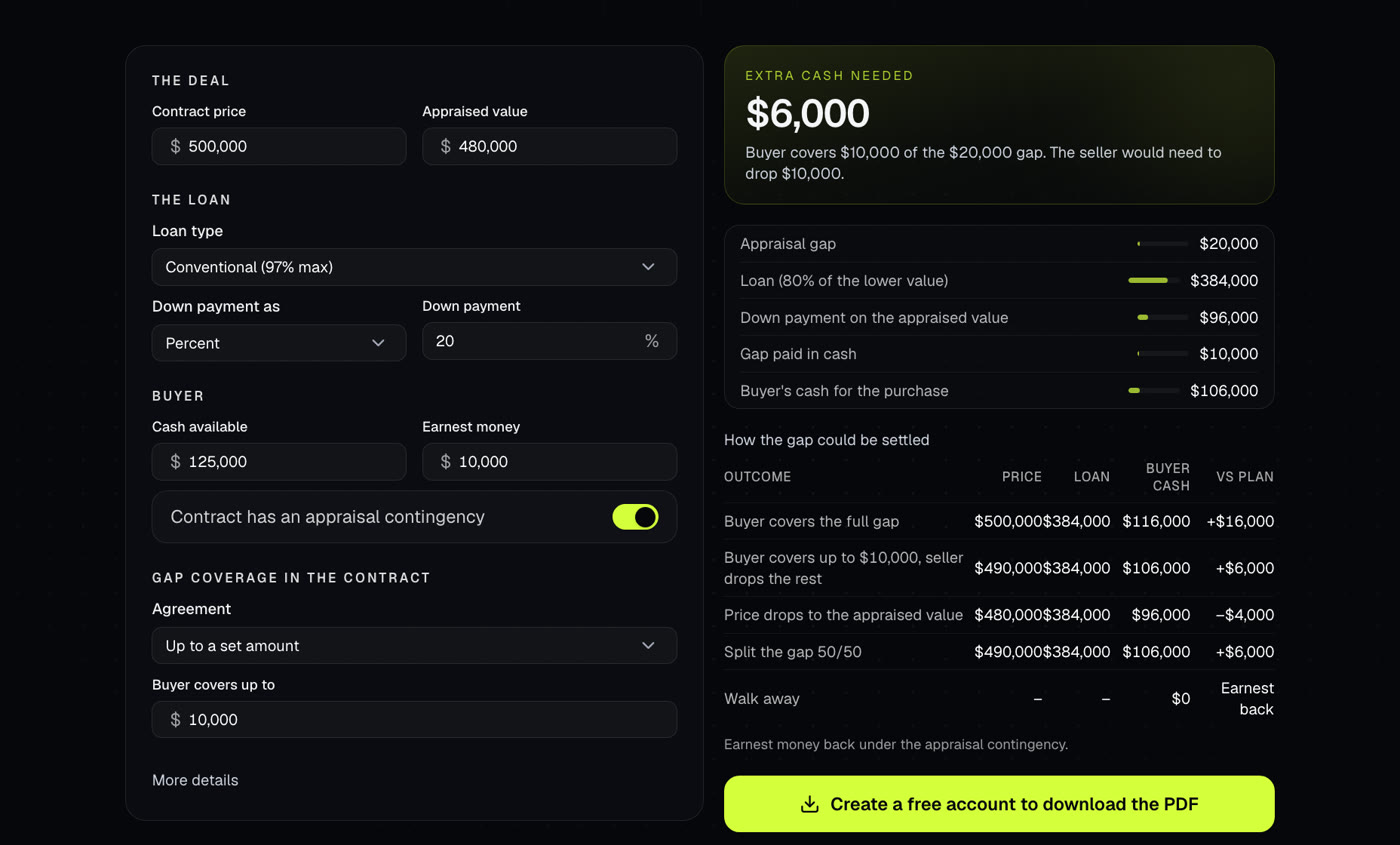
Shows what a low appraisal costs the buyer, under each way the gap could be settled.
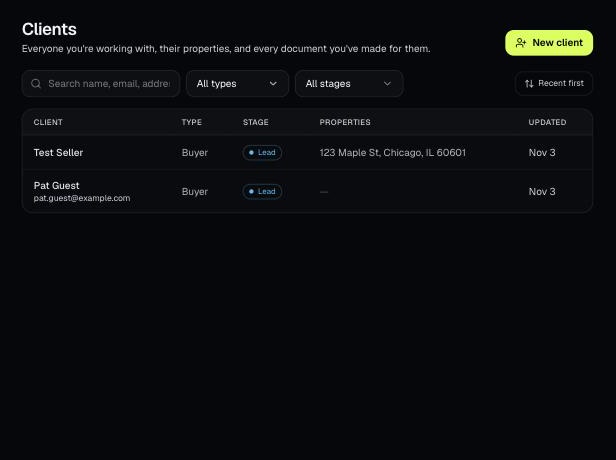
Tools that act on a property use one menu to pick a client and then one of their properties. There's no address box to type into; you pick, or add, from the menu.
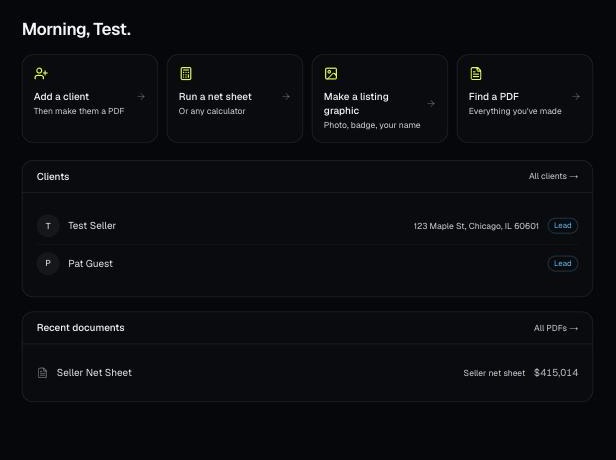
Every PDF you download is saved, so you can preview it, download it again with your current brand, or reopen it with the same numbers.