Buyer Tour Planner
Pick a buyer and the homes they want to see. It orders the stops for the least driving, sets a time for each showing, and gives you map links and a branded PDF itinerary.
Open the Buyer Tour PlannerStep by step
- 1
Pick the buyer
Pick the buyer in the menu. Their properties become the stops. Add more with Add property in the menu.
- 2
Tick the homes
Tick the homes to see, up to 10. Add price, beds, baths, square feet and your notes for each one.
- 3
Set the start
Pick where to start, or start at the first stop. Set the start time and the minutes per showing.
- 4
Plan the route
Add notes for the buyer if you like, then click Plan the route. You get the order, the times, the driving minutes and the miles.
- 5
Send it
Open the route in Google Maps or Apple Maps, or click Download branded PDF for the buyer.
Map links
Google Maps takes about ten places in one link, so long tours split into parts. Apple Maps takes one stop at a time, so each stop has its own link.
Saving
Tours save as you go and show in the Your tours list at the top. Click New tour to start another.
Questions
Which plan is it in?
Plus. Premier and Partner include it too. Partner includes everything on the site, and it's free when you join eXp with Techy Broker as your sponsor. See pricing.
How many homes can I add?
Up to 10. You need at least two, or one plus a starting point.
What if I change the homes?
The page tells you the homes changed. Click Plan again for a new route.
Why does it say straight-line estimate?
The driving route wasn't available, so it ordered the stops by straight-line distance. Check the times before you go.
Related
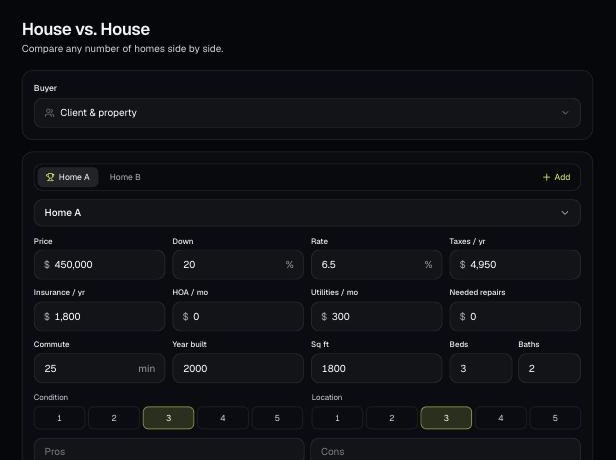
Compare any number of homes side by side: monthly cost, upkeep, commute, space and condition. Weight what the buyer cares about and see the best fit.
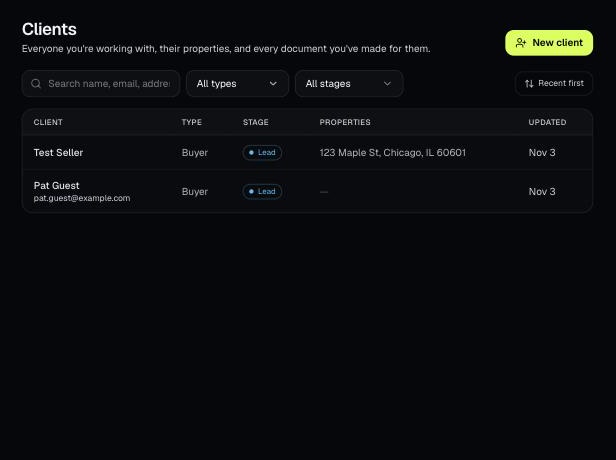
Tools that act on a property use one menu to pick a client and then one of their properties. There's no address box to type into; you pick, or add, from the menu.
Clients holds everyone you work with, their properties, and every document you've made for them. Tools open prefilled from a client's property.
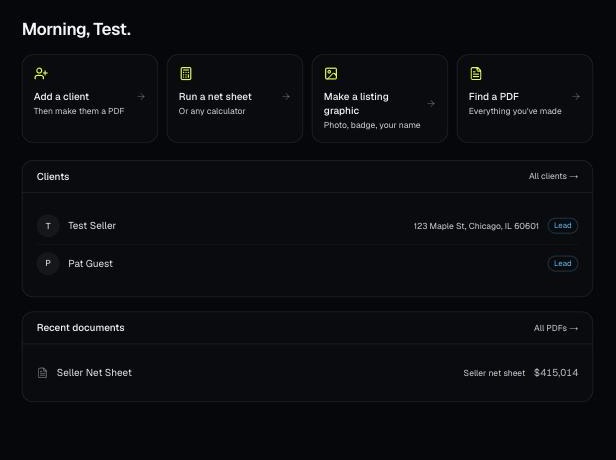
Every PDF you download is saved, so you can preview it, download it again with your current brand, or reopen it with the same numbers.