House vs. House
Compare any number of homes side by side: monthly cost, upkeep, commute, space and condition. Weight what the buyer cares about and see the best fit.
Open House vs. HouseStep by step
- 1
Pick the buyer
Pick the buyer in the menu. Then pick one of their properties for each home.
- 2
Fill in each home
Set the price, down payment, rate, taxes, insurance, HOA, utilities, needed repairs, commute, year built, size, beds and baths. Rate condition and location 1 to 5.
- 3
Add more homes
Click Add a home for each one. Add pros and cons if you like.
- 4
Set what matters
Under What matters to the buyer, set monthly cost, commute, space, condition, age and upkeep, and location from off to 5.
- 5
Read the result
You see the best fit, each home's score out of 100 and a side-by-side table. Click Download branded PDF to share it.
How it scores
Each home is scored on the factors you weight, and the best value in each row is marked. If the top two are within 3 points, it says Too close to call.
Upkeep is estimated from the home's age: about 1% of the price a year when new, up to 3% for homes 50 years or older.
It's a guide
The monthly cost and upkeep are estimates. The buyer decides what matters.
Questions
Which plan is it in?
Plus. Premier and Partner include it too. Partner includes everything on the site, and it's free when you join eXp with Techy Broker as your sponsor. See pricing.
Does it use AI?
No. It's math on the numbers you enter.
How many homes can I compare?
As many as you like. Click Add a home for each.
Related
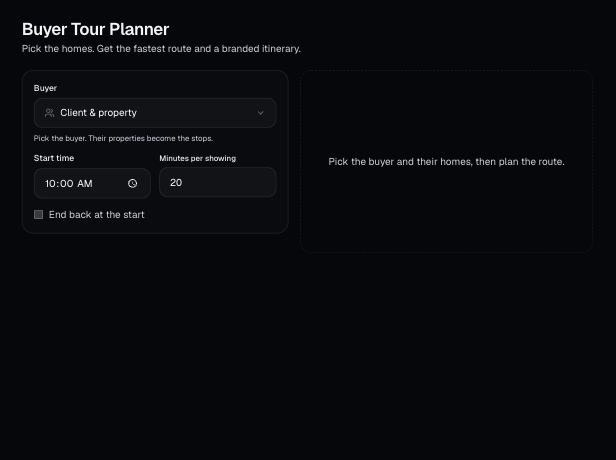
Pick a buyer and the homes they want to see. It orders the stops for the least driving, sets a time for each showing, and gives you map links and a branded PDF itinerary.
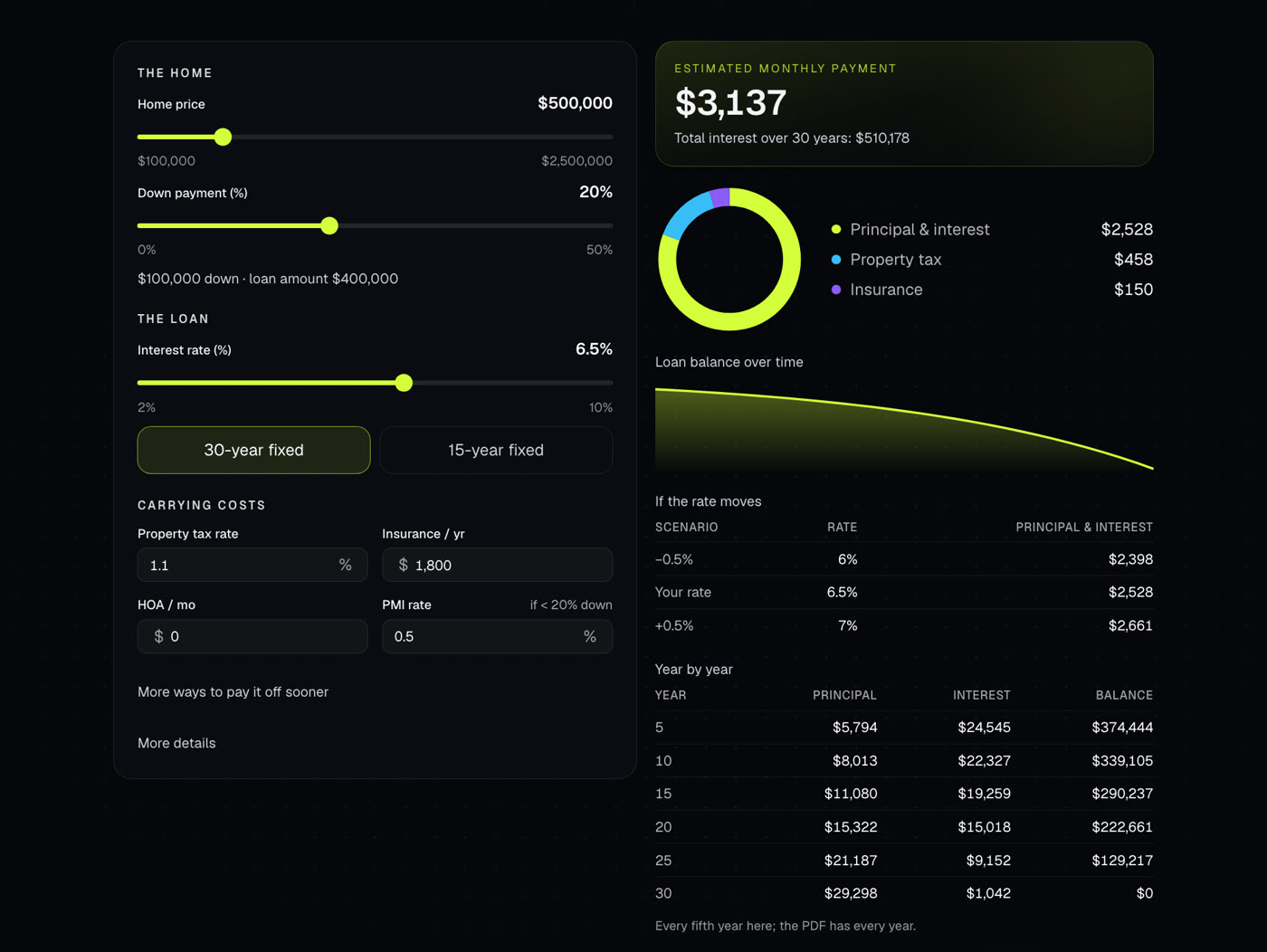
Shows the full monthly payment with taxes, insurance, PMI and HOA, plus the loan balance over time. Also handles extra payments and discount points.
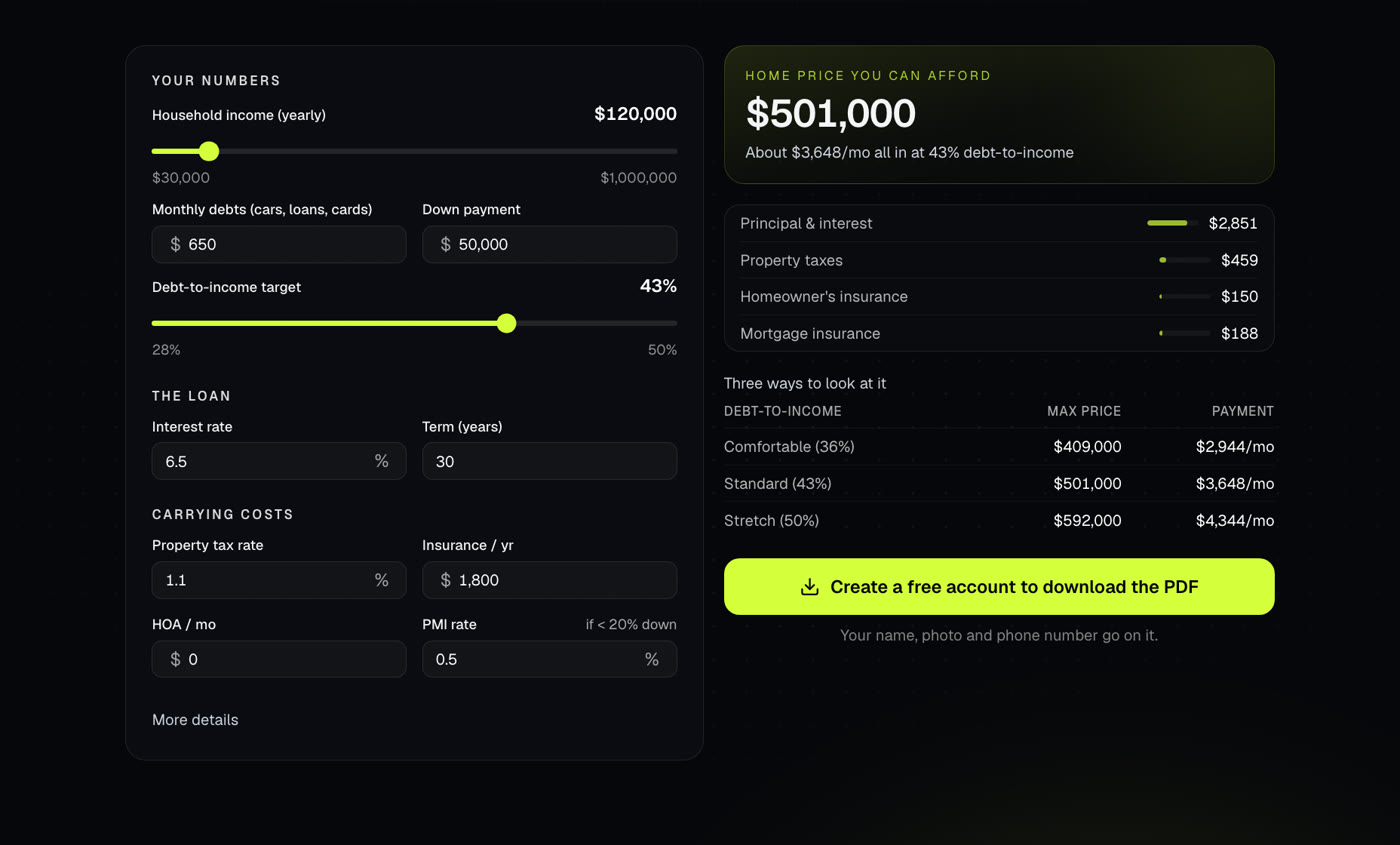
Works out the home price a buyer can afford from income, debts, down payment and rate, with the full monthly payment at that price.
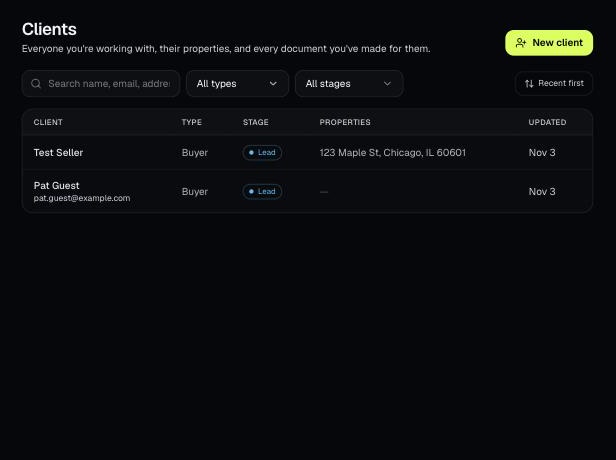
Tools that act on a property use one menu to pick a client and then one of their properties. There's no address box to type into; you pick, or add, from the menu.