Affordability
Works out the home price a buyer can afford from income, debts, down payment and rate, with the full monthly payment at that price.
Open the Affordability calculatorStep by step
- 1
Enter income and debts
Slide the yearly household income and type monthly debts and the down payment in dollars.
- 2
Pick a debt-to-income target
Slide it between 28% and 50%. The default is 43%.
- 3
Set the loan and costs
Enter the rate, term, property tax rate, insurance, HOA and PMI rate.
- 4
Add lender limits if needed
Under More details, cap the housing payment alone (28% is typical) and take closing costs out of the down payment as a percent of price.
- 5
Download the PDF
If you like, pick a client and property in the Client & property menu above the button so the PDF says who it's for. It doesn't change your numbers. Download the How Much Home You Can Afford PDF with your name, photo and phone on it; it saves to the Results tab.
- 6
Send it to clients
The Share tab has your branded link for this calculator, with buttons to copy, text or email it. Clients can run it there on their own.
Reading the results
The top number is the highest price whose full payment fits the target, rounded down to the nearest $1,000. The breakdown shows principal and interest, taxes, insurance, HOA and mortgage insurance.
Three ways to look at it shows the price at 36% (comfortable), 43% (standard) and 50% (stretch).
Estimates to check
Debt-to-income here means all monthly debts plus the housing payment as a share of gross monthly income. Lenders set their own limits; this is not a pre-approval.
What the PDF has
The buyer's numbers and monthly budget, the payment at that price, and the three-scenario table.
On your branded page
Clients can run this calculator on your branded page, techybroker.com/b/{handle}, under Buying. To download the PDF they give a name and an email or phone. That adds them to your clients, and their runs and downloads show in Activity.
Questions
What debt-to-income should I use?
43% is where many conventional loans top out. Slide to 36% for a more comfortable number.
Why did the price drop when I added closing costs?
Closing costs come out of the down payment first, so the loan is bigger and PMI may apply.
Related
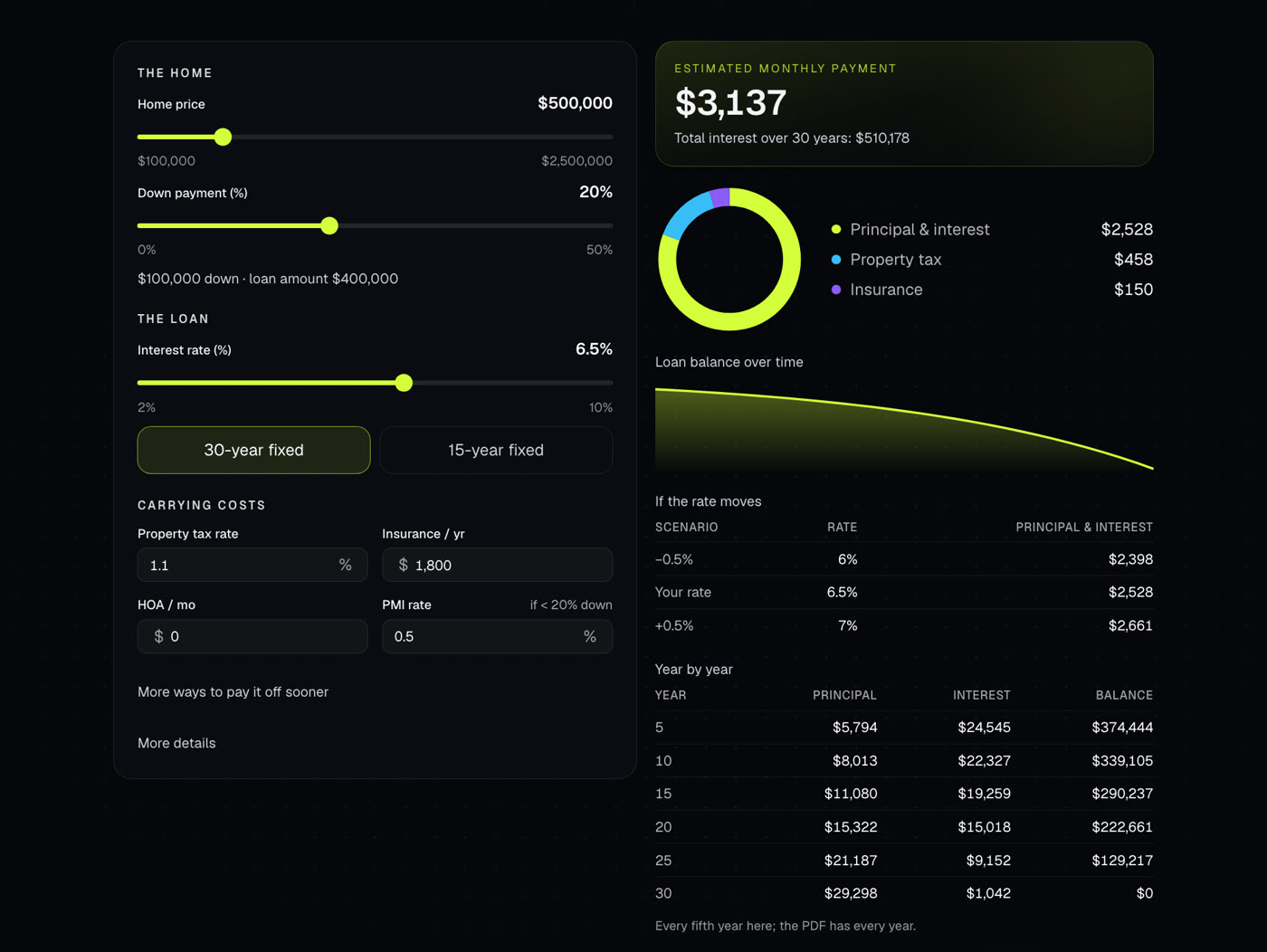
Shows the full monthly payment with taxes, insurance, PMI and HOA, plus the loan balance over time. Also handles extra payments and discount points.
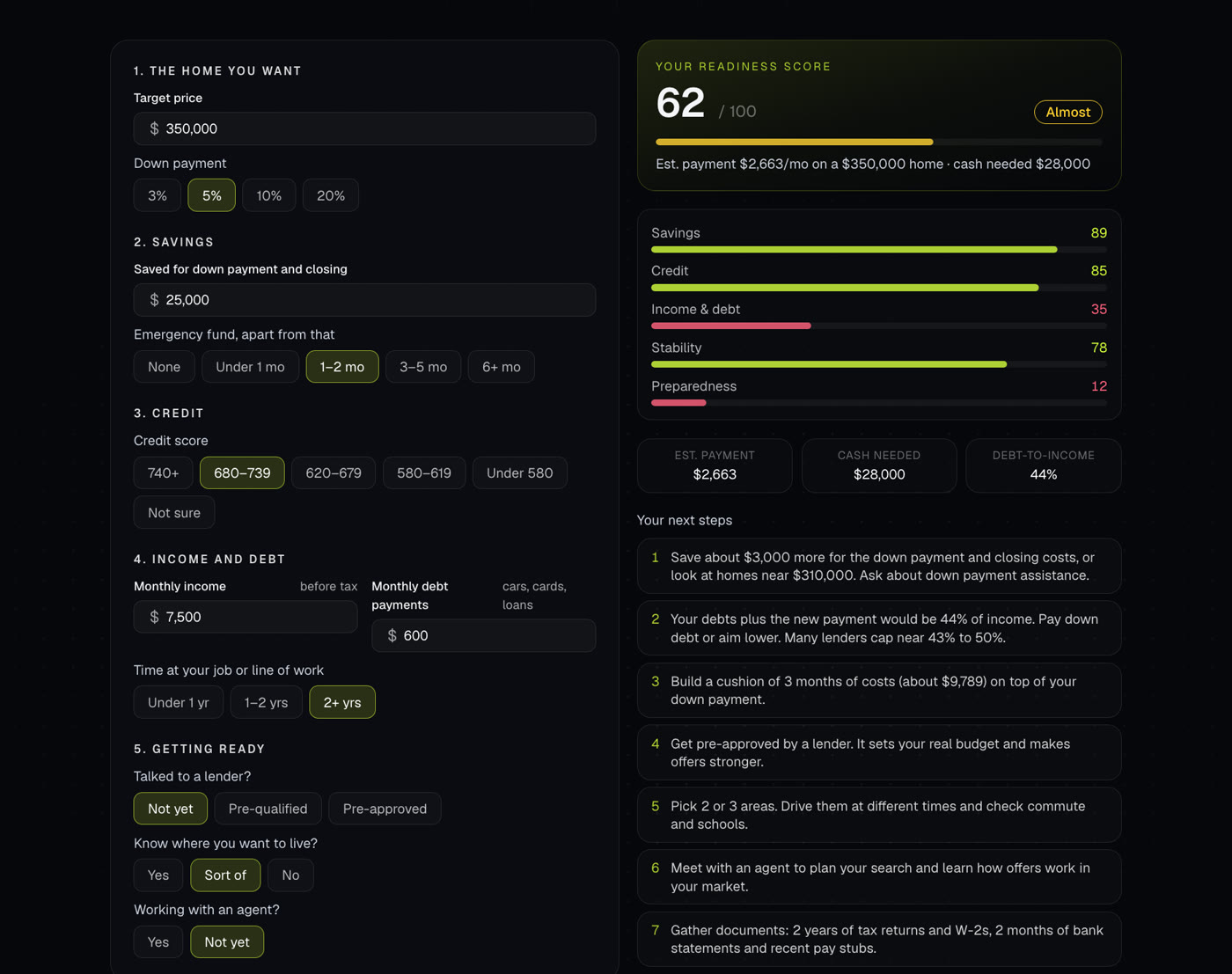
A short quiz for buyers that scores how ready they are, out of 100, and lists next steps. Covers savings, credit, income and debt, job stability and preparation.
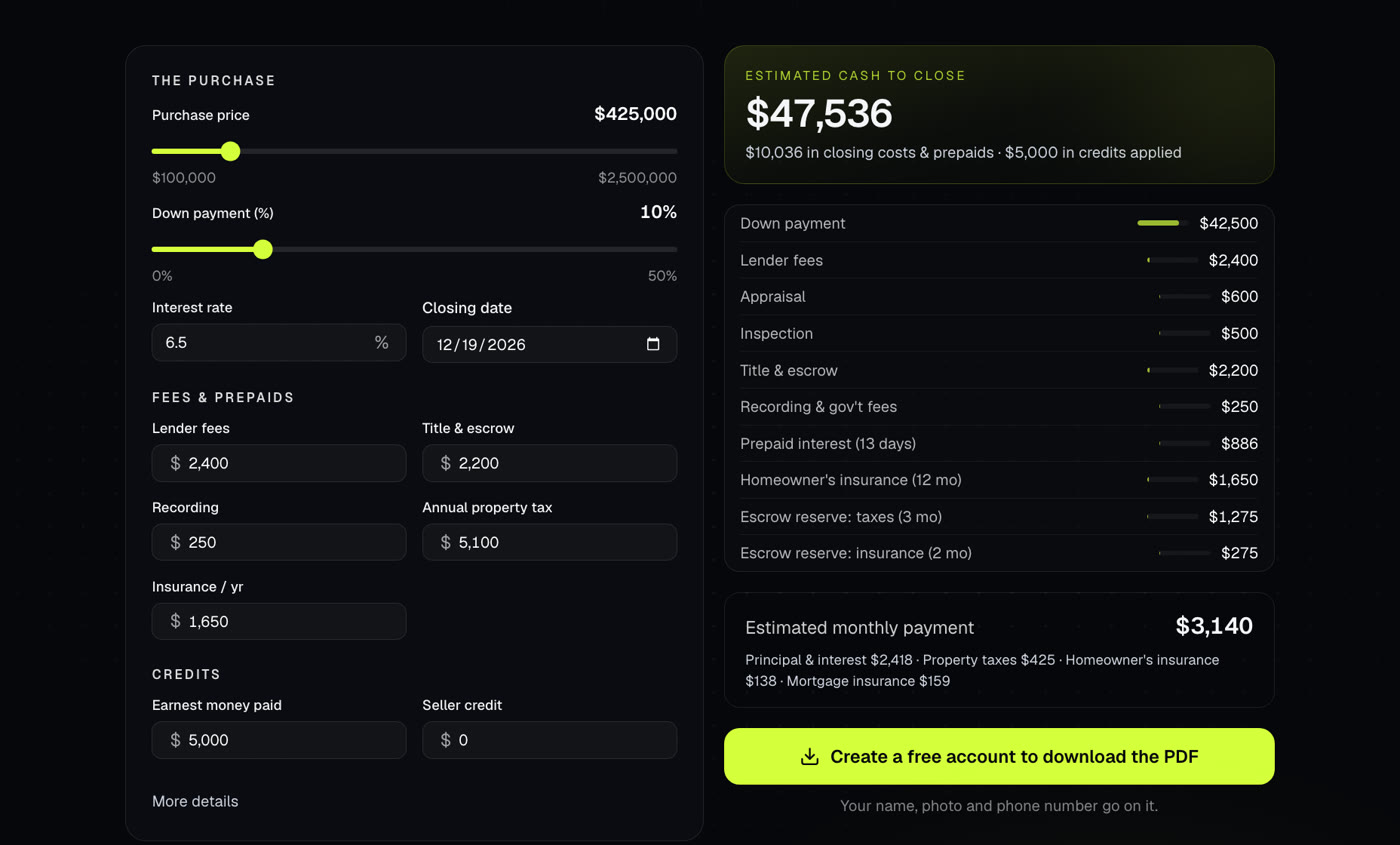
Estimates how much cash a buyer needs at closing: down payment, fees, prepaids and escrow, less credits. Also shows the monthly payment.