Tax History Analyzer
See a property's past tax bills and assessments, the trend and a five-year projection. Add neighbors to see if the assessment looks high.
Open the Tax History AnalyzerStep by step
- 1
Look up the records
Pick the client and property, then click Look up tax records. This can take a couple of minutes; you can leave or close the page and it saves to Results.
- 2
Check the years
The tax history fills in. Fix any year, add one with Add a year, or paste rows from a spreadsheet.
- 3
Set the projection
The projection uses the historical growth rate. Turn on Use my own growth rate to set your own.
- 4
Add neighbors
Add neighbors with their assessed value, tax and square feet, and enter your home's square feet. You'll see how it ranks by assessed value per square foot.
- 5
Download the PDF
Click Download branded PDF to share the history and projection.
Reading the results
You get charts of the tax bill and assessed value, yearly growth for each, a history table and the projected bill for the next five years.
Tax / assessed is the bill divided by the assessed value. Some states assess at a fraction of market value.
Appeal hint
With three or more neighbors, if the home is assessed more than 10% above the neighbor median per square foot, it suggests an appeal may be worth a look and links to the Property Tax Appeal calculator.
Verify it
The records lookup is AI research. Check it against the county assessor and treasurer links shown. The projection is an estimate.
Questions
Which plan is it in?
Plus. Premier and Partner include it too. Partner includes everything on the site, and it's free when you join eXp with Techy Broker as your sponsor. See pricing.
What if the lookup finds nothing?
Enter the years yourself. The county treasurer or assessor site usually lists them. You need at least two years to see the trend.
Can I run the lookup again?
Yes. Click Look up again under the property.
Related
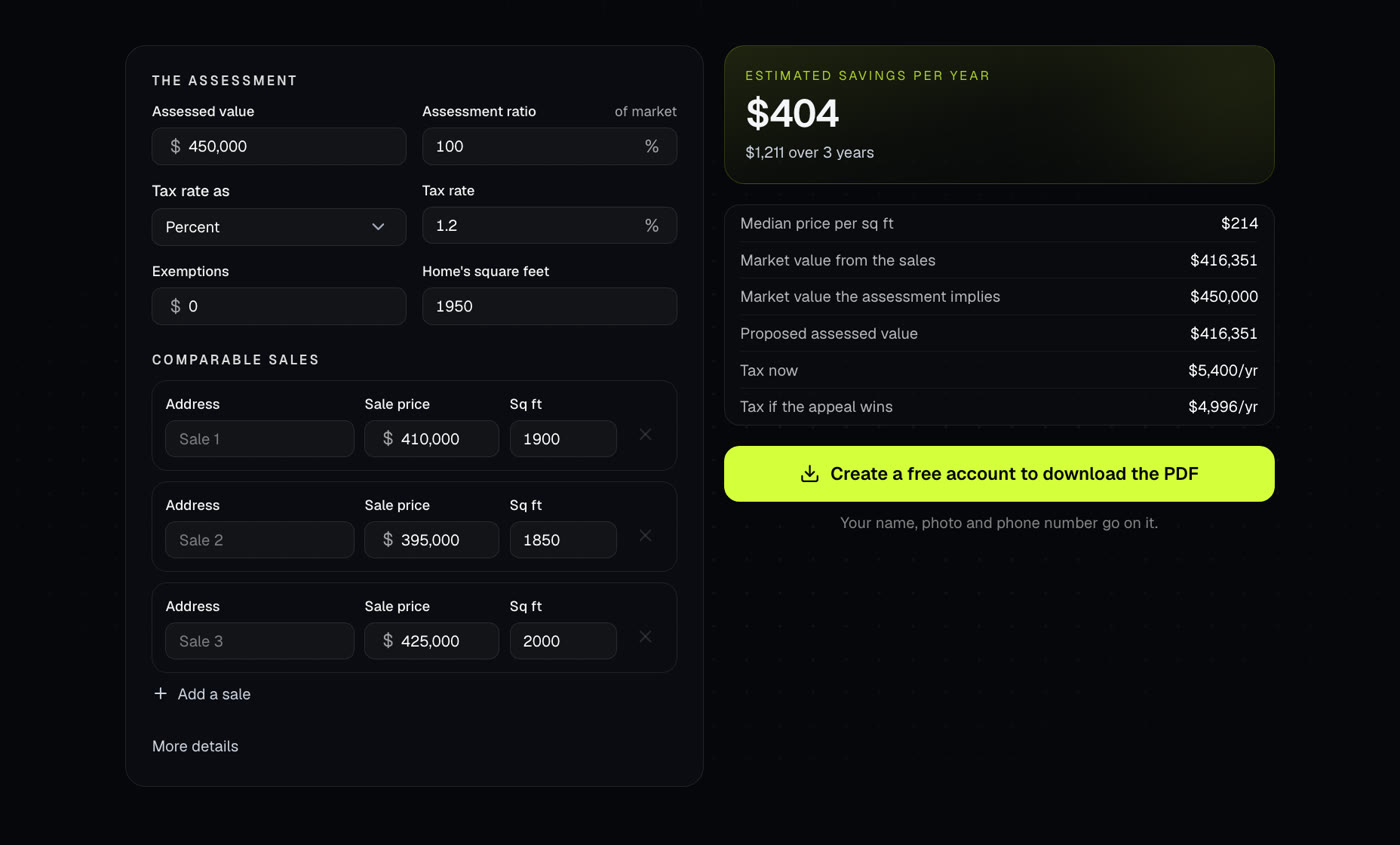
Compares a home's assessed value to recent sales and estimates what an appeal could save each year.
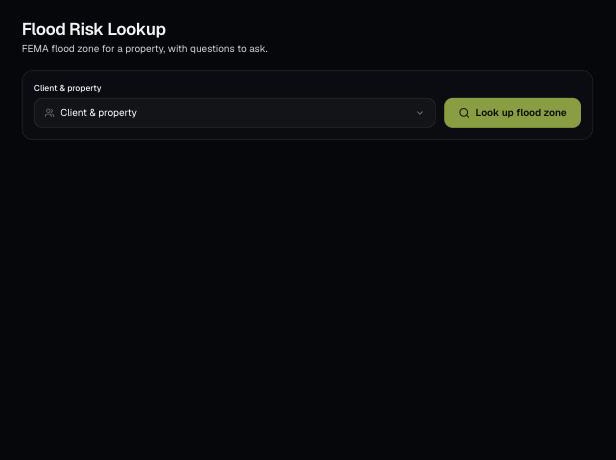
Look up the FEMA flood zone for a client's property, with a map, what it means for insurance and questions to ask.
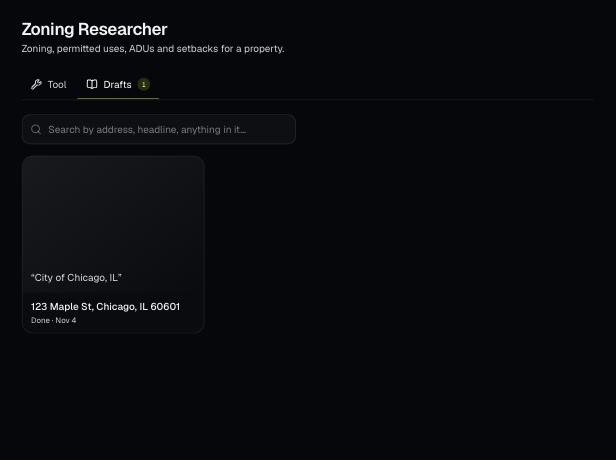
Tools save your work as you go, and AI tools keep running after you leave the page. Find both on the tool's Results tab and in the jobs indicator in the top bar.
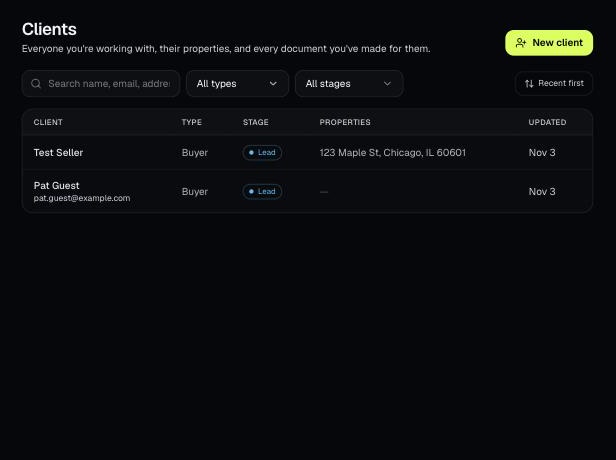
Tools that act on a property use one menu to pick a client and then one of their properties. There's no address box to type into; you pick, or add, from the menu.