Flood Risk Lookup
Look up the FEMA flood zone for a client's property, with a map, what it means for insurance and questions to ask.
Open the Flood Risk LookupStep by step
- 1
Pick the property
Pick the client and property in the Client & property menu.
- 2
Look it up
Click Look up flood zone. The answer comes straight from FEMA's flood map.
- 3
Read the result
You see the zone, the risk level, whether it's a Special Flood Hazard Area, and the base flood elevation and map panel when FEMA lists them.
- 4
Download the PDF
Click Download branded PDF to give your client the zone, the map and the questions to ask.
Risk levels
On the map, blue is high risk, orange is the 0.2% area, and the dot is the address.
- High risk: a Special Flood Hazard Area. Lenders require flood insurance on federally backed loans.
- Moderate risk: in the 0.2% (500-year) area or behind a levee.
- Minimal risk: outside the mapped flood areas.
- Undetermined: the area hasn't been studied.
Not an official determination
This is FEMA map data. The lender orders the official flood determination, and maps change, so check FEMA's Flood Map Service Center for pending updates.
Questions
Which plan is it in?
Plus. Premier and Partner include it too. Partner includes everything on the site, and it's free when you join eXp with Techy Broker as your sponsor. See pricing.
Does this use AI?
No. It reads FEMA's National Flood Hazard Layer directly.
What if the property touches two zones?
The result lists them. Lenders go by the zone the building sits in.
What if FEMA returns nothing?
Some areas don't have a digital flood map yet. Check the official FEMA map from the links on the page.
Related
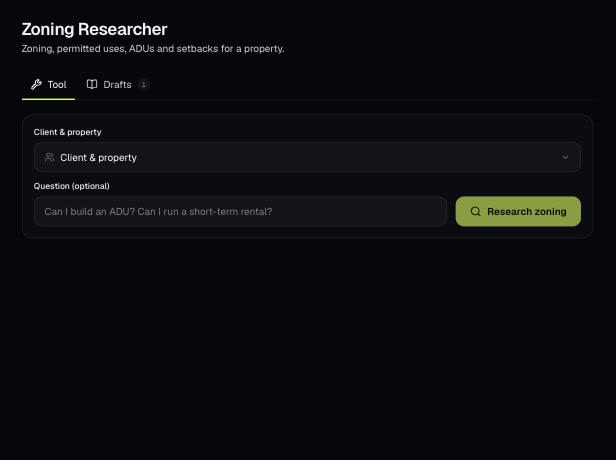
AI researches the zoning for a client's property: the district, ADU rules, setbacks, permitted uses and overlays, with links to verify. Ask your own question too.
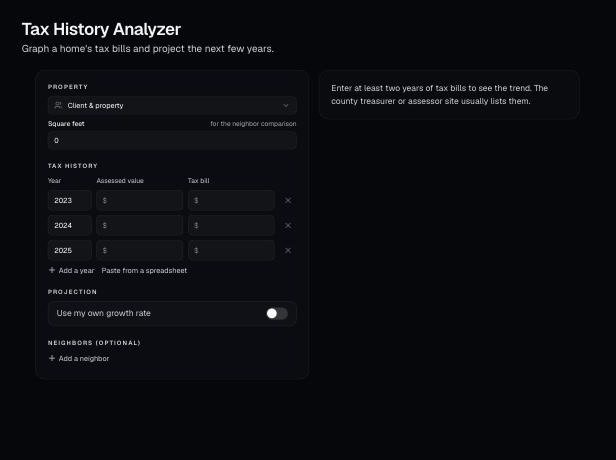
See a property's past tax bills and assessments, the trend and a five-year projection. Add neighbors to see if the assessment looks high.
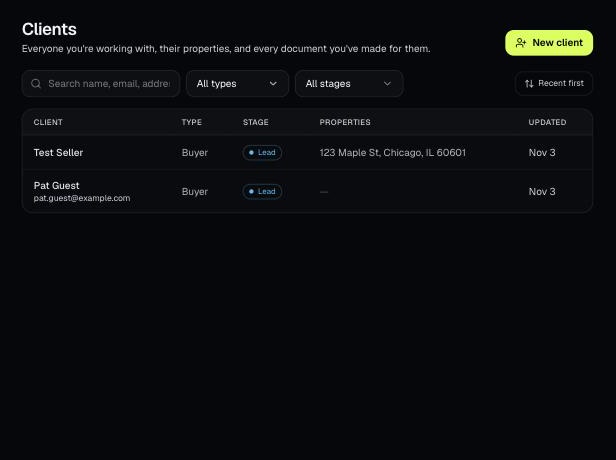
Tools that act on a property use one menu to pick a client and then one of their properties. There's no address box to type into; you pick, or add, from the menu.
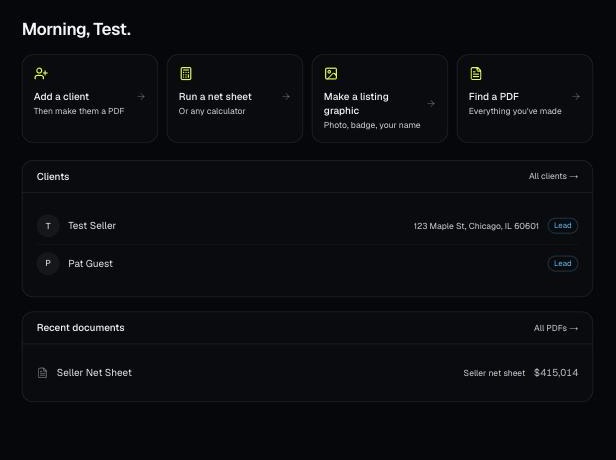
Every PDF you download is saved, so you can preview it, download it again with your current brand, or reopen it with the same numbers.