Zoning Researcher
AI researches the zoning for a client's property: the district, ADU rules, setbacks, permitted uses and overlays, with links to verify. Ask your own question too.
Open the Zoning ResearcherStep by step
- 1
Pick the property
Pick the client and property in the Client & property menu.
- 2
Ask a question
Type a question if you have one, like Can I build an ADU? This is optional.
- 3
Research zoning
Click Research zoning. It runs in the background, so you can leave or close the page. The result saves to Results.
- 4
Read and verify
Check the district, ADU, setbacks and uses. Use the official map and code links to confirm.
- 5
Download the PDF
Click Download branded PDF to share it.
What you get
One page with everything it found.
- The answer to your question
- Jurisdiction, zoning district and a confidence level
- Whether ADUs are allowed
- Setbacks, max height, lot coverage and minimum lot size
- Permitted and conditional uses, restrictions and overlays
- Who to verify with, plus sources found
Verify it
This is AI research from public sources. Confirm with the local zoning or planning office before you or your client rely on it.
Questions
Which plan is it in?
Plus. Premier and Partner include it too. Partner includes everything on the site, and it's free when you join eXp with Techy Broker as your sponsor. See pricing.
Can I close the page while it runs?
Yes. It runs on the server. The jobs indicator in the top bar shows it, and the result saves to the Results tab.
What if it can't find the district?
It says District not confirmed. Use the official map link and call the zoning office.
Related
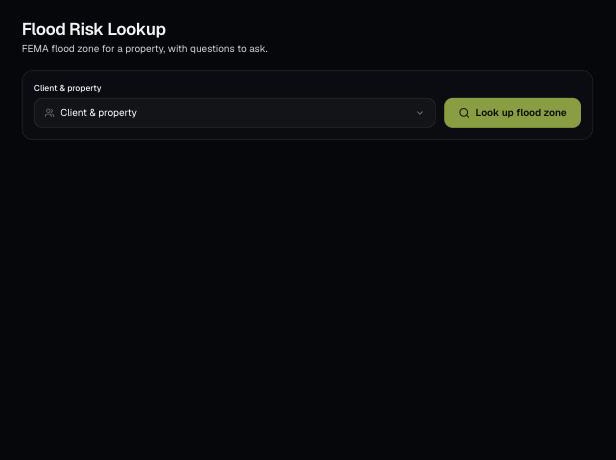
Look up the FEMA flood zone for a client's property, with a map, what it means for insurance and questions to ask.
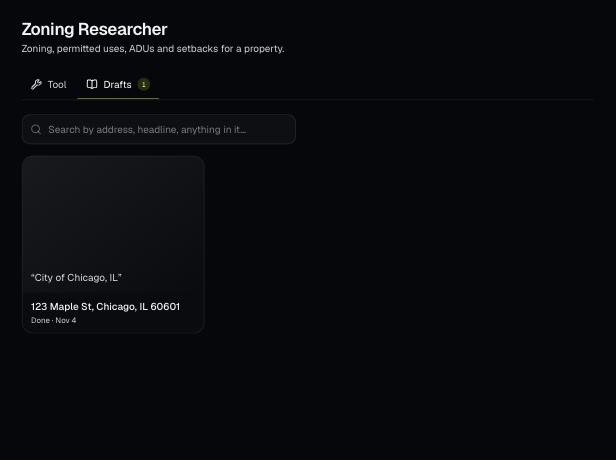
Tools save your work as you go, and AI tools keep running after you leave the page. Find both on the tool's Results tab and in the jobs indicator in the top bar.
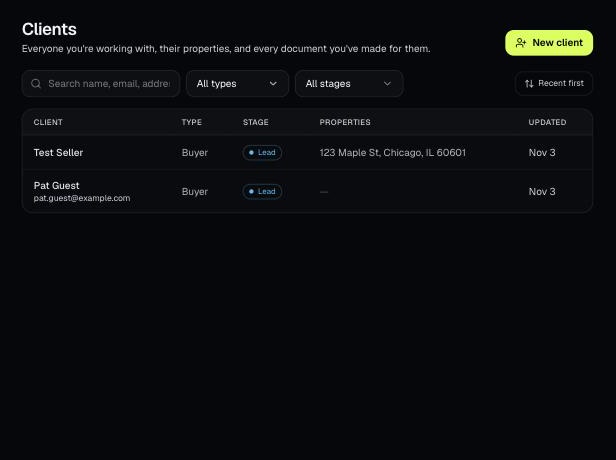
Tools that act on a property use one menu to pick a client and then one of their properties. There's no address box to type into; you pick, or add, from the menu.