Tax Proration
Works out the property tax credit between buyer and seller at closing, for areas that pay taxes in arrears or in advance.
Open the Tax Proration calculatorStep by step
- 1
Enter the basics
Pick the closing date and type the annual property tax.
- 2
Pick arrears or advance
Leave the switch on if taxes are paid in arrears, so the seller credits the buyer. Turn it off if they're paid in advance, so the buyer reimburses the seller.
- 3
Match the contract
Under More details, set who owns closing day, the day count (actual days or 30-day months), a proration percentage, the paid-through date and any amount already paid toward the period.
- 4
Download the PDF
If you like, pick a client and property in the Client & property menu above the button so the PDF says who it's for. It doesn't change your numbers. Download the Property Tax Proration PDF with your name, photo and phone on it; it saves to the Results tab.
- 5
Send it to clients
The Share tab has your branded link for this calculator, with buttons to copy, text or email it. Clients can run it there on their own.
Reading the results
The top number is the credit and which way it goes, with the days and daily rate. Below are the daily tax, days prorated, the date range and the full math on one line.
The paid-through date defaults to last December 31 for arrears and this December 31 for advance until you change it.
Check the conventions
Use the proration percentage only if the contract calls for it, for example where the next bill is expected to be higher. Verify the paid-through date and bill with the title company.
What the PDF has
Your inputs, the math step by step, and the result in plain words.
On your branded page
Clients can run this calculator on your branded page, techybroker.com/b/{handle}, under Closing. To download the PDF they give a name and an email or phone. That adds them to your clients, and their runs and downloads show in Activity.
Questions
Who owns the day of closing?
It depends on your contract and state. By default the buyer does; switch it under More details.
What does already paid do?
It subtracts an amount already paid toward the period, such as a second installment, from the credit.
Related
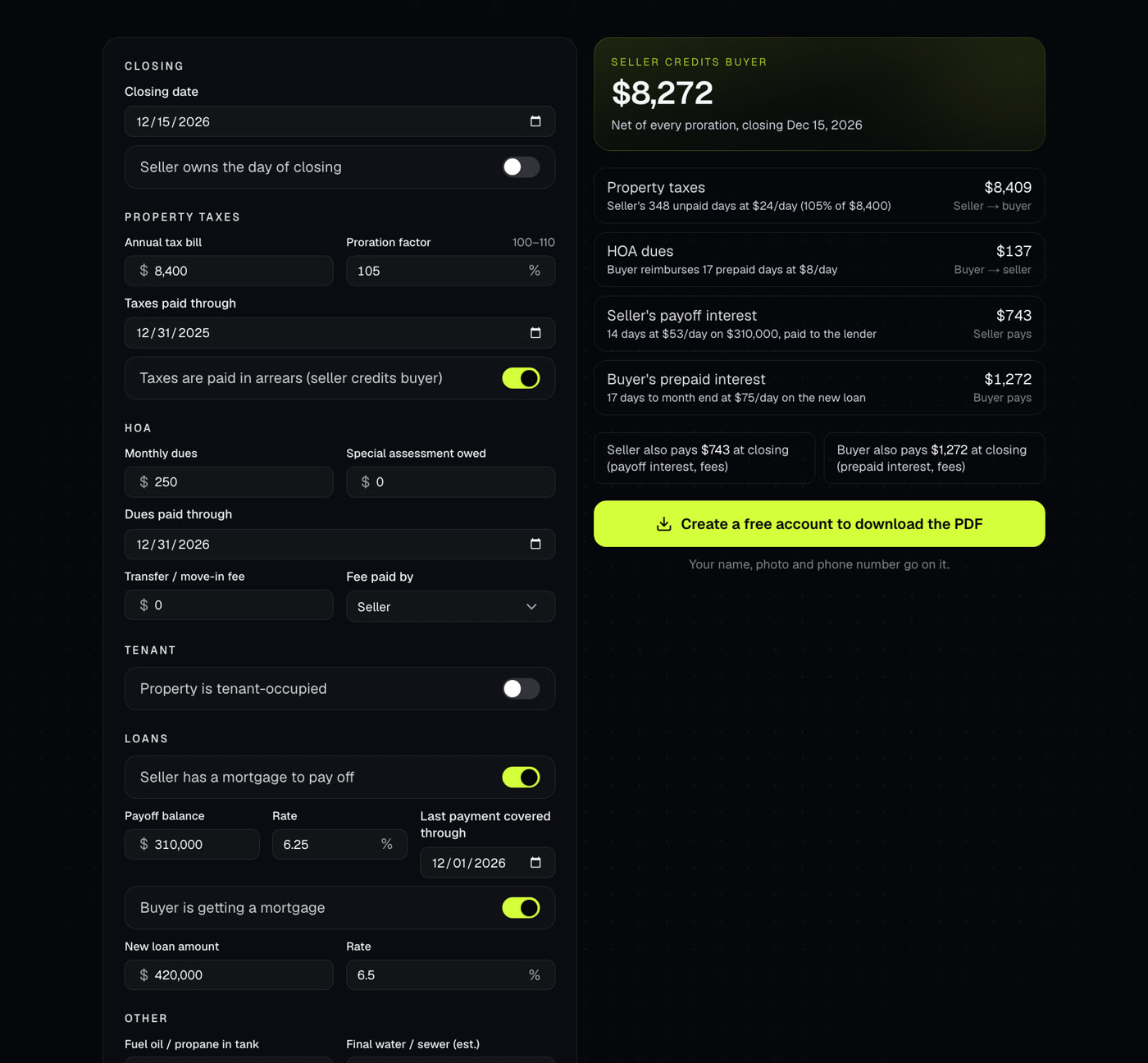
Prorates taxes, HOA dues, rent, deposits and other items to the day, settlement-statement style, with who credits whom and a net.
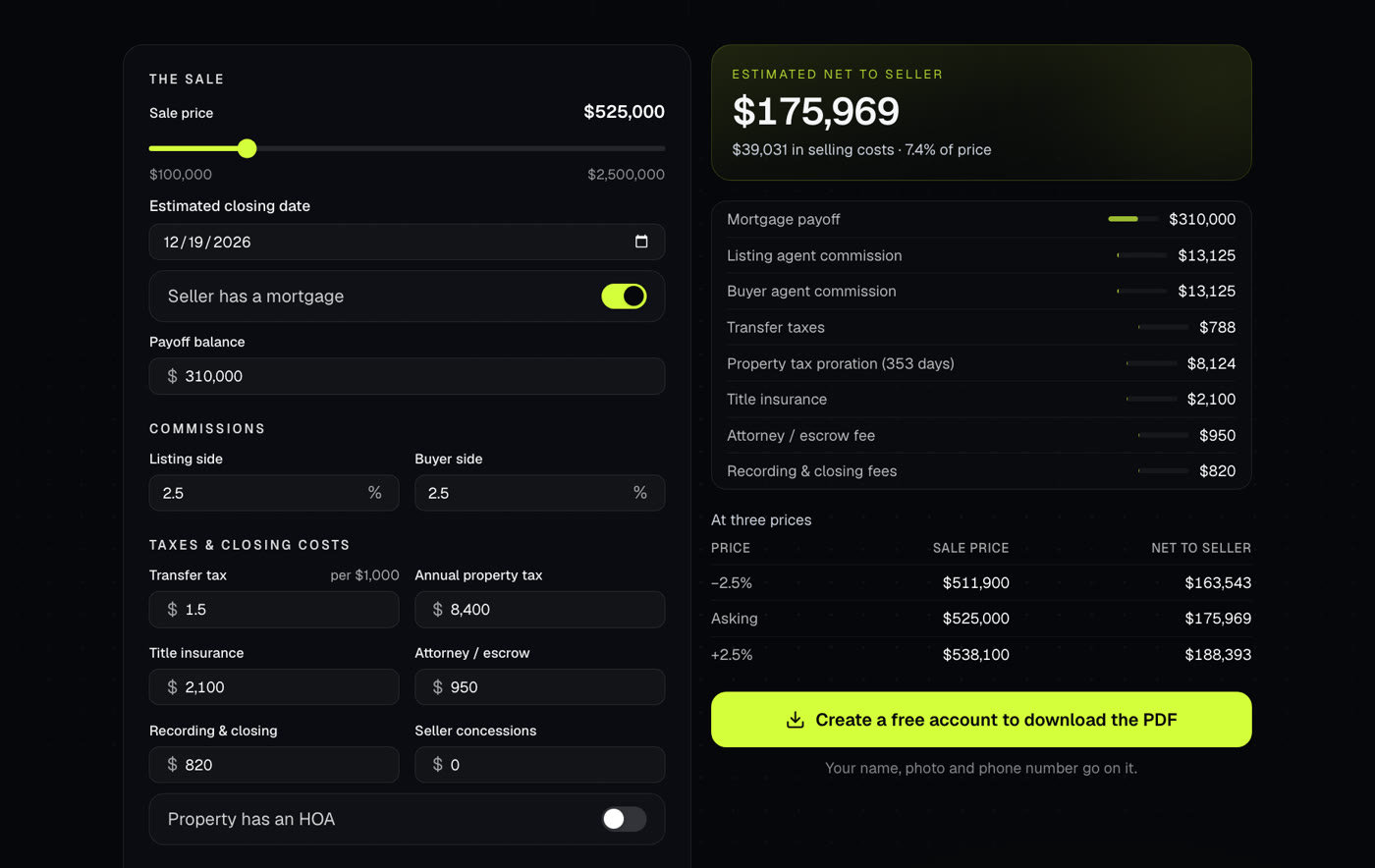
Shows what a seller walks away with after commissions, payoffs, taxes and closing costs. Use it at the listing appointment or when an offer comes in.
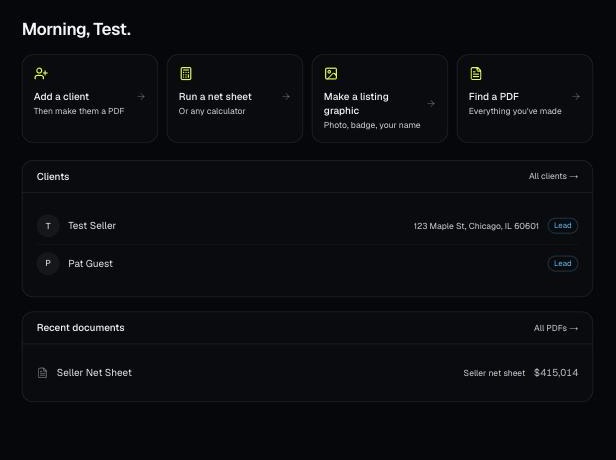
Every PDF you download is saved, so you can preview it, download it again with your current brand, or reopen it with the same numbers.