Closing Prorations
Prorates taxes, HOA dues, rent, deposits and other items to the day, settlement-statement style, with who credits whom and a net.
Open the Closing Prorations calculatorStep by step
- 1
Set the closing
Pick the closing date and whether the seller owns the day of closing. The dates start with sample values, so set them first.
- 2
Enter taxes and HOA
Type the annual tax bill, the proration factor, the paid-through date, and whether taxes are paid in arrears. Add HOA dues, paid-through date, any special assessment and a transfer fee with who pays it.
- 3
Add tenant and loans
For a rental, turn on tenant-occupied and enter rent, deposit and rent paid through. Add the seller's payoff and the buyer's new loan to get per-diem interest.
- 4
Add other items
Enter fuel in the tank, a final water bill, and one custom item with a plus amount for the buyer or minus for the seller.
- 5
Download the PDF
If you like, pick a client and property in the Client & property menu above the button so the PDF says who it's for. It doesn't change your numbers. Download the Closing Prorations PDF with your name, photo and phone on it; it saves to the Results tab.
- 6
Send it to clients
The Share tab has your branded link for this calculator, with buttons to copy, text or email it. Clients can run it there on their own.
Reading the results
The top number is the net: seller credits buyer, or buyer credits seller. Each line shows the item, how it was figured and which way it goes.
Seller payoff interest, buyer prepaid interest and HOA fees are paid to the lender or HOA, so they're shown below as also due and aren't in the net.
Check the conventions
The proration factor starts at 105%. Set it to 100% if your area doesn't use one. Who owns closing day and whether taxes are paid in arrears vary by state and contract; the title company's settlement statement governs.
What the PDF has
A prorations table with credit buyer and credit seller columns, the net, items also due at closing, and the assumptions used.
On your branded page
Clients can run this calculator on your branded page, techybroker.com/b/{handle}, under Closing. To download the PDF they give a name and an email or phone. That adds them to your clients, and their runs and downloads show in Activity.
Questions
Is there a More details section?
No. Every input is on the main screen.
What's the difference from the Tax Proration calculator?
This one covers every proration at once. Tax Proration does property tax only, with a 360-day option and a field for amounts already paid.
Can I get back to numbers I ran before?
Yes, if you downloaded the PDF. Open the Results tab and pick the run; the calculator fills back in with the same inputs.
Related
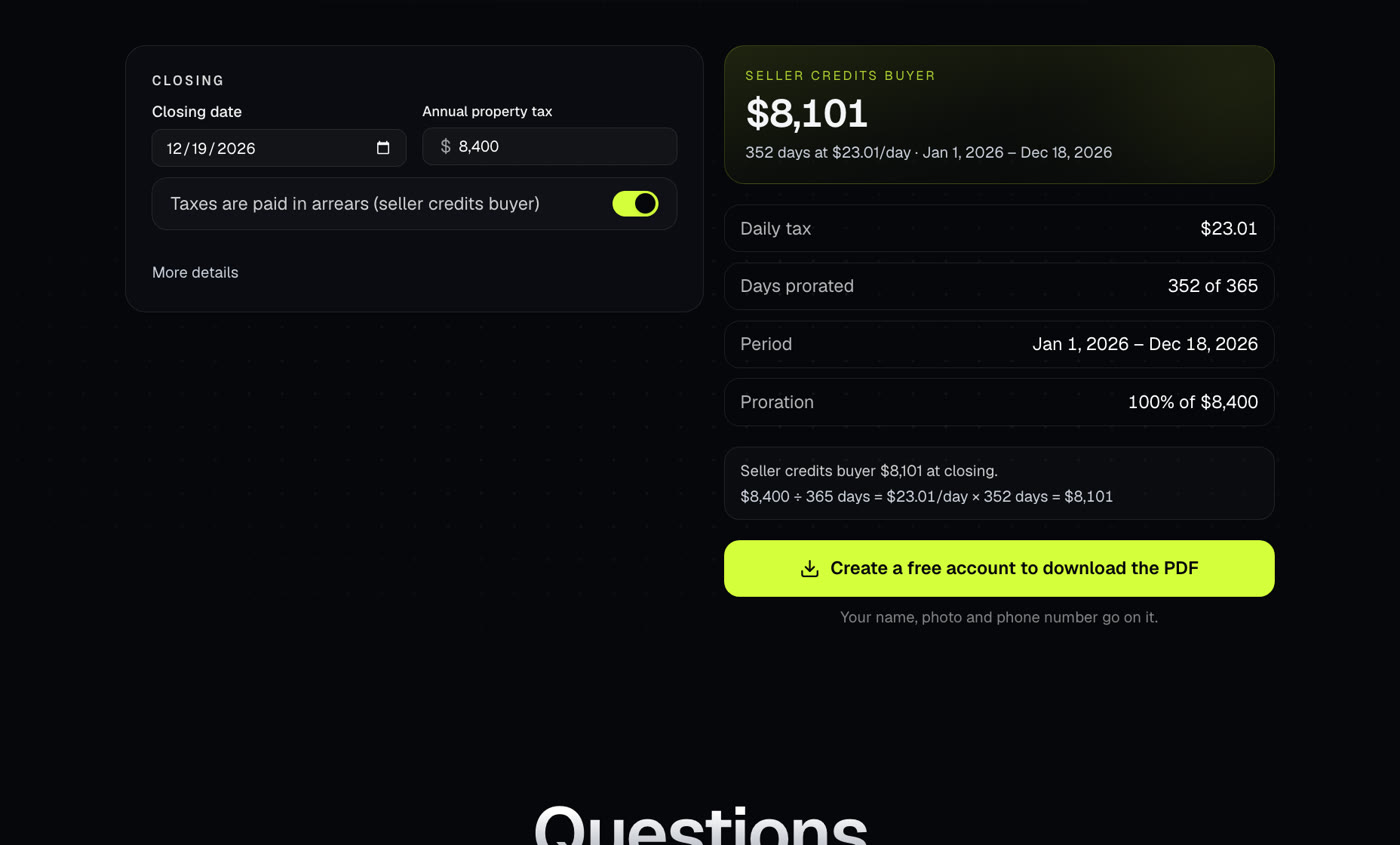
Works out the property tax credit between buyer and seller at closing, for areas that pay taxes in arrears or in advance.
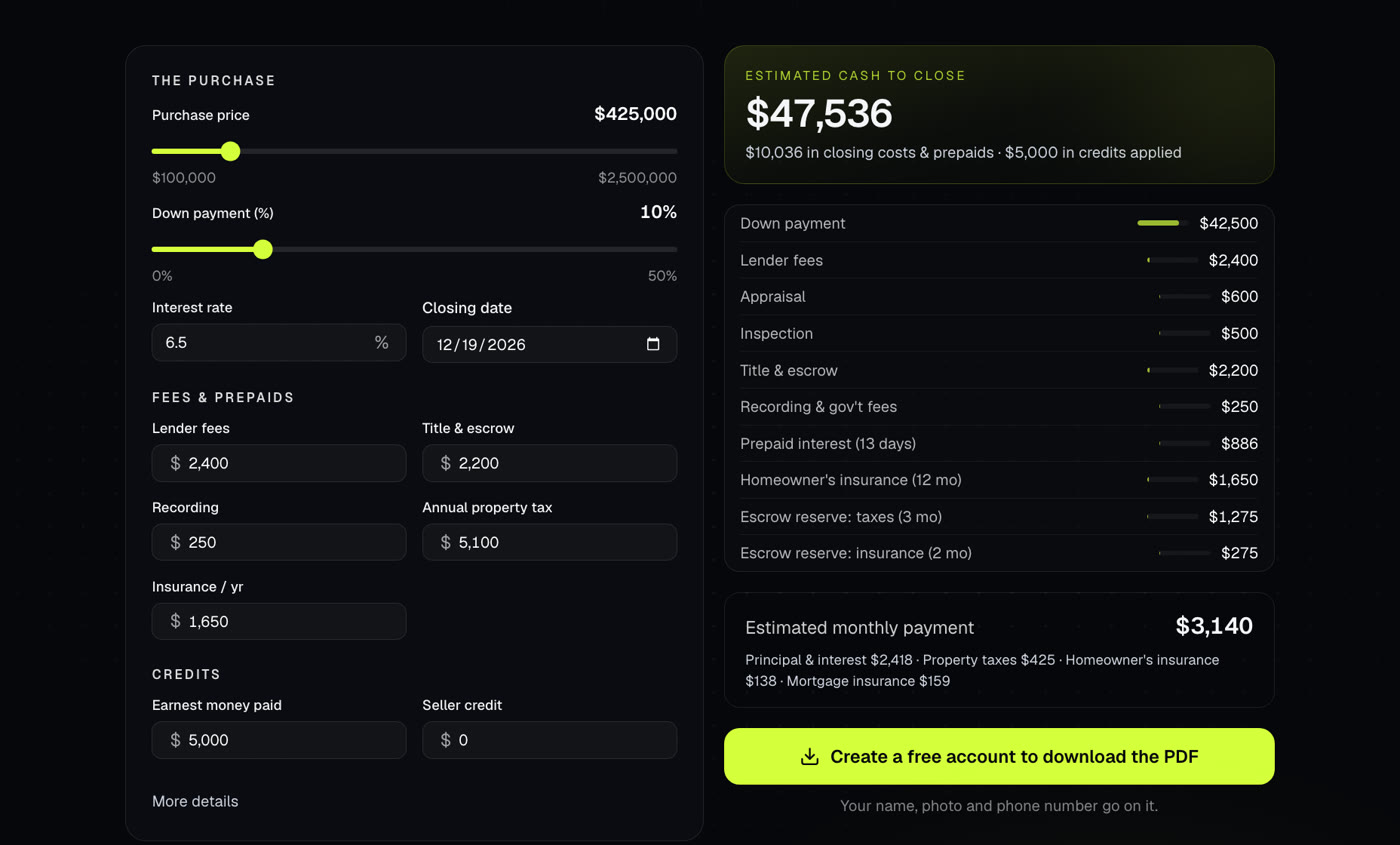
Estimates how much cash a buyer needs at closing: down payment, fees, prepaids and escrow, less credits. Also shows the monthly payment.
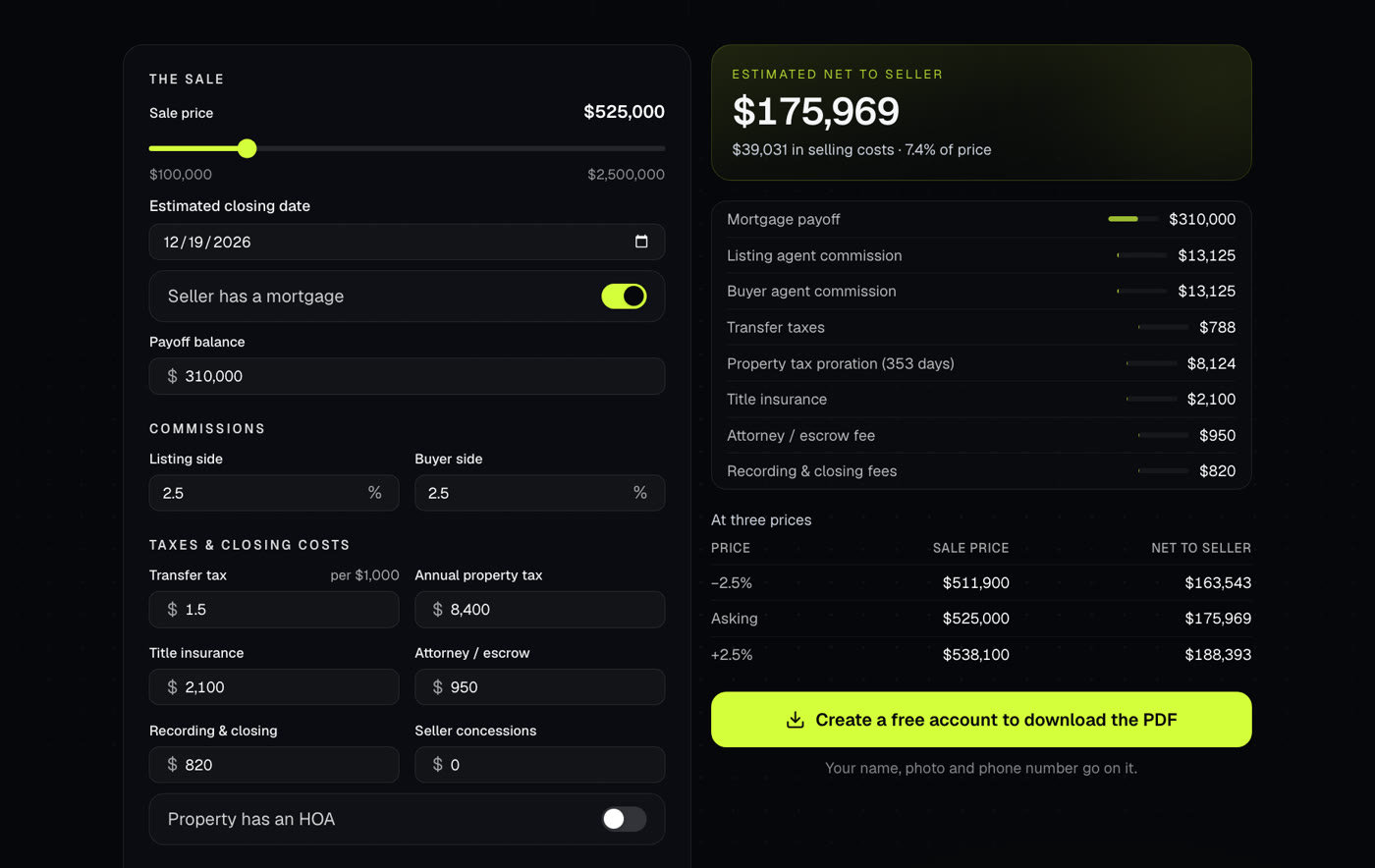
Shows what a seller walks away with after commissions, payoffs, taxes and closing costs. Use it at the listing appointment or when an offer comes in.