Seller Rent-Back
Works out what a seller pays to stay in the home after closing, and the deposit held from their proceeds.
Open the Seller Rent-BackStep by step
- 1
Set the dates
Enter the closing date and the date the seller moves out.
- 2
Enter the buyer's monthly cost
Type the buyer's monthly payment and HOA, or turn on Work it out from the loan and enter the loan, rate, term, taxes, insurance and HOA. If the buyer pays utilities, turn off the seller switch and add them.
- 3
Check the daily rate
The daily rate is the monthly cost divided by 30. Turn on Use a different daily rate if you agreed on another number.
- 4
Set the deposit
Set the security deposit as a percent of the sale price, a dollar amount, or a number of days of rent.
- 5
Download the PDF
If you like, pick a client and property in the Client & property menu above the button so the PDF says who it's for. It doesn't change your numbers. Download the Rent-Back Summary PDF with your name, photo and phone on it; it saves to the Results tab.
- 6
Send it to clients
The Share tab has your branded link for this calculator, with buttons to copy, text or email it. Clients can run it there on their own.
Reading the results
The top number is the total occupancy charge: days times the daily rate. Below it you see the charge credited to the buyer, the deposit held, how much the seller's proceeds drop at closing, and how much can come back after move-out.
Good to know
The charge is usually a credit to the buyer at closing. The deposit comes back after move-out, less any damage. Stays over 60 days may need a lease and lender approval, so confirm terms in writing.
What the PDF has
The stay dates and days, the daily rate broken down by part, and what happens at closing.
On your branded page
Clients can run this calculator on your branded page, techybroker.com/b/{handle}, under Selling. To download the PDF they give a name and an email or phone. That adds them to your clients, and their runs and downloads show in Activity.
Questions
Why divide by 30?
It's the common way to turn a monthly cost into a daily rate. If your contract uses another rate, use the override.
What's under More about how it works?
A short note on how the charge and deposit are usually handled. There are no extra inputs there.
Related
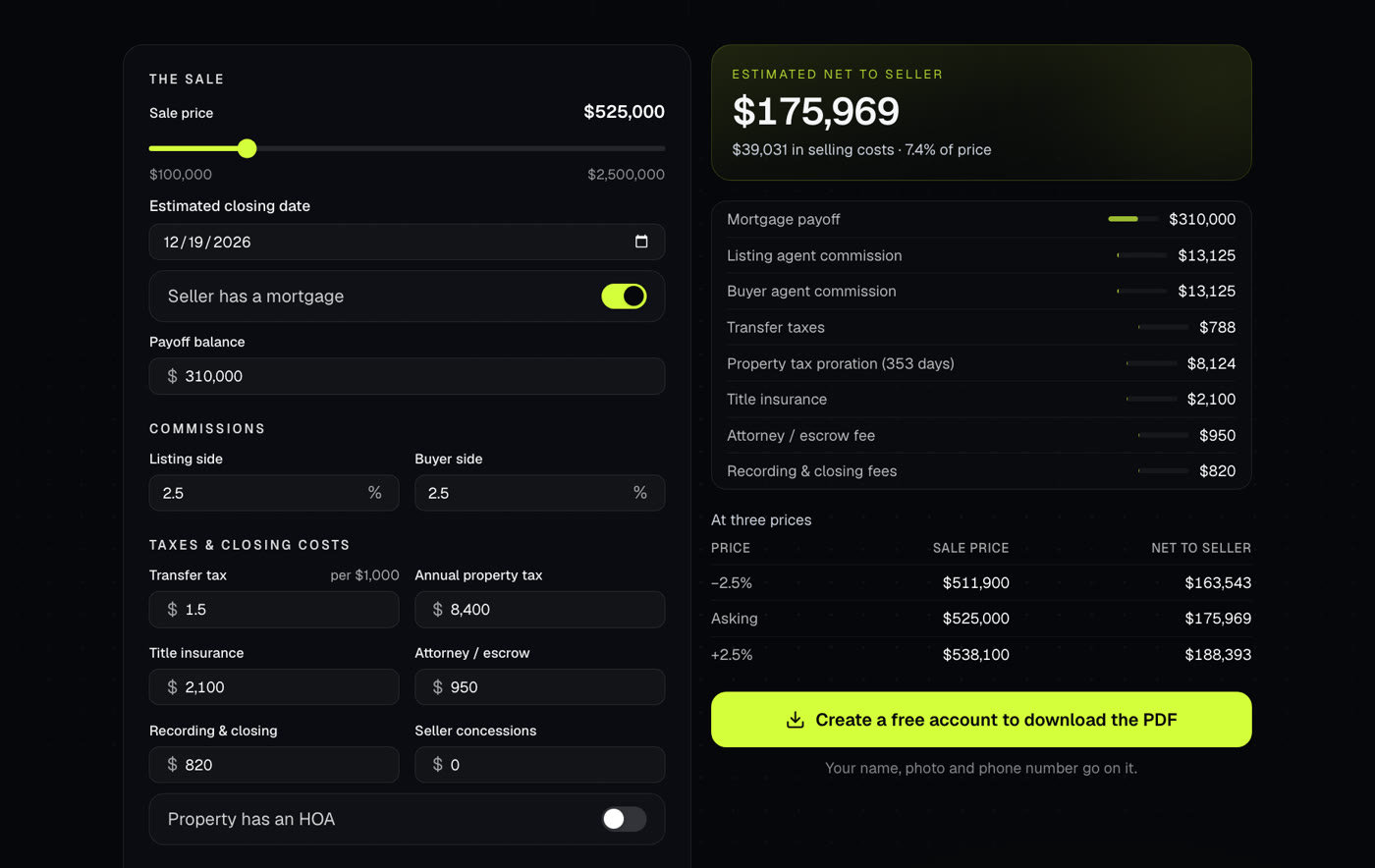
Shows what a seller walks away with after commissions, payoffs, taxes and closing costs. Use it at the listing appointment or when an offer comes in.
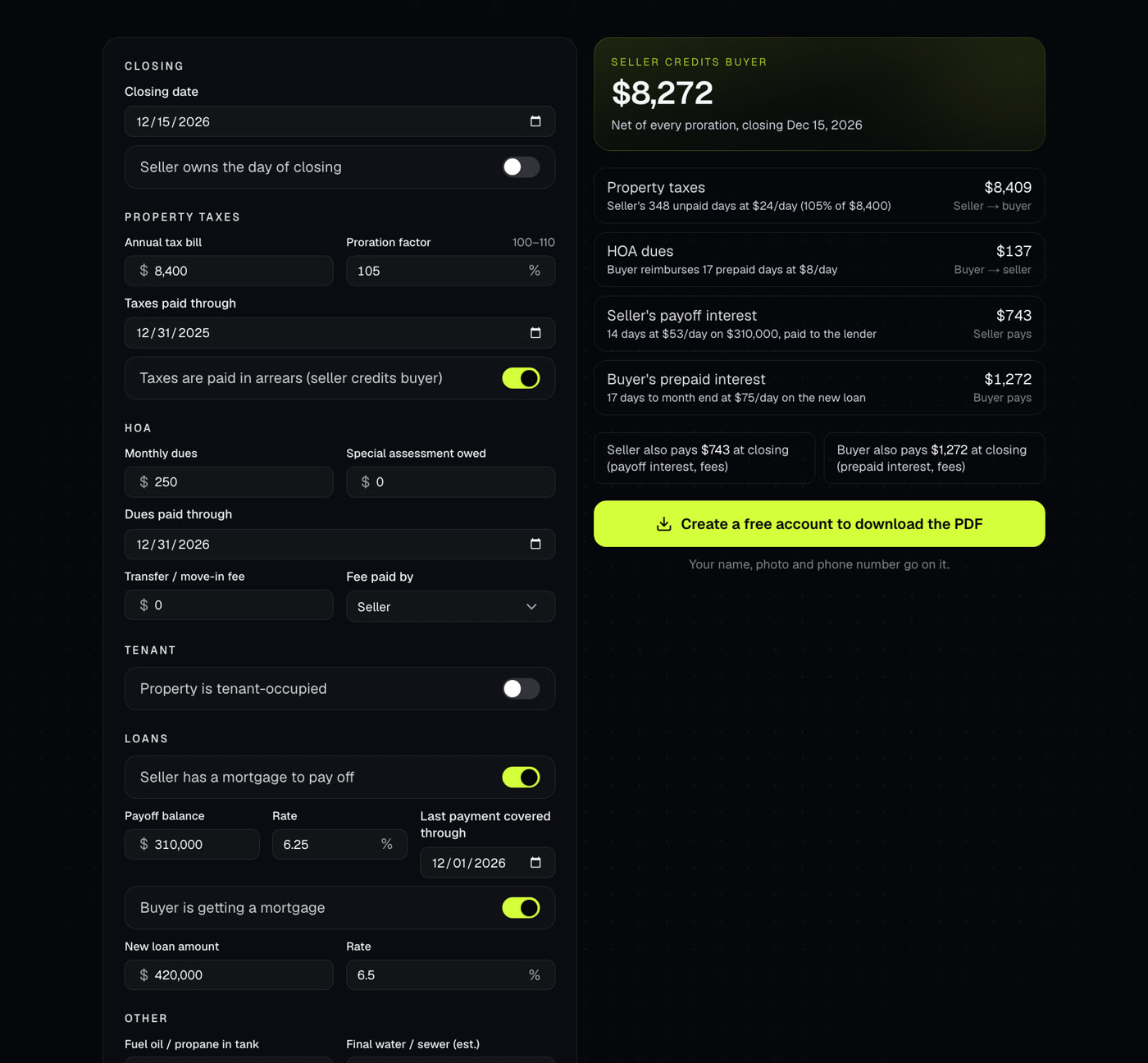
Prorates taxes, HOA dues, rent, deposits and other items to the day, settlement-statement style, with who credits whom and a net.
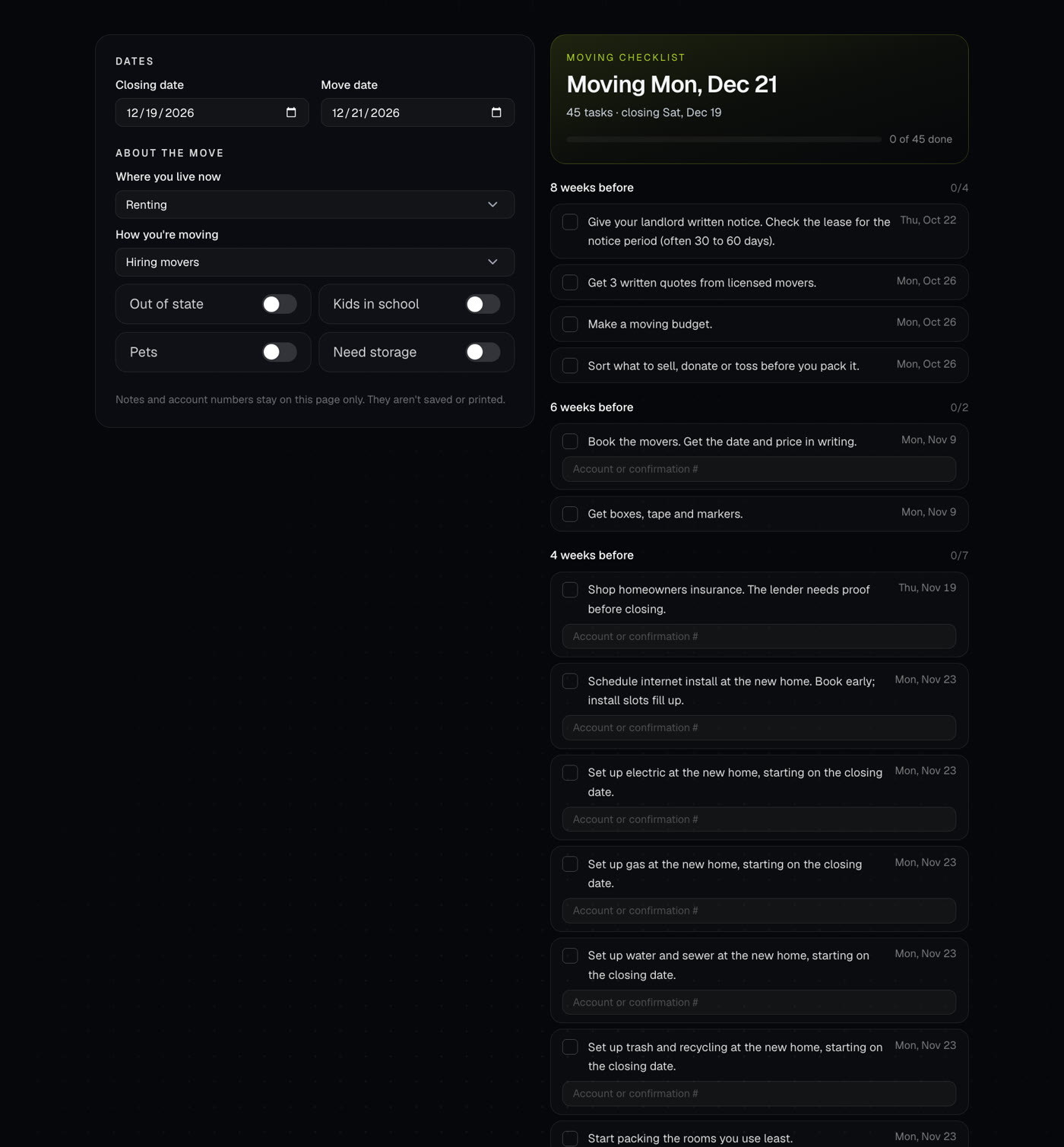
Builds a dated moving checklist from the closing and move dates, from 8 weeks before to the weeks after.