Moving Checklist
Builds a dated moving checklist from the closing and move dates, from 8 weeks before to the weeks after.
Open the Moving ChecklistStep by step
- 1
Set the dates
Enter the closing date and the move date. Every task gets a date from these.
- 2
Describe the move
Pick renting or owning now, and hiring movers or doing it yourselves. Turn on out of state, kids in school, pets or storage as they apply.
- 3
Work the list
Check off tasks as they're done. Some tasks have a box for an account or confirmation number.
- 4
Download the PDF
If you like, pick a client and property in the Client & property menu above the button so the PDF says who it's for. It doesn't change your numbers. Download the Moving Checklist PDF with your name, photo and phone on it; it saves to the Results tab.
- 5
Send it to clients
The Share tab has your branded link for this calculator, with buttons to copy, text or email it. Clients can run it there on their own.
Reading the list
Tasks are grouped 8 weeks before, 6, 4 and 2 weeks before, the week before, moving day and after the move. Closing tasks, like binding insurance and confirming wire instructions, are dated from the closing date.
If closing is after the move date, a note asks you to check both dates.
What the PDF has
Each group as a table with Done, the task, its date and a blank account number column to write in.
On your branded page
Clients can run this calculator on your branded page, techybroker.com/b/{handle}, under Buying. To download the PDF they give a name and an email or phone. That adds them to your clients, and their runs and downloads show in Activity.
Questions
Are the account numbers saved?
No. Notes and account numbers stay on the page only. They aren't saved or printed, so the PDF column is blank for writing by hand.
Are checkmarks saved?
They print as Done on the PDF. Reopening a saved run brings back the dates and answers, not the checkmarks.
Related
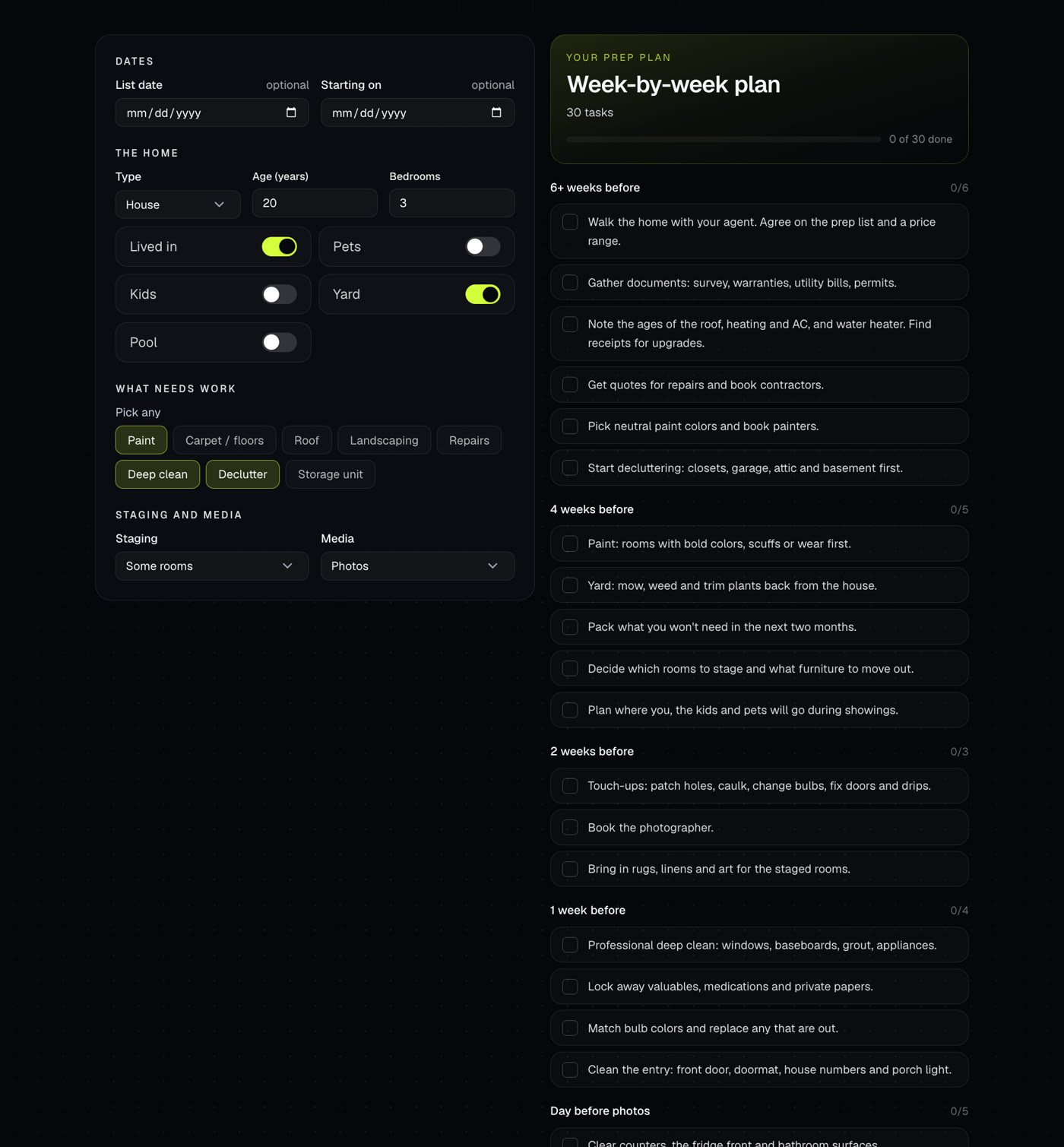
Builds a week-by-week plan to get a home ready to list, counting back from the list date. Tasks change with the home and the work it needs.
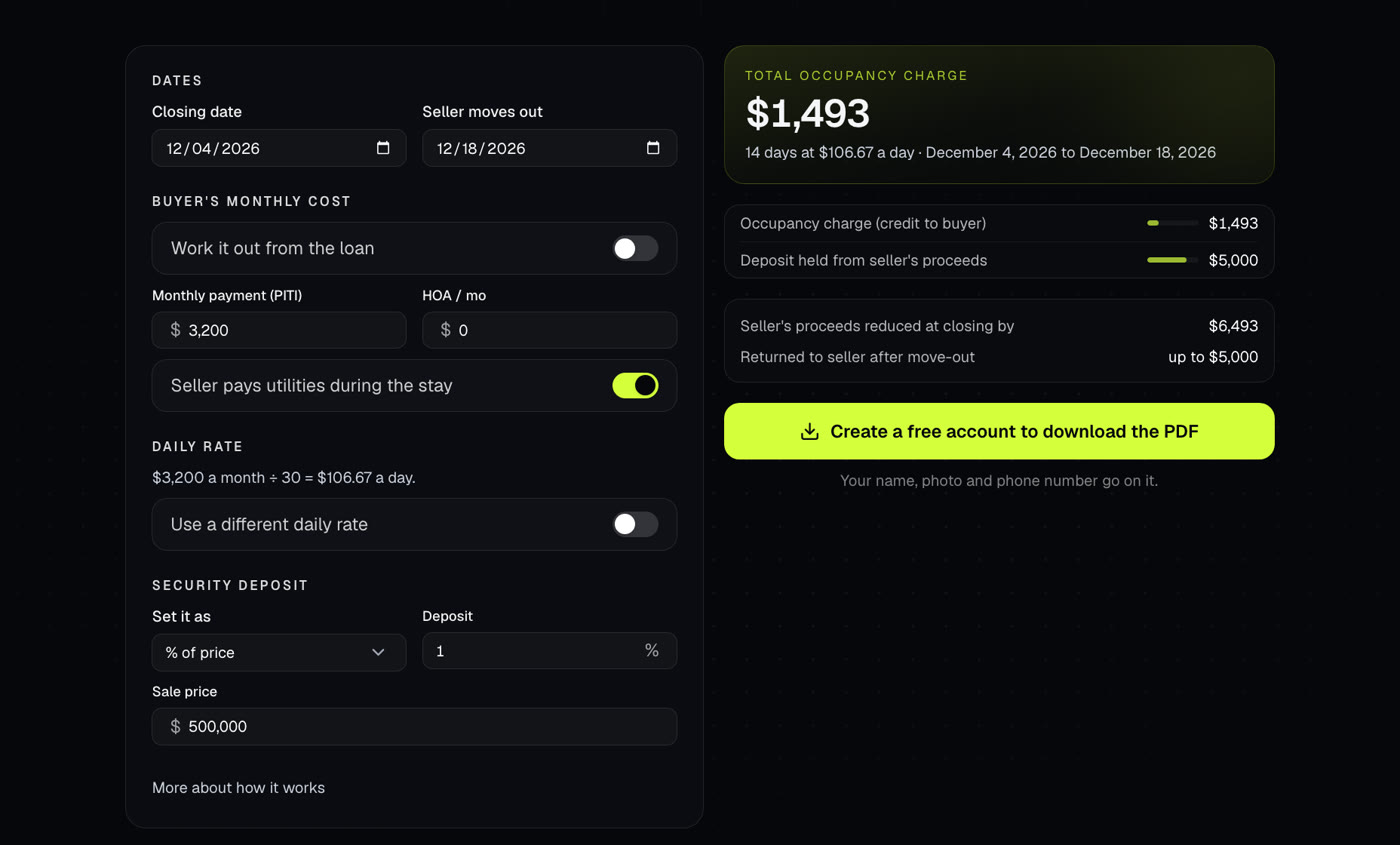
Works out what a seller pays to stay in the home after closing, and the deposit held from their proceeds.

Your branded page at techybroker.com/b/{handle} has your calculators with your name and photo on them. Clients run their own numbers and download PDFs branded to you.