Rate Buydown
Compares a permanent buydown with points against 2-1, 3-2-1 and 1-0 temporary buydowns: cost, payments, break-even and savings.
Open the Rate Buydown calculatorStep by step
- 1
Enter the loan
Type the loan amount, note rate and term.
- 2
Set the points
Slide the points from 0 to 4 and enter the rate drop per point. Ask the lender for that number.
- 3
Set who pays
Enter the years the buyer will keep the loan and pick who pays: seller as a concession, or buyer.
- 4
Download the PDF
If you like, pick a client and property in the Client & property menu above the button so the PDF says who it's for. It doesn't change your numbers. Download the Rate Buydown Comparison PDF with your name, photo and phone on it; it saves to the Results tab.
- 5
Send it to clients
The Share tab has your branded link for this calculator, with buttons to copy, text or email it. Clients can run it there on their own.
Reading the results
The top number is the monthly saving from the permanent buydown, with how long it takes to pay for itself. A card for each option shows the upfront cost, payments in years 1 to 3, the payment after, and the saving over the years kept.
When the seller pays, the last line is what the buyer saves. When the buyer pays, it's the saving minus the cost.
Assumptions
Principal and interest only. Each point costs 1% of the loan. A temporary buydown's cost is the sum of the payment differences. Lenders usually qualify at the note rate, and seller concessions are capped by loan type.
What the PDF has
The loan and a side-by-side table of all four options.
On your branded page
Clients can run this calculator on your branded page, techybroker.com/b/{handle}, under Buying. To download the PDF they give a name and an email or phone. That adds them to your clients, and their runs and downloads show in Activity.
Questions
Which option is best?
A permanent buydown wins if the buyer keeps the loan past the break-even. A temporary one helps the first years' budget, then the payment goes back to the note rate.
Does it include taxes and insurance?
No. It compares principal and interest only.
Related

Shows the full monthly payment with taxes, insurance, PMI and HOA, plus the loan balance over time. Also handles extra payments and discount points.
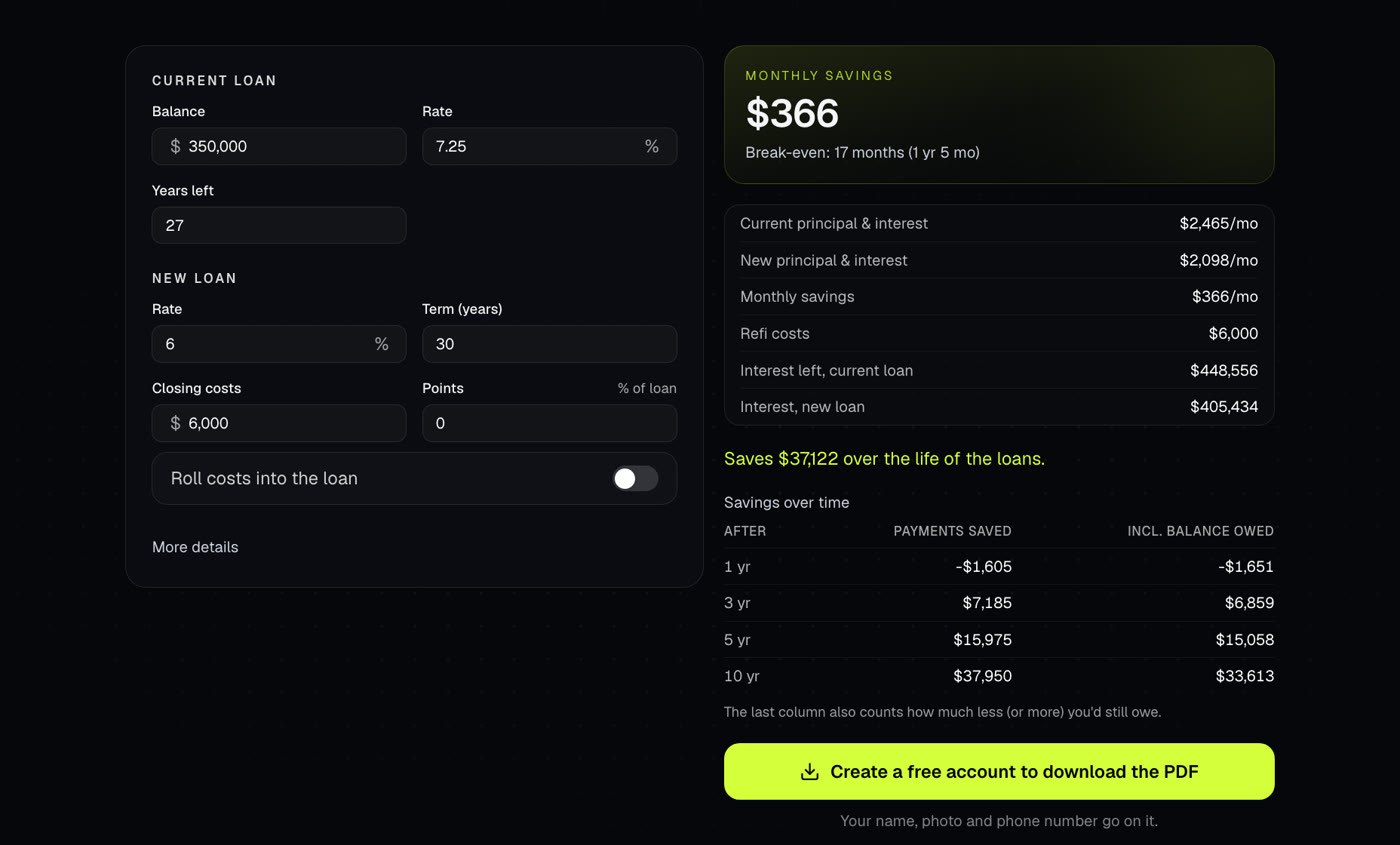
Compares a current mortgage to a refinance: the new payment, monthly savings, when the costs pay off and the total over both loans.
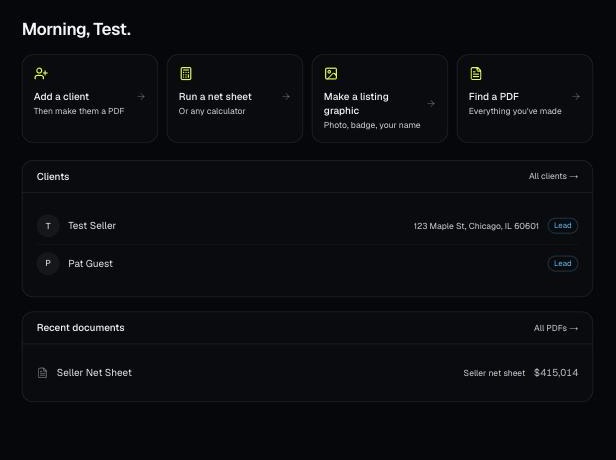
Every PDF you download is saved, so you can preview it, download it again with your current brand, or reopen it with the same numbers.