School District Lookup
Find the school district that serves a client's property, with public facts and their sources. No ratings.
Open the School District LookupStep by step
- 1
Pick the property
Pick the client and property in the Client & property menu.
- 2
Look up the district
Click Look up the district. It runs in the background, so you can leave or close the page. It saves to Results.
- 3
Read the facts
You see students, schools, students per teacher, spending per student and graduation rate, plus the schools that likely serve the address.
- 4
Share it
Click Download branded PDF. It includes the sources and a fair housing note.
Share sources, not opinions
Let buyers decide what matters to them. Don't steer buyers toward or away from areas based on schools.
Verify it
This is AI research from public sources. Attendance boundaries change, so confirm the assigned schools with the district.
Questions
Which plan is it in?
Plus. Premier and Partner include it too. Partner includes everything on the site, and it's free when you join eXp with Techy Broker as your sponsor. See pricing.
Why are there no ratings?
Ratings invite steering. The tool shows public facts and their sources so the buyer can decide.
What if a number says Not found?
It couldn't confirm that figure. Use the district website or the official sources on the page.
Related
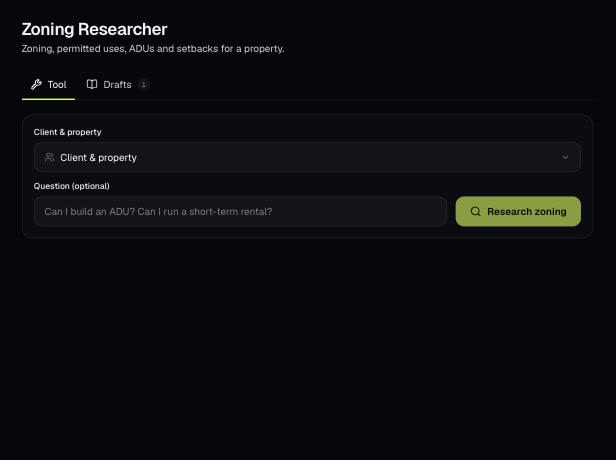
AI researches the zoning for a client's property: the district, ADU rules, setbacks, permitted uses and overlays, with links to verify. Ask your own question too.
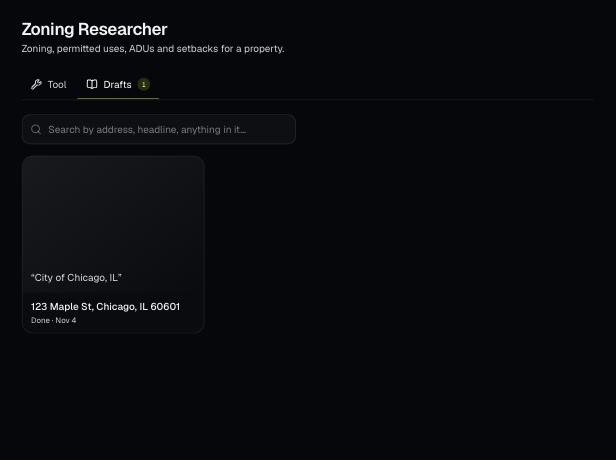
Tools save your work as you go, and AI tools keep running after you leave the page. Find both on the tool's Results tab and in the jobs indicator in the top bar.
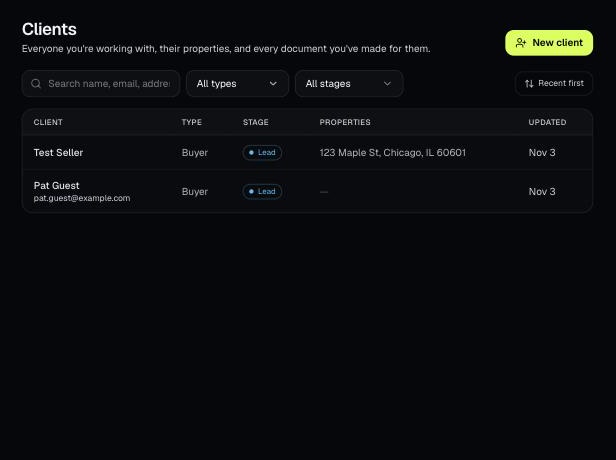
Tools that act on a property use one menu to pick a client and then one of their properties. There's no address box to type into; you pick, or add, from the menu.