Lien Checker
Searches public records for liens recorded against a property and whether its taxes are current. A first look before the title work, not a title search.
Open the Lien CheckerStep by step
- 1
Pick the property
Choose the client and property in the Client & property menu.
- 2
Add the owner
Optional. The owner of record helps find judgments and tax liens filed against the person, not just the parcel.
- 3
Click Check for liens
It runs on the server in the background. You can leave or close the page, and the result saves to Results.
- 4
Read the results
See what's recorded, what looks open or released, the tax status, next steps and questions for the seller.
- 5
Download the PDF
Click Download PDF for a branded report. It saves to the Results tab.
What you get
Each lien links to where it was found when there's a source.
- Liens found: mortgages, HELOCs, mechanic's, tax, federal tax, HOA and judgment liens, lis pendens, code and utility liens
- Holder, amount, recording date, document number and status for each
- Whether property taxes look current or delinquent
- Next steps, like payoff letters and releases
- Questions for the seller
- Links to the county recorder and treasurer
Not a title search
Many recorders don't publish documents online, and some liens only show up in a title search. Order the title commitment early and rely on it, not this.
Questions
Is this a title search?
No. It's AI research of public records online. Only a title company's search and commitment is reliable for closing.
Why does a mortgage show as open when it was paid off?
Its release may not be recorded, or wasn't found online. Ask the seller for the release, or have the title company clear it.
Why add the owner's name?
Judgments and federal tax liens are filed against people. The name helps find them.
Related
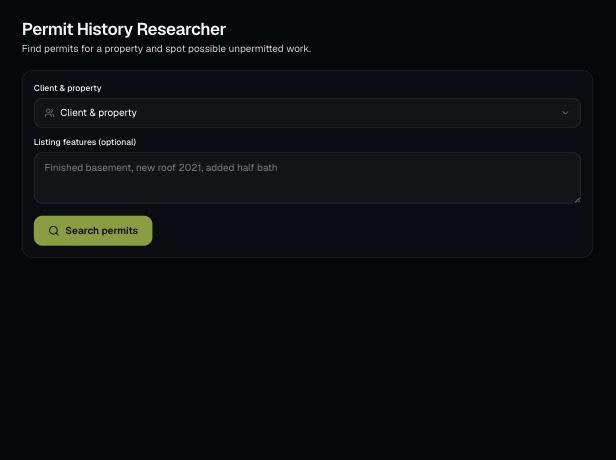
Looks up permit history for a property from public records online, and flags listing features with no matching permit. A starting point to verify with the building department.
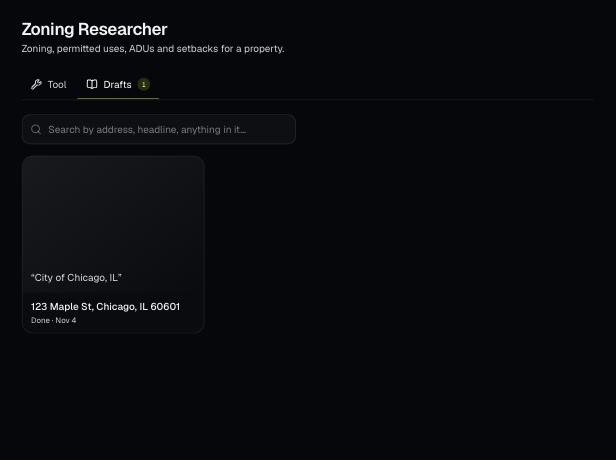
Tools save your work as you go, and AI tools keep running after you leave the page. Find both on the tool's Results tab and in the jobs indicator in the top bar.
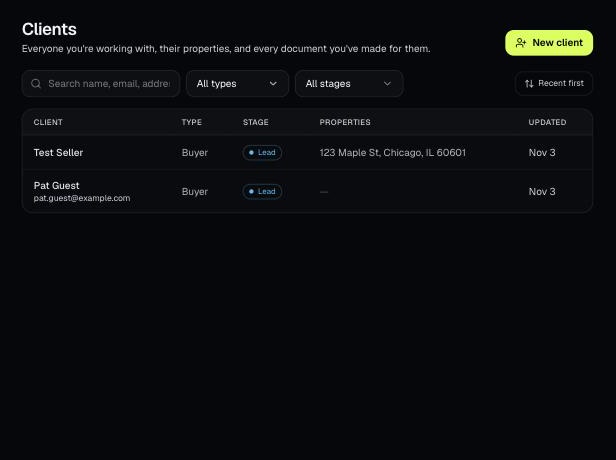
Tools that act on a property use one menu to pick a client and then one of their properties. There's no address box to type into; you pick, or add, from the menu.