Commission Split
Shows what you keep over a year at your brokerage after the split, cap, per-deal fees and monthly fees. For agents only.
Open the Commission Split calculatorStep by step
- 1
Enter your year
Slide deals per year, then type the average price and your side's commission percent.
- 2
Enter your brokerage
Slide your split. Turn on the yearly cap if there is one. Enter the fee per deal, E&O per deal, desk or tech fee per month, and yearly dues.
- 3
Add franchise fees
Under More details, enter a royalty percent with its yearly cap, and any fee per deal after you cap.
- 4
Download the PDF
Download the Commission Split PDF. It saves to the Results tab, and opening it there puts the same numbers back in the calculator.
Reading the results
The top number is what you keep this year, as a share of gross, per deal, and the deal where you cap. The breakdown shows gross, split to the brokerage, fees and what you keep.
Through the year shows key deals with what went to the broker and your running total. The first row's fees include a year of monthly fees and dues.
Assumptions
Every deal uses the same average price. Figures are before taxes and your own business costs.
What the PDF has
Your year, where the money goes, and a deal-by-deal table.
Agents only
This calculator never shows on your branded page and has no Share tab. The download has no client picker; the PDF is for you.
Questions
Can I compare with eXp?
Yes. The eXp Commission Split calculator runs eXp's plan next to your current terms.
Does it handle a cap?
Yes. Once the brokerage's share hits the cap, the split stops and only per-deal fees apply, plus any post-cap fee.
Related
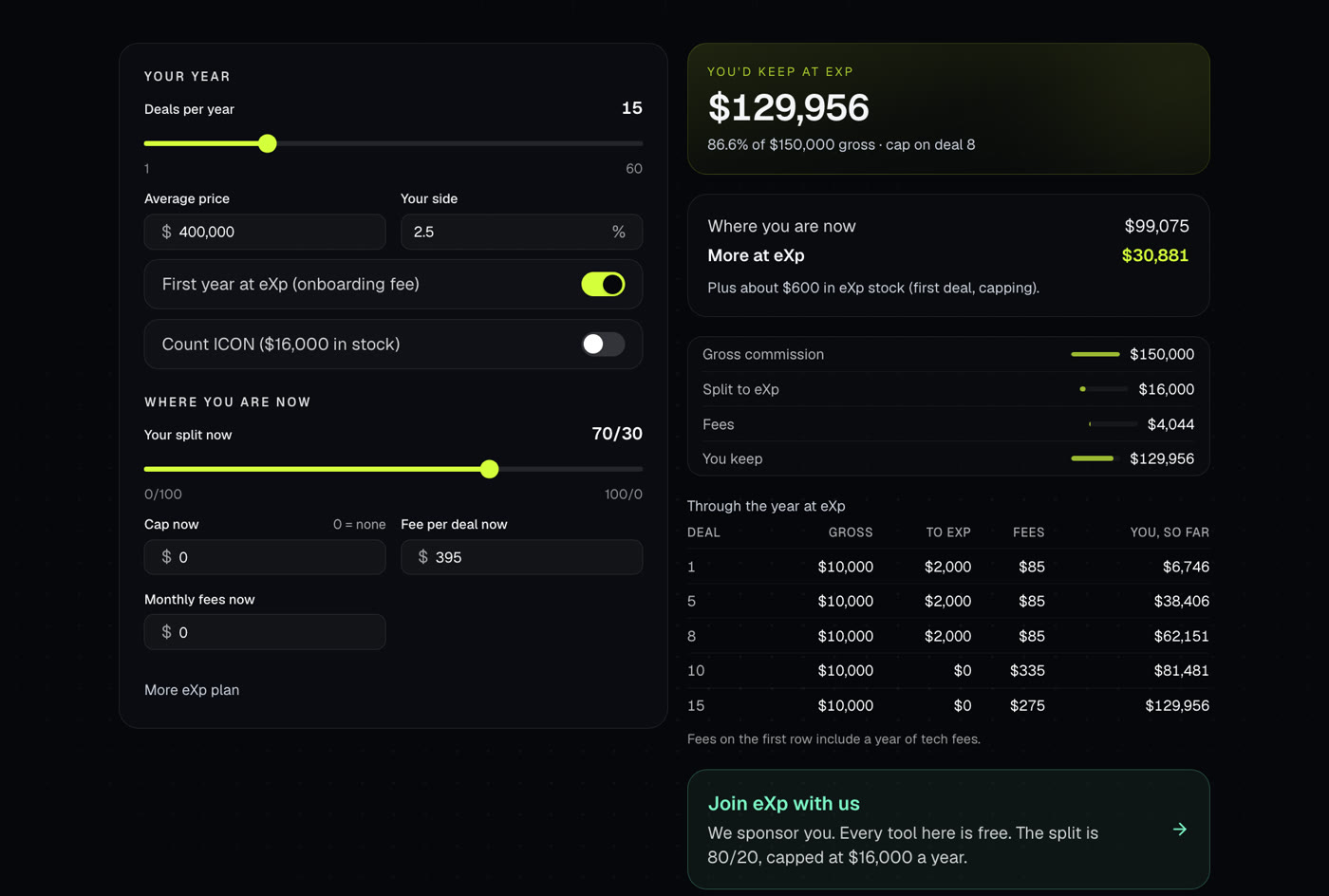
Runs eXp's split and cap on your own numbers and compares it with what you keep where you are now. For agents only.
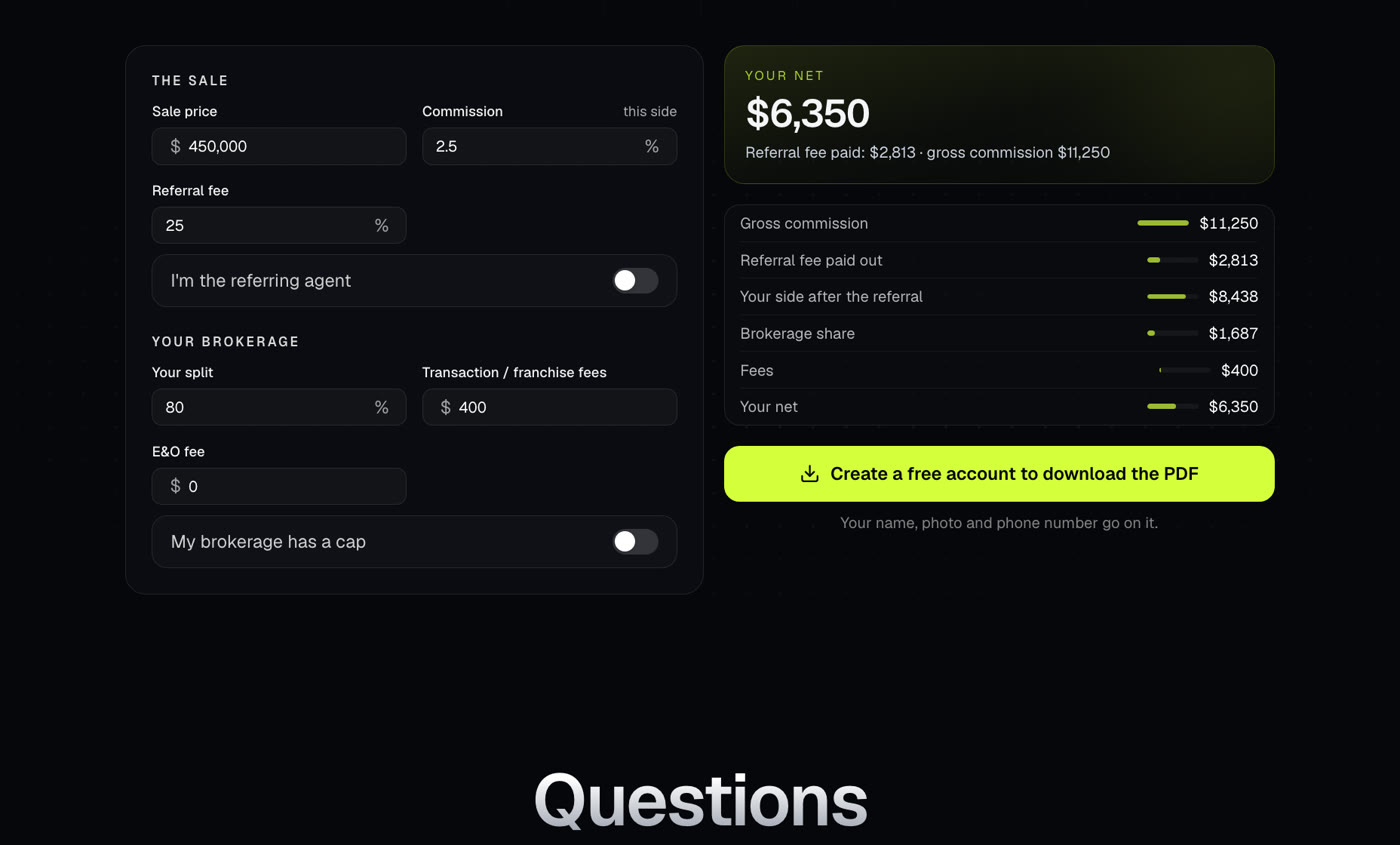
Works out the referral fee on a deal and what you net after your split, cap and fees. For agents only.
How eXp's 80/20 split, $16,000 cap and fees work, and how to see what you'd keep with the eXp Commission Split calculator.